172
Menu List
Appendix
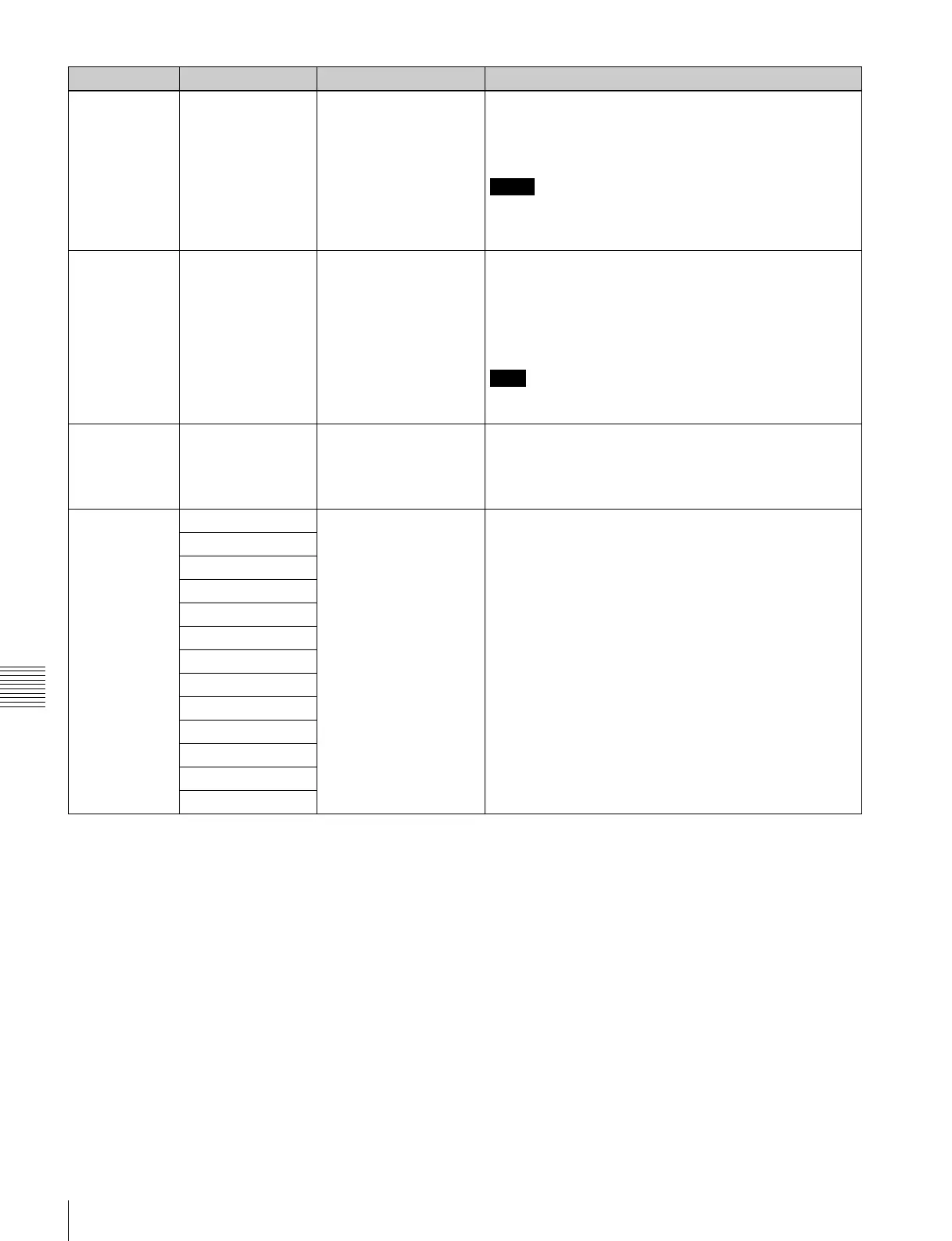
775 VIDEO OUTPUT
DATA
8bit
[10bit]
Sets the bit size of the output data from the HD-SD
converter.
8bit: When connected to an 8-bit system
10bit: When connected to a 10-bit system
Notes
• Make sure the bit length matches the destination device.
• This setting is only active when the HD-SD converter
output is set to D1.
776
DOWNCONVERTER
INPUT CHECK
ENABLE
[disable]
enable
Selects the HD-SD converter mode when the INPUT
CHECK button on the control panel is pressed.
disable: The INPUT CHECK button is not linked to HD-SD
converter output.
enable: The INPUT CHECK button is linked to HD-SD
converter output.
Note
The INPUT CHECK button works for all of the HD-SD
converter output connectors.
777
DOWNCONVERTER
ACTIVE LINE
486 line
[485 line]
484 line
Sets the number of active lines in the down converter
output (NTSC).
486 line: 486 lines (Line 283 is active.)
485 line: 485 lines (Line 283 is blank.)
484 line: 484 lines (Line 21 and line 283 are blank.)
778 BLANK LINE NTSC [blank]
through
For Digital Betacam (NTSC) playback, this selects whether
or not to apply blanking to the vertical blanking interval of
the SD video signal.
This selection can be made for each line separately, and
the Y/C signals and odd/even fields are blanked
simultaneously.
blank: Blank line.
through: Do not blank line.
all line (sub item): When this item is selected, the other
items all take the same values.
Sub items
all line
12, 275 line
13, 276 line
14, 277 line
15, 278 line
16, 279 line
17, 280 line
18, 281 line
19, 282 line
20, 283 line
21, 284 line
Item number Item Setting Function



 To Next Page