74
4-4 CUE Menu
Chapter 4 Menu Settings
To cancel saving the Tele-File data
Press the CLR button while the confirmation message
appears.
6
Press the [F9] (LOAD(ADD)) button while holding
down the SFT button.
The contents of the Tele-File label is replaced with the
tfw file.
When the procedure is completed, “COMPLETED”
appears in the display.
Adding the csv data in the “Memory Stick”
to the Tele-File label
1
After pressing the CUE button, press the ALT button.
2
Press the [F1] (T-File MEMORY CARD) button.
The T-File CARD menu appears.
3
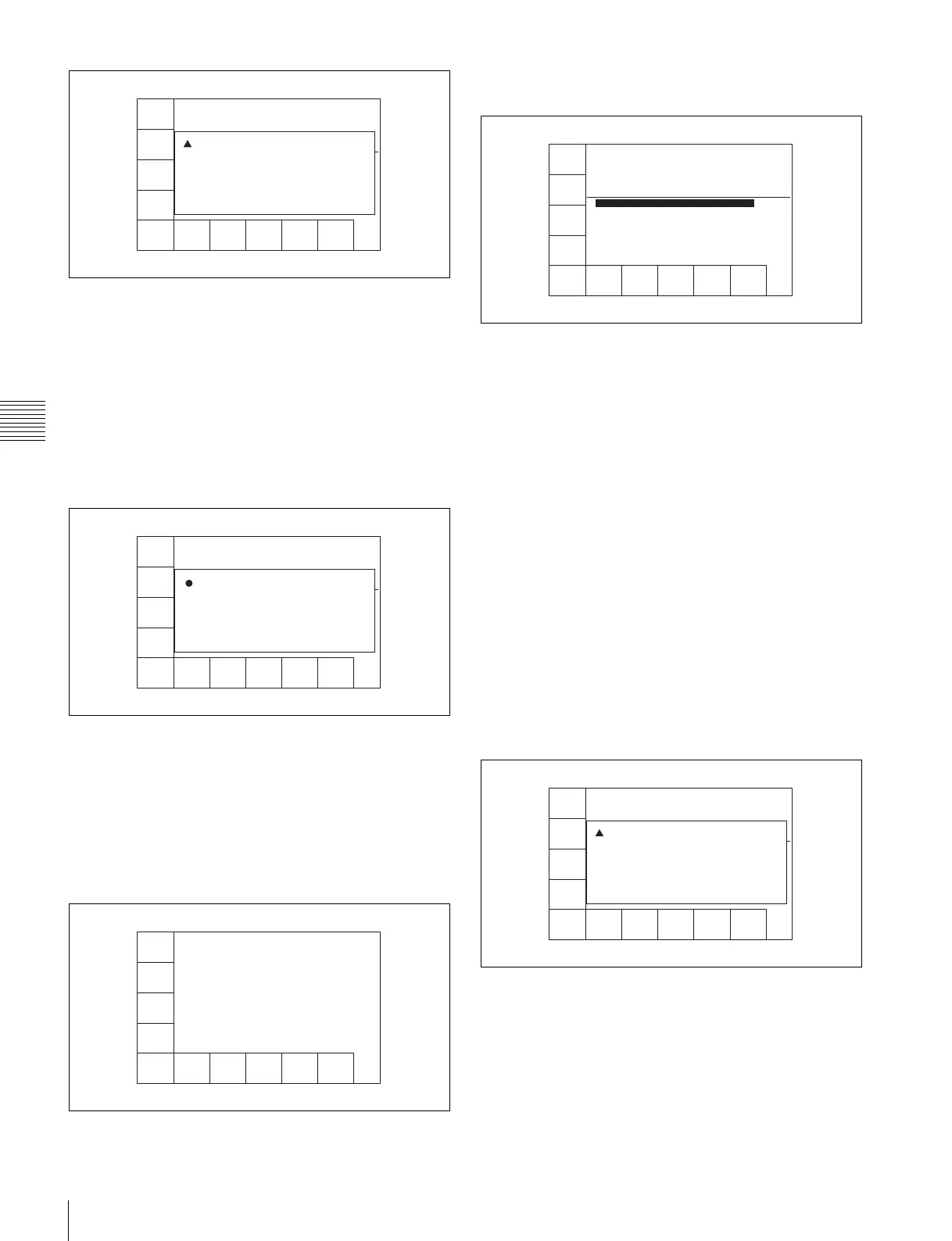
Press the [F4] (ADD(CSV)) button.
The csv files stored in the “Memory Stick” are
displayed in a list.
To display the data and label ID of the csv files
Press the cursor t button.
To display names of the csv files
Press the cursor T button.
To sort the list
Press one of the following buttons.
[F5] (NAME) button: The list is sorted by the file
name.
[F6] (DATE) button: The list is sorted by the date.
[F7] (LABEL ID) button: The list is sorted by the
label ID.
4
Press the cursor R or r button (or rotate the MULTI
CONTROL knob) to select the data to be added to the
Tele-File label.
5
Press the [F9] (LOAD(ADD)) button.
A message asking you to confirm the operation
appears in the display.
To cancel adding the csv file to the Tele-File label
Press the CLR button while the confirmation message
appears.
6
Press the [F9] (LOAD(ADD)) button while holding
down the SFT button.
The VTR starts to add csv file to the Tele-File label.
SAVE
(TFW)
LOAD
(TFW)
SAVE
(CSV)
ADD
(CSV)
NAME
EXIT
DATE
LABEL
ID
LOAD/
ADD
Load TFW File to Tele-File
DIR: /MSSONY/PRO/TELEFILE/DATA
File Name: C214001662_090817200332.tfw
Date: 2009/08/12 17:29:20 ID: 6E20001952
No File Name Total: 60
1 6E20001959_090812182919.tfw
2 6E20001959_090812184513.tfw
3 BA14000034_090818141513.tfw
4 C214001662_090817200332.tfw
5 C214001662_090817200609.tfw
6 C214001662_090818095459.tfw
! CONFIRMATION OF LOADING:
PRESS [SFT]+[F9] to LOAD.
PRESS [CLR] to CANCEL.
SAVE
(TFW)
LOAD
(TFW)
SAVE
(CSV)
ADD
(CSV)
NAME
EXIT
DATE
LABEL
ID
LOAD/
ADD
Load TFW File to Tele-File
DIR: /MSSONY/PRO/TELEFILE/DATA
File Name: C214001662_090817200332.tfw
Date: 2009/08/12 17:29:20 ID: 6E20001952
No File Name Total: 60
1 6E20001959_090812182919.tfw
2 6E20001959_090812184513.tfw
3 BA14000034_090818141513.tfw
4 C214001662_090817200332.tfw
5 C214001662_090817200609.tfw
6 C214001662_090818095459.tfw
i COMPLETED
SAVE
(TFW)
LOAD
(TFW)
SAVE
(CSV)
ADD
(CSV)
NAME
EXIT
DATE
LABEL
ID
LOAD/
ADD
SAVE
(TFW)
LOAD
(TFW)
SAVE
(CSV)
ADD
(CSV)
NAME
EXIT
DATE
LABEL
ID
LOAD/
ADD
Add CSV File to Tele-File
DIR: /MSSONY/PRO/TELEFILE/DATA/CSV
File Name: C214001662_090821110537.csv
Date: 2009/08/21 10:05:38 ID: C214001662
No File Name Total: 21
1 C214001662_090821110537.csv
2 C215001662_090829105533.csv
3 C215001662_090827105939.csv
4 C215001662_091001113900.csv
5 C215001662_091001113908.csv
6 C215001662_091001113912.csv
SAVE
(TFW)
LOAD
(TFW)
SAVE
(CSV)
ADD
(CSV)
NAME
EXIT
DATE
LABEL
ID
LOAD/
ADD
Add CSV File to Tele-File
DIR: /MSSONY/PRO/TELEFILE/DATA/CSV
File Name: C214001662_090821110537.csv
Date: 2009/08/21 10:05:38 ID: C214001662
No File Name Total: 21
1 C214001662_090821110537.csv
2 C215001662_090829105533.csv
3 C215001662_090827105939.csv
4 C215001662_091001113900.csv
5 C215001662_091001113908.csv
6 C215001662_091001113912.csv
! CONFIRMATION OF ADDING:
PRESS [SFT]+[F9] to ADD.
PRESS [CLR] to CANCEL.



 To Next Page