13
US
* You can watch the selected input image when you
connect the MONITOR OUT or HDMI OUT jack
to a TV (page 21). You can operate this receiver
using a GUI (Graphical User Interface) if you
connect HDMI OUT jack or COMPONENT
VIDEO MONITOR OUT jacks to a TV (page 37).
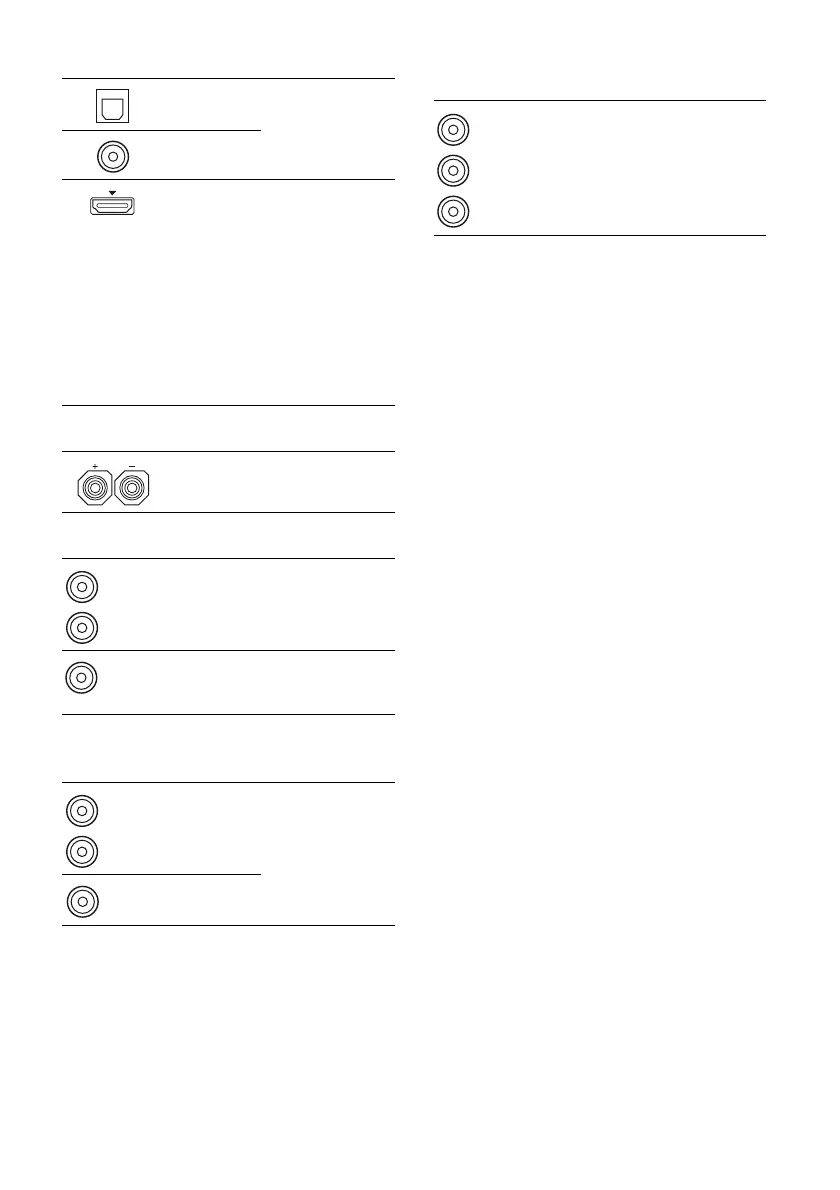
D DIGITAL INPUT/OUTPUT section
OPTICAL
IN jacks
Connects to a BD
player, etc. (page
21, 26, 29, 30, 31).
COAXIAL
IN jack
HDMI IN/
OUT* jacks
Connects to a DVD
player, satellite
tuner, or a Blu-ray
disc player. The
image is output to a
TV or a projector
while the sound can
be output from a TV
or/and speakers
connected to this
receiver (page 21,
26).
E SPEAKERS section
Connects to
speakers (page 19).
F AUDIO INPUT/OUTPUT section
AUDIO IN/
OUT jacks
Connects to a Super
Audio CD player,
etc. (page 21, 23,
26).
AUDIO OUT
jack
Connects to
subwoofer (page
19).
G VIDEO/AUDIO INPUT/OUTPUT
section
AUDIO IN/
OUT jacks
Connects to a VCR,
Blu-ray disc player,
etc. (page 30, 31,
32).
VIDEO IN/
OUT* jacks
White (L)
Red (R)
Black
White (L)
Red (R)
Yellow
H COMPONENT VIDEO INPUT/
OUTPUT section
Y, PB/CB,
P
R/CR IN/
OUT* jacks
Connects to a BD
player, TV, satellite
tuner, etc. (page 21,
29, 30, 31).
Green
(Y)
Blue
(P
B/CB)
Red
(P
R/CR)



 To Next Page