57
US
Tuner Operations
Preparing to listen to the
SIRIUS Satellite Radio
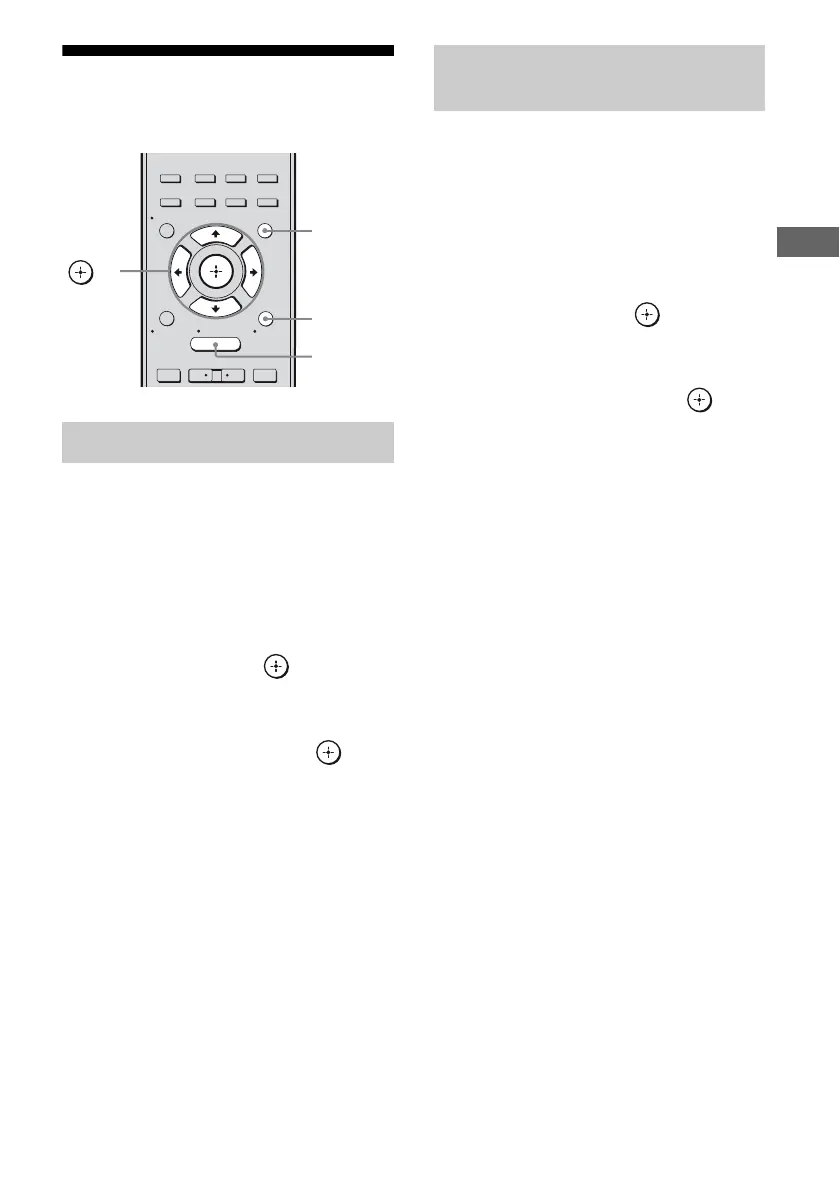
1
Press GUI MODE.
After “MENU ON” appears on the
display for a while, “GUI” appears and
the GUI menu appears on the TV screen.
Press MENU if the GUI menu does not
appear on the TV screen.
2 Press V/v repeatedly to select
“SR”, then press or b.
3 Press TOOLS/OPTIONS, then
press V/v repeatedly to select
“Sirius ID”, then press or b.
4 Check the SIRIUS ID on the TV
screen and write it in the space
provided here.
ID:_____________________________
You can also check the SIRIUS ID using
the display on the receiver.
1 Press GUI MODE.
After “MENU ON” appears on the
display for a while, “GUI” appears and
the GUI menu appears on the TV screen.
Press MENU if the GUI menu does not
appear on the TV screen.
2 Press V/v repeatedly to select
“SR”, then press or b.
3 Press TOOLS/OPTIONS, then
press V/v repeatedly to select
“Antenna”, then press or b.
4 While checking the quality of
the reception, adjust the
direction of the antenna to
obtain the best reception.
To exit the menu
Press MENU.
Checking the SIRIUS Radio ID
2CH/
A.DIRECT
A.F.D. MOVIE MUSIC
RESOLUTION
.
>
<
<
MENU
RETURN/
EXIT
TOOLS/
OPTIONS
HOME
DISPLAY
GUI MODE
O
INPUT
MODE
SLEEP
NIGHT
MODE
– CATEGORY +
V/v/B/b,
GUI MODE
MENU
TOOLS/
OPTIONS
Checking receiving conditions
(Antenna Aiming)



 To Next Page