64
US
Playing back with multi-channel surround
The Auto Format Direct (A.F.D.) mode allows you to listen to higher fidelity sound and select the
decoding mode for listening to a 2 channel stereo sound as multi channel sound.
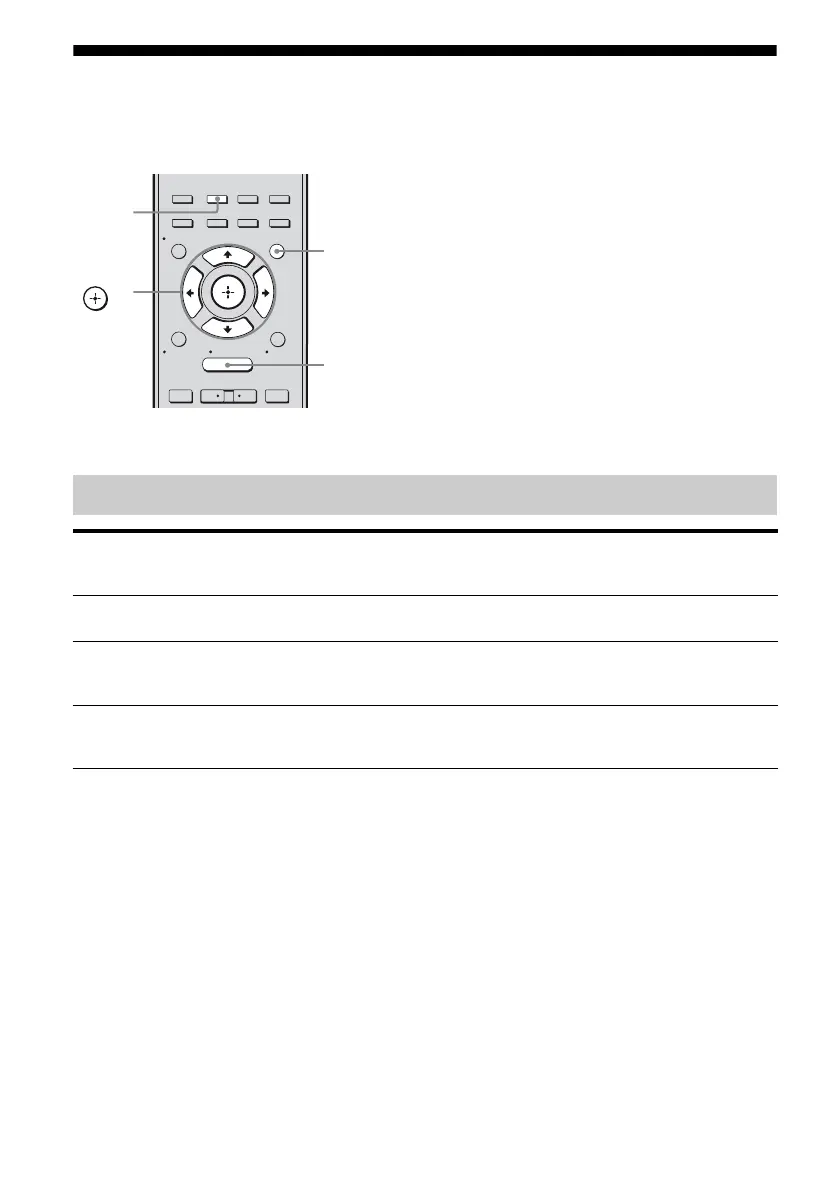
Press A.F.D. repeatedly to select the A.F.D. mode you want.
Types of A.F.D. mode
2CH/
A.DIRECT
A.F.D. MOVIE MUSIC
RESOLUTION
.
>
<
<
MENU
RETURN/
EXIT
TOOLS/
OPTIONS
HOME
DISPLAY
GUI MODE
O
INPUT
MODE
SLEEP
NIGHT
MODE
– CATEGORY +
V/v/B/b,
GUI MODE
MENU
A.F.D.
A.F.D. mode
[appears on TV screen]
Multi channel
audio after
decoding
Effect
A.F.D. AUTO
[A.F.D. Auto]
(Detecting
automatically)
Presets the sound as it was recorded/encoded without adding
any surround effects.
ENHANCED
SURROUND MODE
[Enhanced Sur]
– You can select the surround sound effect you want. For
details, see “Setting a multi channel surround sound effect”
(page 65).
MULTI STEREO
[Multi Stereo]
(Multi Stereo) Outputs 2 channel left/right signals from all speakers.
However, sound may not be output from certain speakers
depending on the speaker settings.



 To Next Page