60
GB
D:\NORM'S JOB\SONY HA\SO0071\STR-DN2010\GB\GB04GET_STR-DN2010-CEL.fm masterpage: Left
STR-DN2010
4-182-049-11(1)
Recording using the
receiver
You can record from a video/audio component
using the receiver. Refer to the operating
instructions supplied with your recording
component.
You can record onto a CD-R using the
receiver. Refer to the operating instructions
supplied with your CD recorder.
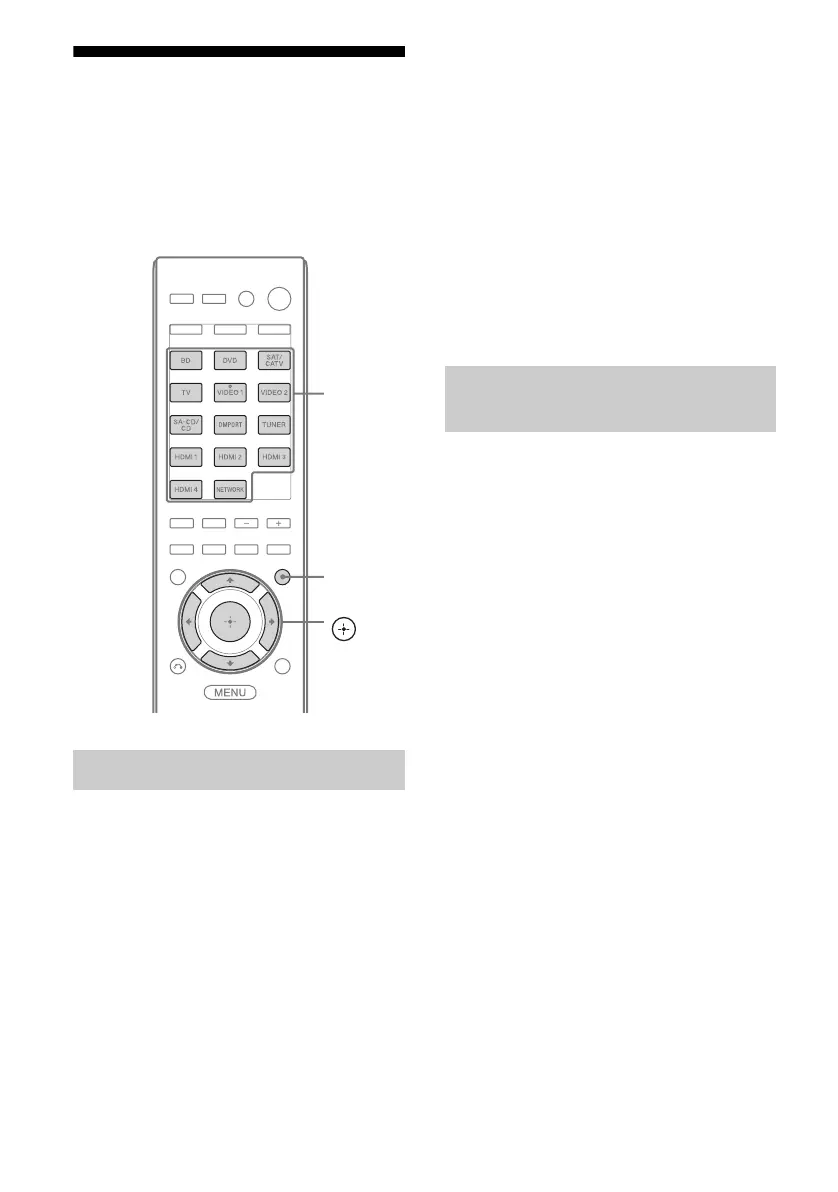
1 Press one of the input buttons
to select the playback
component.
You can also use INPUT SELECTOR +/–
on the receiver.
2 Prepare the playback
component for playing.
For example, tune to the radio station you
want to record (page 61).
3 Prepare the recording
component.
Insert a blank CD-R into the CD recorder
and adjust the recording level.
4 Start recording on the
recording component, then
start playback on the playback
component.
Note
Sound adjustments do not affect the signal output
from the SA-CD/CD/CD-R AUDIO OUT jacks.
1 Press one of the input buttons
to select the playback
component.
You can also use INPUT SELECTOR +/–
on the receiver.
2 Prepare the playback
component for playing.
For example, insert the video tape you
want to copy into the VCR.
3 Prepare the recording
component.
Insert a blank video tape, etc. into the
recording component (connected to
VIDEO 1 OUT jacks) for recording.
4 Start recording on the
recording component, then
start playback on the playback
component.
Recording onto a CD-R
V/v/B/b,
GUI MODE
Input
buttons
Recording with a video
component



 To Next Page