About This Manual TABLE OF CONTENTS
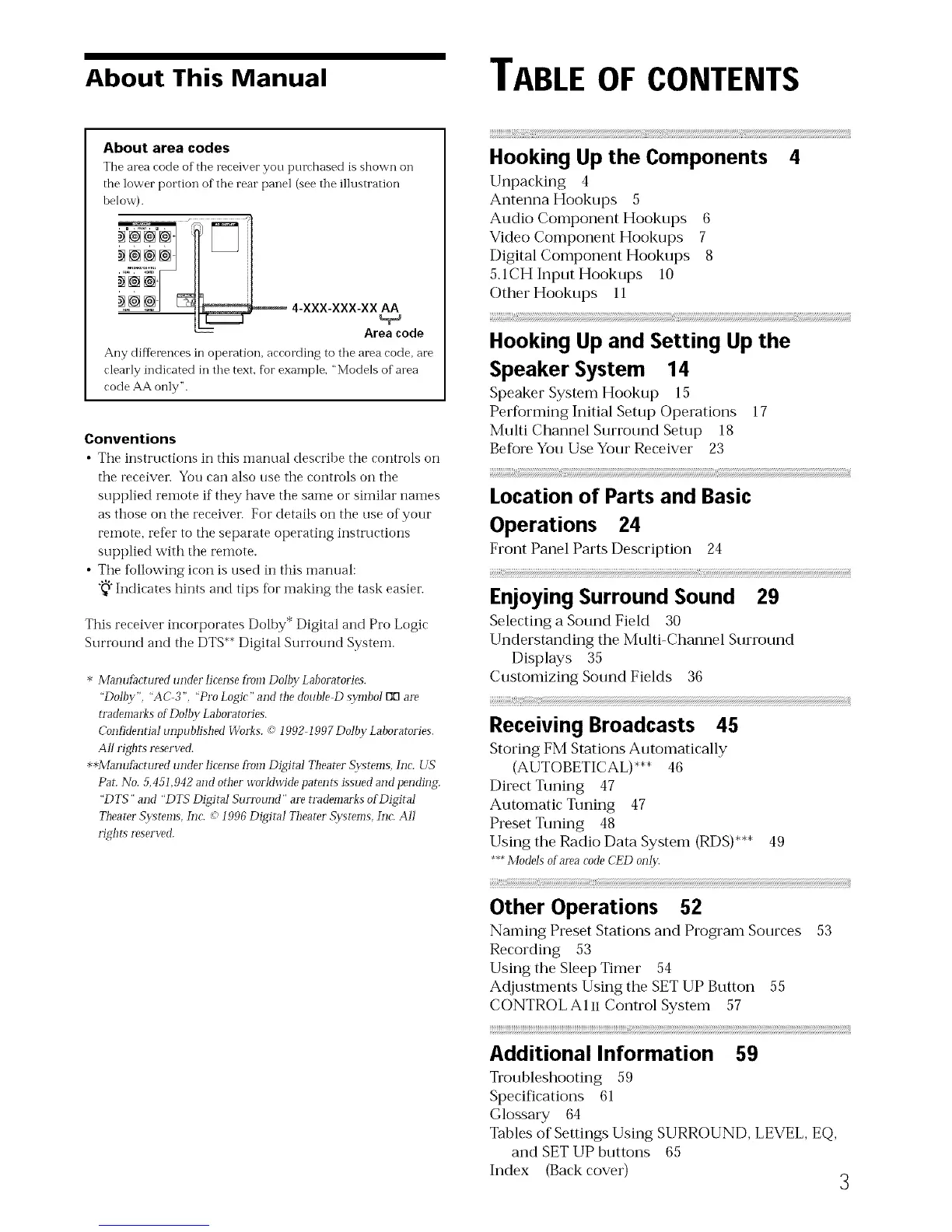
About area codes
The area rode of the rereiver you purrhased is shown on
the lower portion of the rear panel (see tile illustration
below).
_ 4-XXX-XXX-XX AA
-_- Area code
Any differences in operation, arrording to tile area rode, are
clearly indicated in tile text, fbr example, "Models of area
code AA only".
Conventions
• The instructions in this manual describe the controls on
the receiver. You can also use the controls on the
supplied remote if they have the same or similar names
as those on the receiver. For details on the use of your
remote, ref>r to the separate operating instructions
supplied with the remote.
• The tbllowing icon is used in this manual:
"_"Indicates hints and tips for making the task
easier.
This receiver incorporates Dolhy* Digital and Pro Logic
Surround and the DTS**Digital Surrotmd System.
* ManufacturedunderJicenseh'omDollzvLaboratories.
"Dolby" "AC 3" "Pro Logic"and fl_edoubleD s_m]bolEll:]are
rrademarksofDoJbyLaboratories.
Confidenria!unpublishedWbrks.co"!002 !997DoJbvLaboratories.
AJIrights reserved.
**Manufi_cturedunder licensefi'om Digital TheaterSv:stems h]c. US
Pag No. 5,451,942 and other u'oIMu'idepatents issued and pending
"DTS" and "DTS Digitai Sun'ound" are trademarks of Digital
TheaterSv:stems,Inc. co!996 Digital TheaterSwtems, Inc. A11
rights reserved.
Hooking Up the Components 4
Unpacking 4
Antenna Hookups 5
Audio Component Hookups 6
Video Component Hookups 7
Digital Component Hookups 8
5,1CH Input Hookups 10
Other Hookups 11
HookingUpand Setting Up the
Speaker System 14
Speaker System Hookup 15
Performing Initial Setup Operations 17
Multi Channel Surround Setup 18
Before You Use Your Receiver 23
i!!!!!!!!!!!!!!!!!!_!!!!!!!!!!!!!!!!!!!!!!!!!!!!!!!!::iii__ _(!................................................................................................{ii
Location of Parts and Basic
Operations 24
Front Panel Parts Description 24
Enjoying Surround Sound 29
Selecting a Sound Field 30
Understanding the Multi-Channel Surround
Displays 35
Customizing Sound Fields 36
Receiving Broadcasts 45
Storing FM Stations Automatically
(AUTOBETICAL)*** 46
Direct Tuning 47
Automatic Tuning 47
Preset Tuning 48
Using the Radio Data System (RDS)*** 49
***Models ot areacodeCED olll)t
Other Operations 52
Naming Preset Stations and Program Sources 53
Recording 53
Using the Sleep Timer 54
Adjustments Using the SET UP Button 55
CONTROLAln Control System 57
__[!
Additional Information 59
Troubleshooting 59
Specifications 61
Glossary 64
Tables of Settings Using SURROUND, LEVEL, EQ,
and SET UP buttons 65
Index (Back cover)
3



 To Next Page