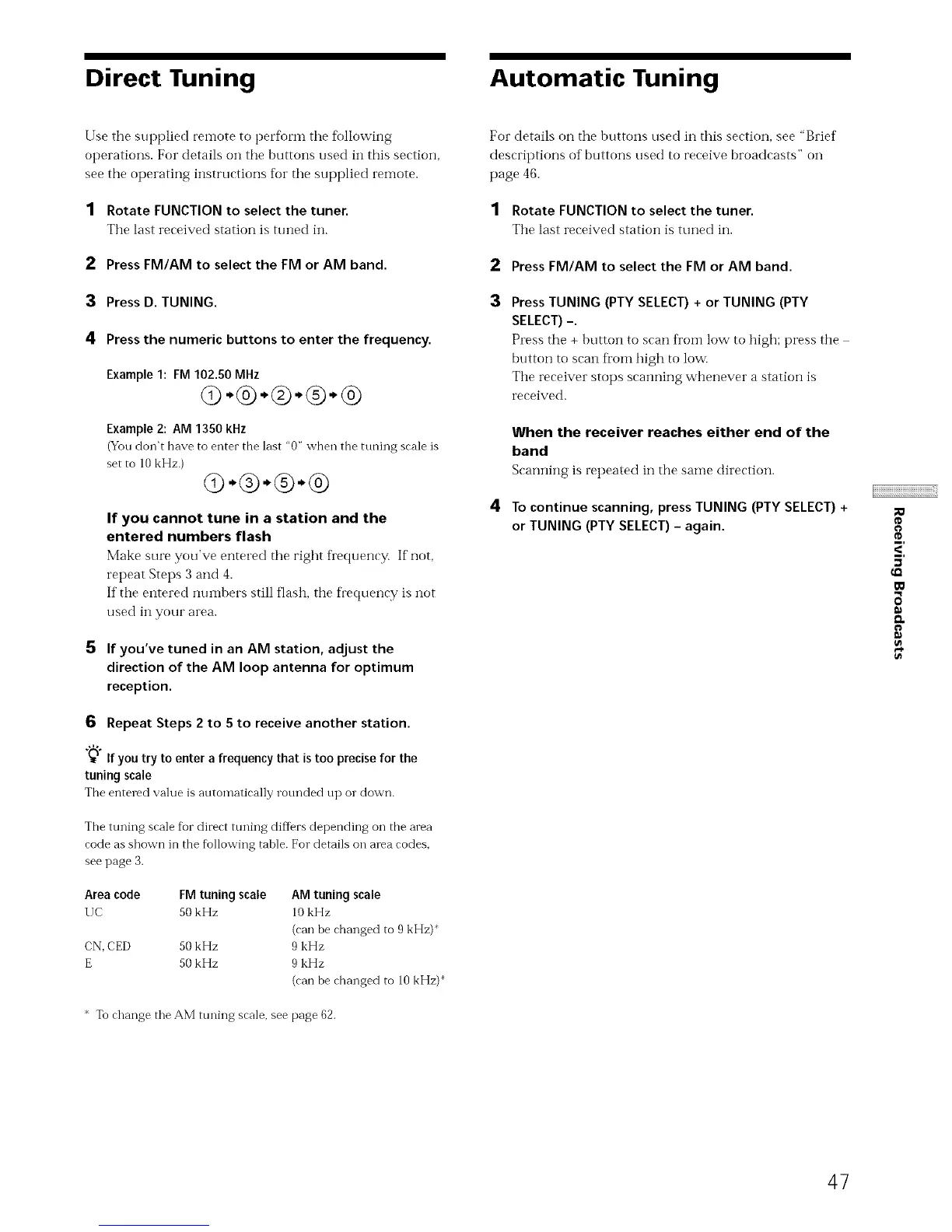
Direct Tuning Automatic Tuning
Use the supplied remote to perform the following
operations. For details on tile buttons used in this section,
see the operating instructions for the supplied remote.
1 Rotate FUNCTION to select the tuner.
The last received station is tuned in.
2 Press FM/AM to select the FM or AM band.
3 Press D. TUNING.
4 Press the numeric buttons to enter the frequency.
Example 1: FM 102.50 MHz
(9-®-®-®-®
Example 2: AM 1350 kHz
(You don't have to enter the last "0" when the tuning scale is
set to 10 kHz.)
Q-®-®-®
If you cannot tune in a station and the
entered numbers flash
Make sure you've entered tire right frequency. If'not,
repeat Steps 3 and 4.
If tire entered nuinl_ers still flash, tire fl'equency is not
used in your area.
5 If you've tuned in an AM station, adjust the
direction of the AM loop antenna for optimum
reception.
6 Repeat Steps 2 to 5 to receive another station.
"_" If you try to enter a frequency that is too precise for the
tuning scale
The entered value is atltomatically rotmded tip or down.
The tuning scale for direct tuning differs depending on the area
code as shown in the following table. For details on area codes,
see page 3.
Area code FM tuning scale AM tuning scale
UC 50 kHz 10 kHz
(can be changed to 9 kHz)*
CN, CED 50 kHz 9 kHz
E 50 kHz 9 kHz
(can be changed to 10 kHz)
* To change the AM tuning scale, see page 62.
For details on the buttons used in this section, see "Brief
descriptions of buttons used to receive broadcasts" on
page 46.
1 Rotate FUNCTION to select the tuner.
Tire last received station is ttmed in.
Press FM/AM to select the FM or AM band.
Press TUNING (PTY SELECT) + or TUNING (PTY
SELECT)-.
Press the + button to scan fi'oi-n low to high; press tire
button to scan fi'om high to low.
Tire receiver stops scanning whenever a station is
received.
When the receiver reaches either end of the
band
Scarming is repeated in the same direction.
To continue scanning, press TUNING (PTY SELECT) +
or TUNING (PTY SELECT) - again.
_<,
_0
47



 To Next Page