An error message appears. [202]
Cannot connect to the network. [203]
“BRAVIA” Sync (Control for HDMI)
The Control for HDMI function does not work. [204]
TV sound cannot be heard from the speakers connected to the receiver. [205]
Remote control
The remote control does not function. [206]
If the problem is not solved
Reverting to the factory default settings [207]
Resetting sound fields to the default settings [208]
Customer support websites [209]
Other Information
Trademarks
Trademarks [210]
Software License Information
Software License Information [211]
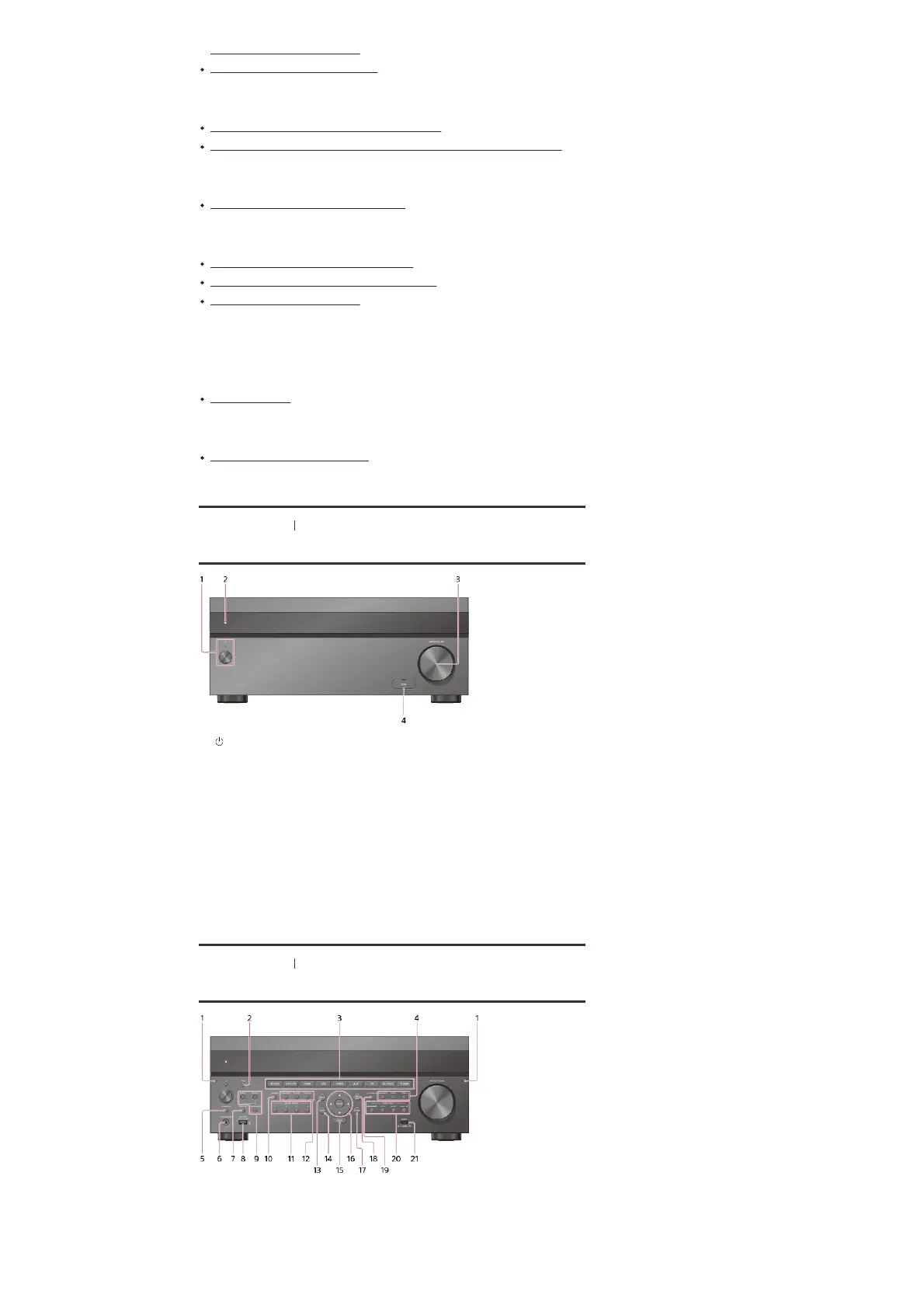
[1] Parts and Controls Receiver
Front panel (with the front cover attached)
[2] Parts and Controls Receiver
Front panel (without the front cover attached)
(power)
Turns the receiver on or sets it to standby mode. The indicator lights up according to the
status of the receiver. Also, the color of the indicator changes depending on the status of
the receiver.
1.
Remote sensor
Receives signals from remote control.
2.
MASTER VOLUME
Turns to adjust the volume level.
3.
HDMI jack cover
Open the cover when you use HDMI IN 6 (GAME) jack.
4.
Fixing point of the front cover
Attaches the front cover using this fixing point.
1.
PING
Displays the IP address and MAC address on the display panel.
2.



 To Next Page