59
Function Setting Menu
Chapter 3 Menu
Function Setting Menu
Overview
This menu is used to set the function related to the picture display.
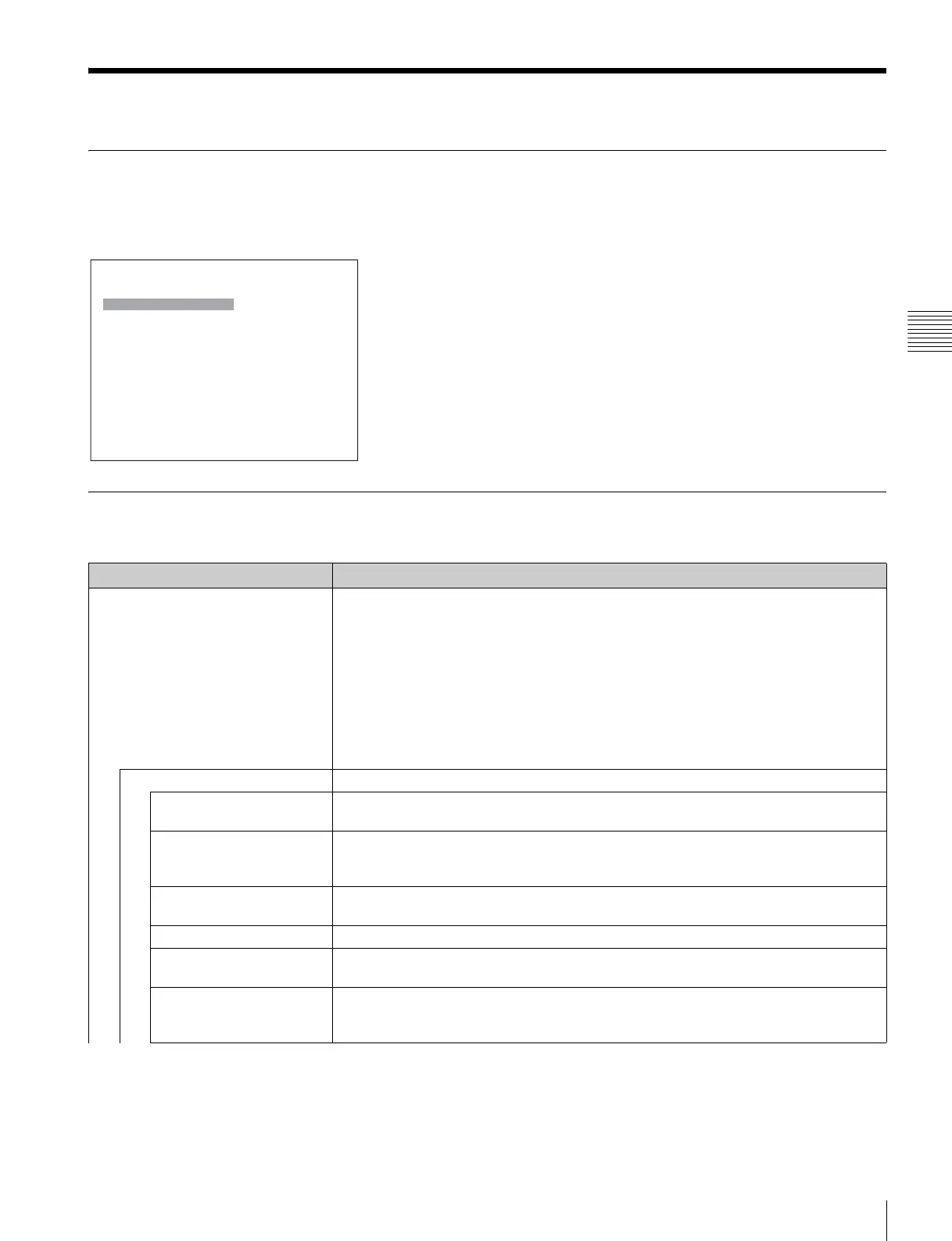
When Function Setting is selected, the following menu is displayed.
Menu Function and Operation
Menu Function and operation ([ ]: factory setting)
Marker Setting Sets whether or not to display the marker when the MARKER button is pressed, and the
display mode.
When the item is selected, the marker preset data to be set is displayed.
To change the marker preset data to be adjusted, you can select from Marker1, Marker2,
Marker3, Marker4 and Marker5 in the Marker Preset menu (page 54) of the Channel
Configuration menu.
To hide the characters on the monitor during setting
Set the CHAR OFF button of the controller to on. As the characters on the display are
hidden, it becomes easy to adjust the picture. To display the characters, set the CHAR OFF
button to off.
Aspect Marker Sets the aspect marker display.
Aspect Marker Sets whether or not to display the aspect marker when the MARKER button is pressed ([Off]
or On).
Aspect Mode Sets the aspect ratio of the aspect marker.
You can select from [16:9], 15:9, 14:9, 13:9, 4:3, 2.39:1, 2.35:1, 1.85:1, 1.66:1, 1.896:1 or
Variable.
Aspect Sets the aspect ratio of the aspect marker when Variable is selected in Aspect Mode.
Set to 1.00:1 to 3.00:1. [1.78]:1
Line Sets whether or not to display the line of the aspect marker (Off or [On]).
Thickness Sets the thickness of the aspect marker.
Set to 1 to 5 (dots). [2]
Color Sets the color of the aspect marker.
You can select from [White] (white), Red (red), Green (green), Blue (blue), Yellow (yellow),
Cyan (cyan) or Magenta (magenta).
iFunction Setting
Marker Setting B
P&P Setting B
Pixel Zoom Setting B
Gamut Error Display B
3D Setting B
Capture B
Internal Signal B
Function Switch B


 To Next Page