81
Controller Menu
Chapter 3 Menu
Controller Menu
Overview
This menu is for the network setting and assigning the function to the function button of the controller.
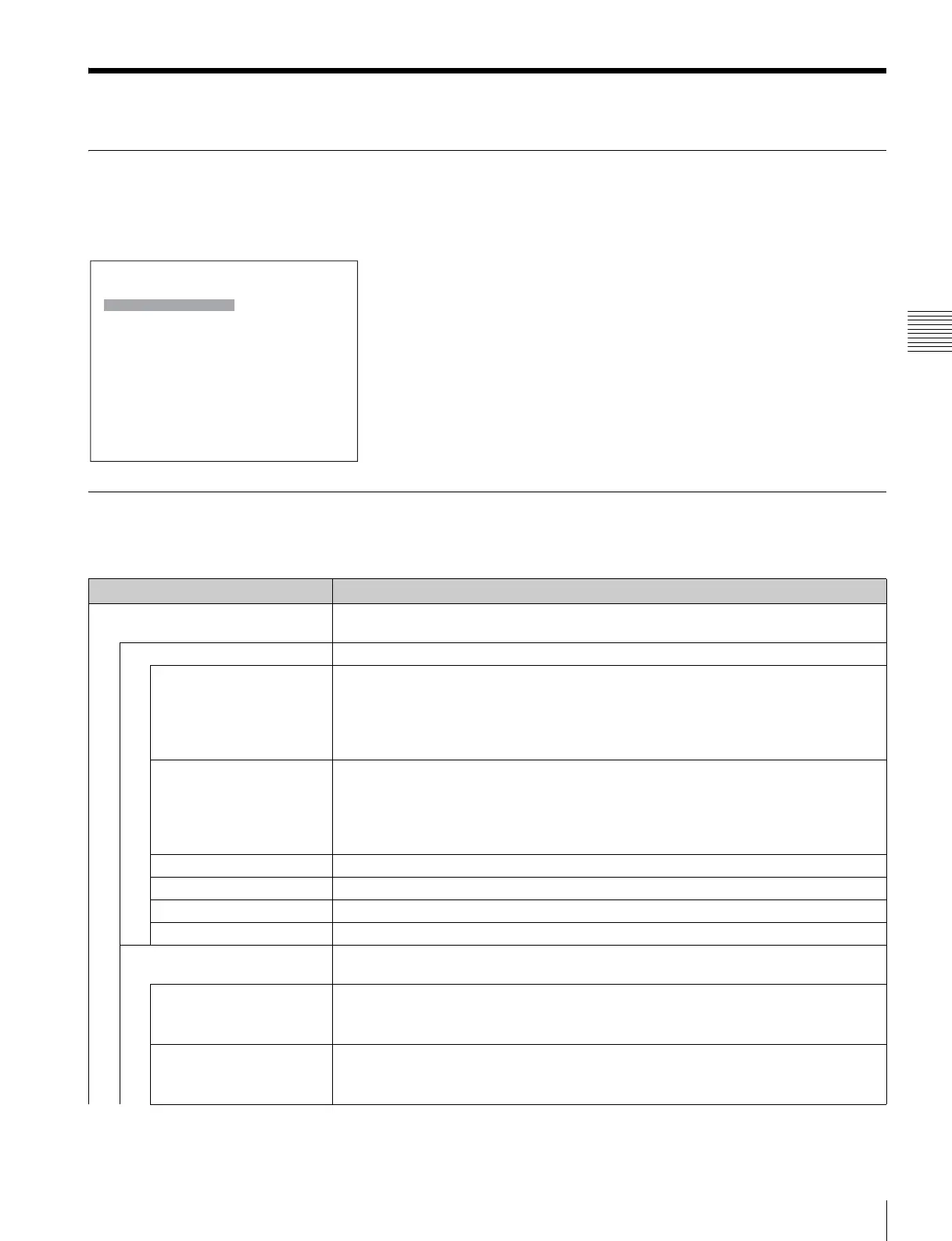
When Controller is selected, the following menu is displayed.
Menu Function and Operation
Menu Function and operation ([ ]: factory setting)
Network Sets the remote control function of the network.
For the setting value, consult the network administrator.
Network Setting Sets the IP address, subnet mask and default gateway.
IP Address Sets the IP address. [192.168.000.100]
Note
When the NETWORK switch is set to PEER TO PEER, the IP address is set to
“192.168.0.100” regardless of the display.
When the NETWORK switch is set to LAN, the IP address is set to the displayed one.
Subnet Mask Sets the subnet mask. [255.255.255.000]
Note
When the NETWORK switch is set to PEER TO PEER, the subnet mask is set to
“255:255:255:000” regardless of the display.
When the NETWORK switch is set to LAN, the subnet mask is set to the displayed one.
Default Gateway Sets whether or not to set the default gateway ([Off] or On).
Address Sets the address of the default gateway. [---.---.---.--- (no setting)]
Cancel Cancels the changed or confirmed setting.
Confirm Saves the changed or confirmed setting.
SNMP Setting Sets SNMP.
For the setting value, consult the network administrator.
Contact Sets the information of the administrator.
When the item is selected, you can enter a new name.
New Name: Enter a new name (up to 20 characters).
Name Sets the information for the administration (device ID).
When the item is selected, you can enter a new name.
New Name: Enter a new name (up to 20 characters).
iController
Network B
Function Key B
Monitor ID Display: xxx
Controller Upgrade B


 To Next Page