86
Key Protect Menu
Chapter 3 Menu
Key Protect Menu
Overview
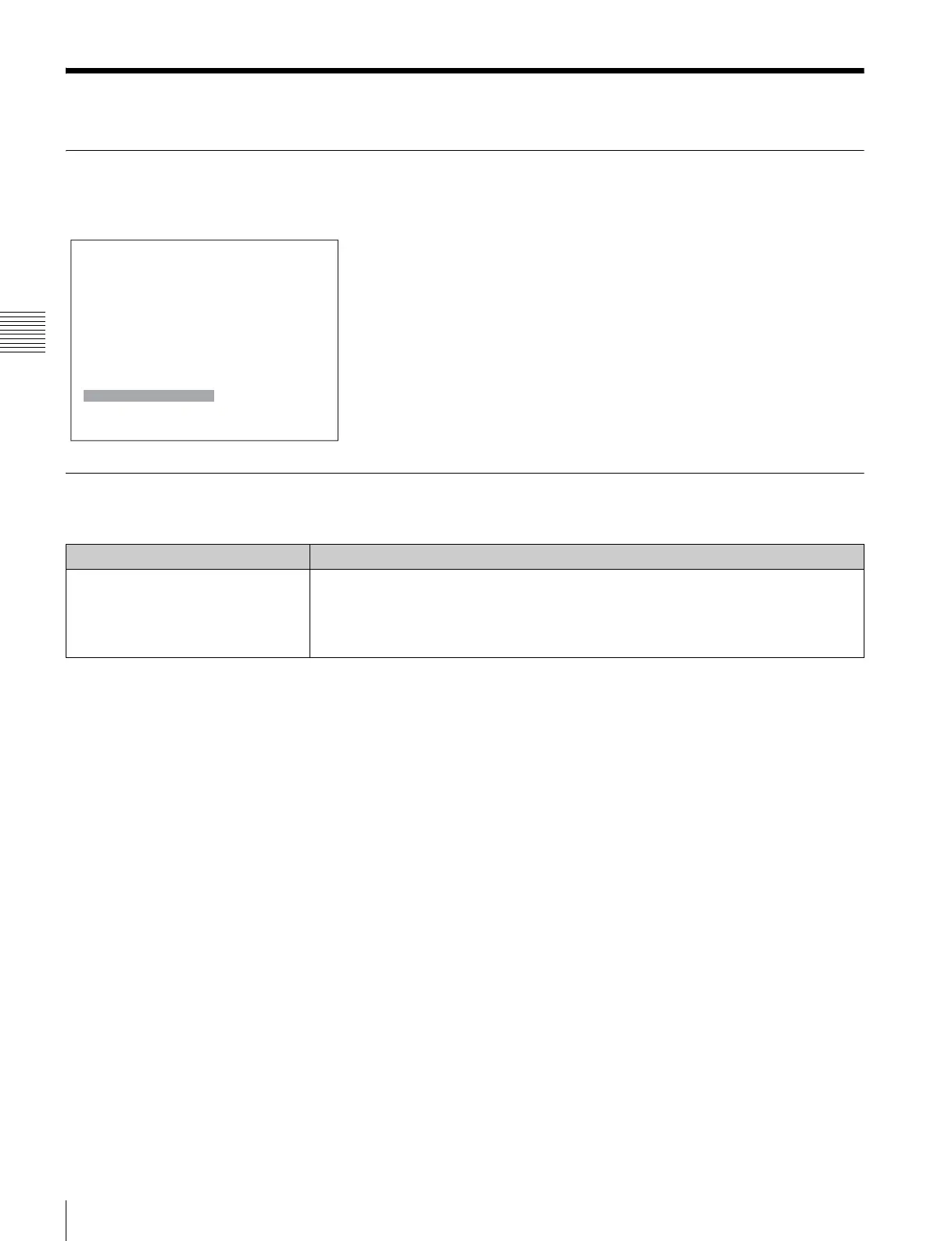
This menu is used to lock the data so that the setting is not changed by an unauthorized user.
Menu Function and Operation
Menu Function and operation ([ ]: factory setting)
Key Protect Sets the key protection.
On: The button on the controller (except the menu operation buttons and monitor
selection buttons) and the parallel remote do not function and other settings are not
changeable.
[Off]: Release the lock.
MENU
Adjustment B
Channel Configuration
B
Auxiliary Setting B
Function Setting B
System ConfigurationB
File Management B
System Status B
Controller B
Key Protect: Off



 To Next Page