Using Basic Functions
25
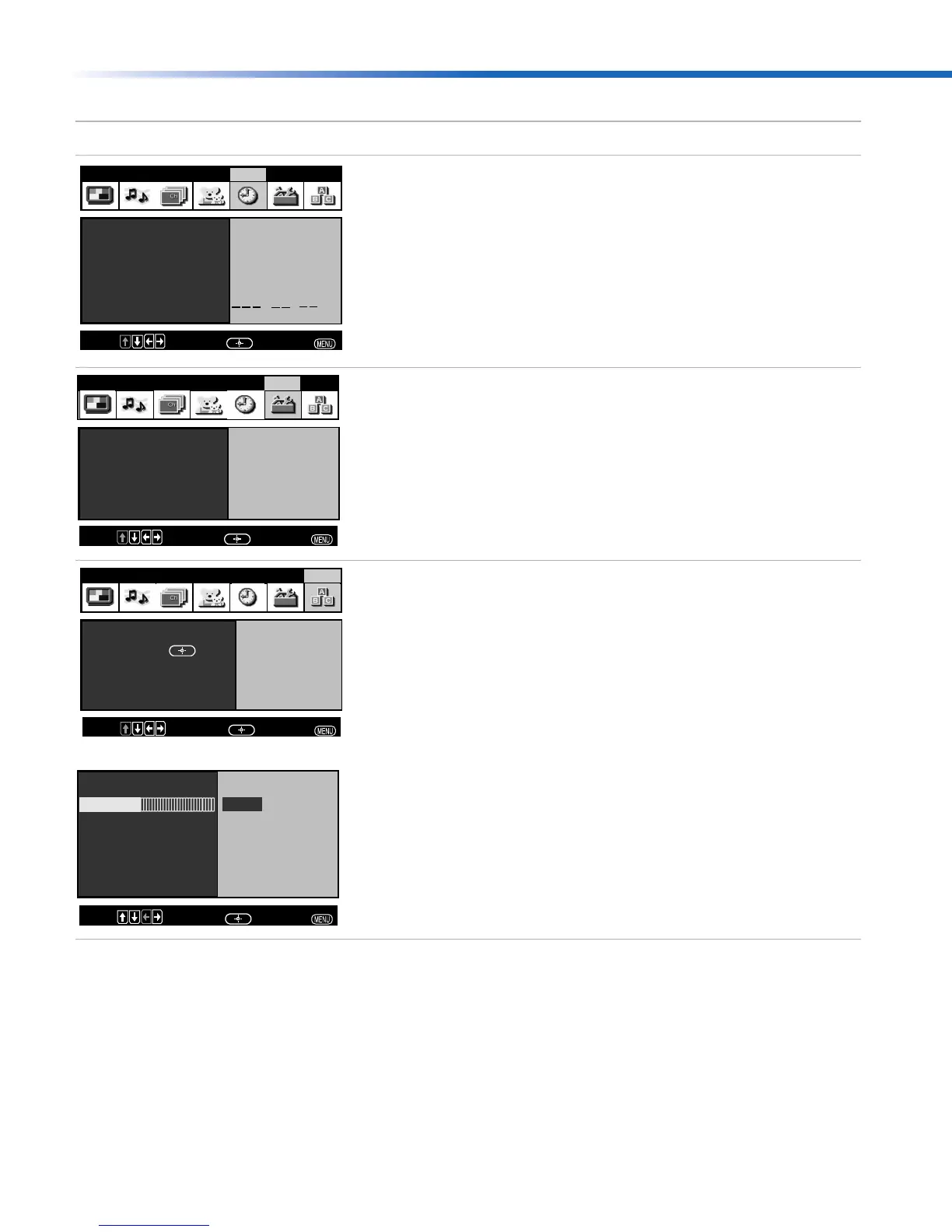
Set the clock on your TV and program scheduled
viewing using Timer 1 and Timer 2.
Select closed captioning options, label video
inputs, adjust tilt correction, enhance your DVD
picture resolution. (16:9 Enhanced), select menu
language, or run a demo of the menus.
Access the most commonly used menu settings.
Menu Allows you to
Timer 1 : Off
Timer 2 : Off
Current Time
:
AM
Video Audio Channel Parent Timer Setup Basic
Move:
Select:
End:
Caption Vision: Off
Demo
Video Label
Language: English
16:9 Enhanced: Auto
Tilt Correction: 0
Video Audio Channel Parent Timer Setup Basic
Move:
Select:
End:
Video Audio Channel Parent Timer Setup Basic
Press
Basic Menu
to enter
Move:
Select:
End:
Advanced Menu
Picture
Effect: TruSurround
Caption Vision: Off
Adjust
Picture white level
Basic Menu
Move:
Select:
End:
01US01COV-BR2.book Page 25 Tuesday, February 4, 2003 11:51 AM













 To Next Page