TV/VTR
+©
CH
-©
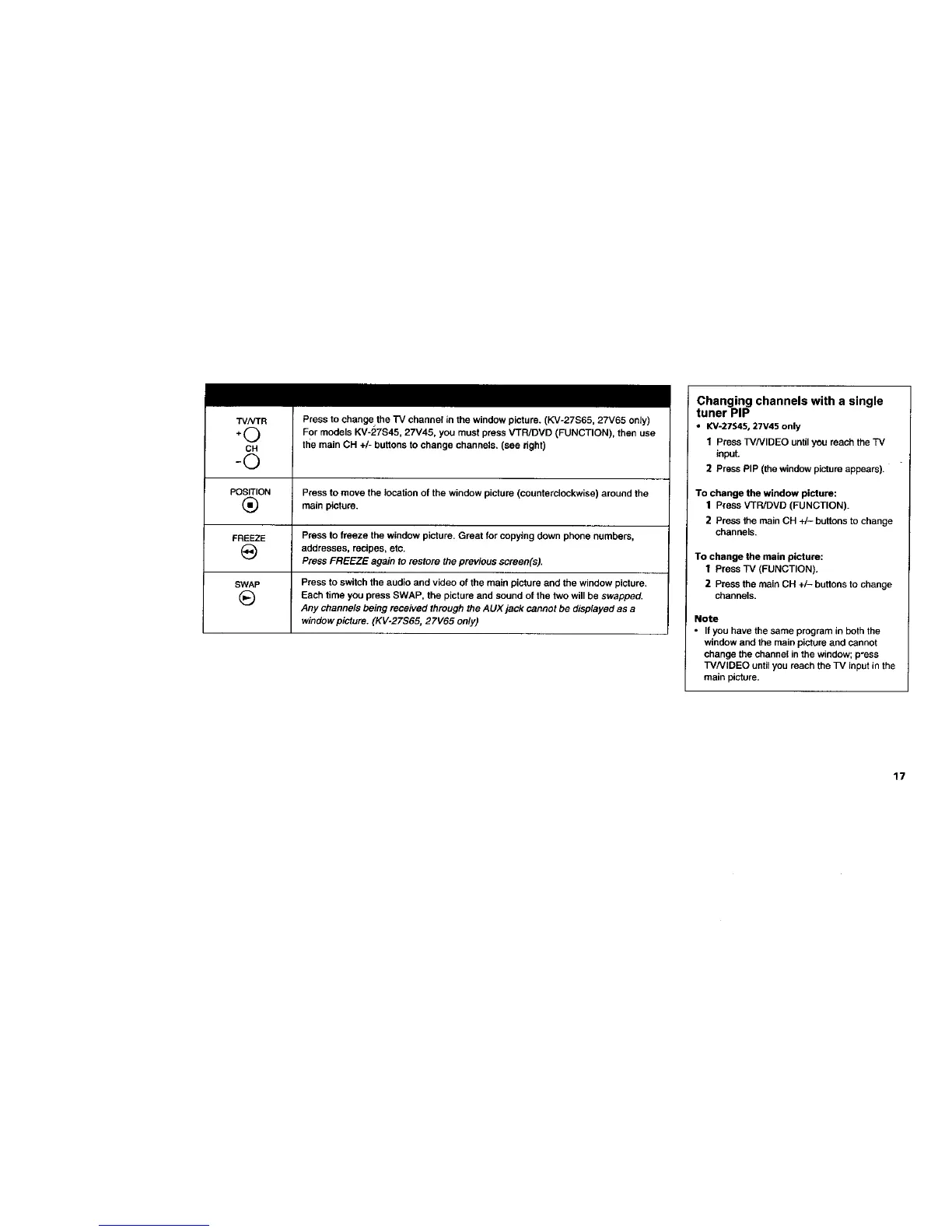
Press to change the rv channel in the window picture. (KV-27S65, 27V65 only)
For models KV-27S45, 27V45, you must press VTPJDVD (FUNCTION), then use
the main CH +/- buttons to change channels. (see right)
POSITION Press to move the location of the window picture (counterclockwise) around the
(_ main picture.
FREEZE Press to freeze the window picture. Great for copying down phone numbers,
(_ addresses, recipes, etc.
Press FREEZE again to restore the previous screen(s).
SWAP Press to switch the audio and video of the main picture and the window picture.
(_ Each time you press SWAP, the picture and sound of the two will be swapped.
Any channels being received through the AUX jack cannot be displayed as a
window picture. (KV-27S65, 27V65 only)
Changing channels with a single
tuner PIP
• KV-27S45, 27V45 only
1 Press TV/VlDEO untilyou reach the TV
input.
2 Press PIP (the window picture appears).
To change the window picture:
1 Press VTPJDVD (FUNCTION).
2 Press the main CH +/- buttons to change
channels,
To change the main picture:
1 Press TV (FUNCTION).
2 Press the main CH +/- buttons to change
channels.
Note
• If you have the same program in both the
window and the main picture and cannot
change the channel in the window; p'sss
TVNIDEO until you reach the TV input in the
main picture.
17








 To Next Page