Using your Menus (continued)
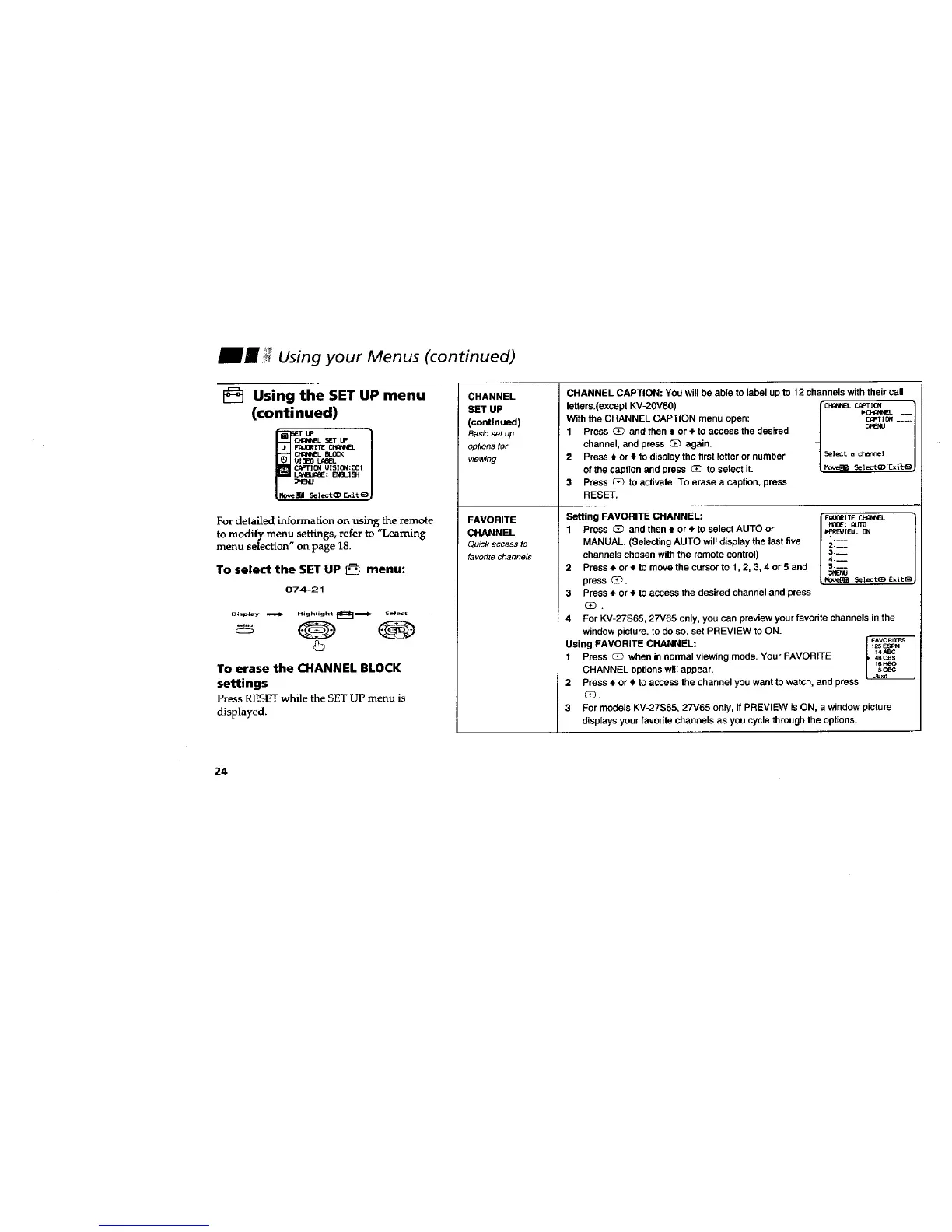
[_ Using the SET UP menu
(continued)
_ _EL SET Up
R(_0R I llE
UIOEO LA_L
(_PT l 0N UISION:CCI
_: EI_L 1SH
_ ]ei:t _ Exit (_
For detailed information on using the remote
to modify menu settings, refer to "Learning
menu selection" on page 18.
To select the SET UP _ menu:
074-21
To erase the CHANNEL BLOCK
settings
PressRESETwhile theSETUP menuis
displayed.
CHANNEL
SET UP
(continued)
Basic set up
options for
viewing
FAVORITE
CHANNEL
Oulsk access to
favorite channels
CHANNEL CAPTION: You will be able to label up to 12 channels with their call
letters.(excapt KV-2OV8O) CH_NELr.mTim
With the CHANNEL CAPTION menu open: C_PTIm___
1 Press _ and then 4, or 4,to access the desired
channel, and press (3_ again.
2 Press t or 4`to display the first letter or number
of the caption and press _ to select it.
3 Press G_ to activate. To erase a caption, press
RESET.
Setting FAVORITE CHANNEL:
1 Press _ and then t or • to select AUTO or
MANUAL, (Selecting AUTO will display the last five
channels chosen with the remote control)
2 Press • or • to move the cursor to 1,2, 3, 4 or 5 and
press _.
3 Press • or # to access the desired channel and press
(_.
FI:PJORITE CH_N'#FL
MOOE: _AJTO
I'pREU IFAIl: ON
i,m_
2,N_
3.__
4.__
S.m_
4 For KV-27S65, 27V65 only, you can preview your favodte channels in the
window picture, to do so, set PREVIEW to ON.
-FAVORI_ES
Using FAVORITE CHANNEL: _ ESPN
_4^BC
1 Press G_ when in normal viewing mode, Your FAVORITE , 48ces
16Heo
CHANNEL options will appear, scec
_Exit
2 Press $ or € to access the channel you want to watch, and press
3
For models KV-27S65, 27V65 only, if PREVIEW is 01_ a window picture
displays your favorite channels as you cycle through the options.
24








 To Next Page