CHANNEL
BLOCK
Prevent _ a_ess
ce_a_ c_nnels,
_DEOLABEL
Easyr_ogmtionof
connected equipment
_.g. DBS, VHS, e_)
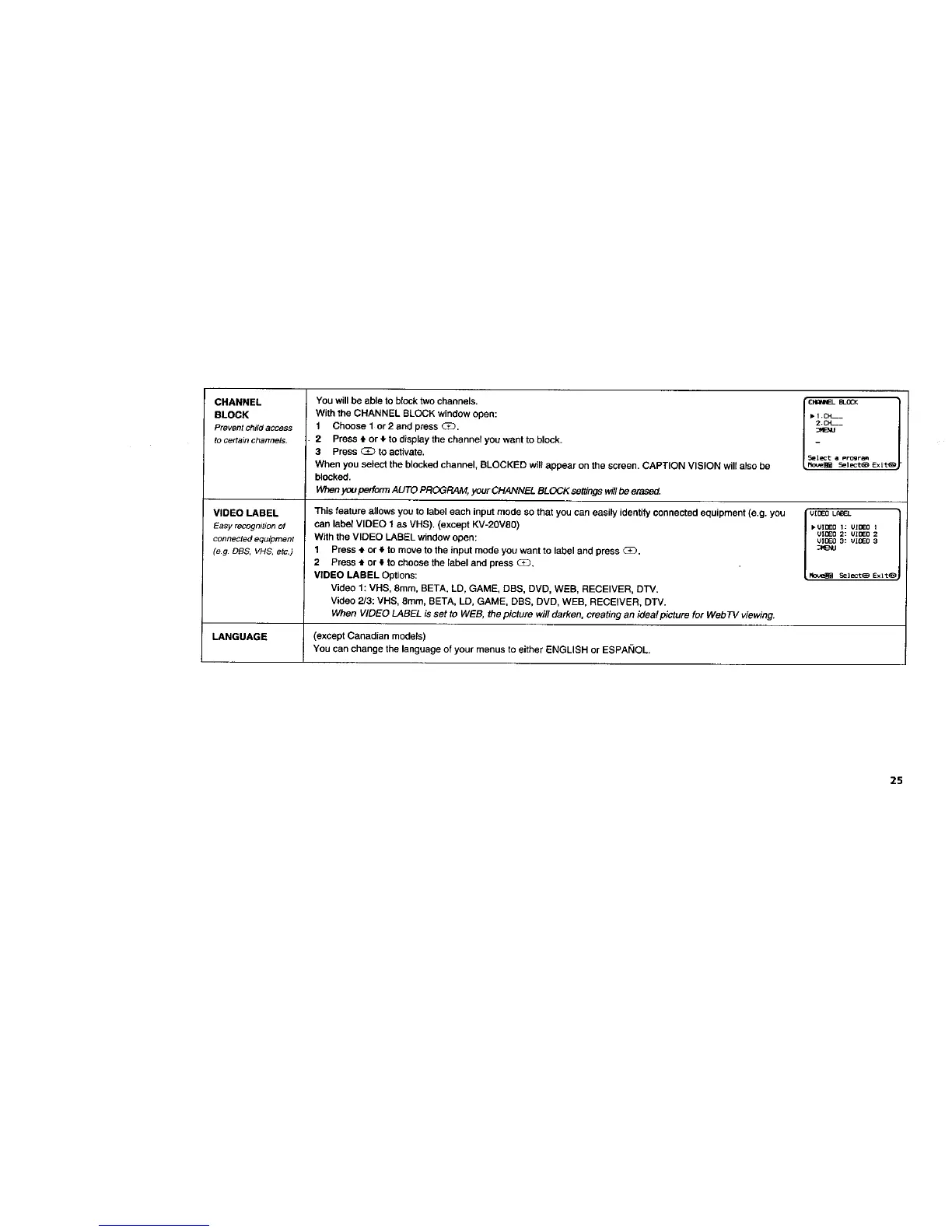
BLOCKYou will be able to block two channels.
With the CHANNEL BLOCK window open:
1 Choose 1 or 2 and press _.
2 Press • or _.to display the channel you want to block.
3 Press _ to activate.
When you select the blocked channel, BLOCKED will appear on the screen. CAPTION VISION will also be
blocked.
When you perform AUTO PROGRAM, your CHANNEL BLOCK set#hgs willbe erased.
This feature allows you to label each input mode so that you can easily identify connected equipment (e.g. you
can label VIDEO 1 as VHS). (except KV-20VS0)
With the VIDEO LABEL window open:
1 Press 4. or 4 to move to the input mode you want to label and press G_).
2 Press ,I. or • to choose the label and press _3.
VIDEO LABEL Options:
Video 1: VHS, 8ram, BETA, LD, GAME, DBS, DVD, WEB, RECEIVER, DTV.
Video 2/3: VHS, 8mm, BETA, LD, GAME, DBS, DVD, WEB, RECEIVER, DTV.
When VIDEO LABEL is set to WEB, the picture will darken, creating an ideal picture for Web 77/viewing.
LANGUAGE (except Canadian models)
You canchangethe language of your menus to either ENGLISH or ESPAI_IOL.
• I +CH---
2,C_-_
_ENU
5elect _ Progr_
Sel ect_ Exit_
V[ [31EBL_-J-
I-UlOEO i: VIDEO 1
un]Eo 2: UIDED 2
UIOEO 3: VIDEO 3
_VlEMJ
25








 To Next Page