12 Advanced Operations
PROGR
PIC
MODE
DRC-MF
SOUND
MODE
WIDE
MODE
SURROUND
PIP PROGR
ENTER
PROGR
MENU
PIC
MODE
DRC-MF
SOUND
MODE
WIDE
MODE
SURROUND
SOUND
PIP PROGR
PIP PROGR
ENTER
x Viewing the picture in wide mode
When receiving a wide-mode (16:9) signal, the picture will appear “squeezed”
(compressed) on your screen. Use the WIDE MODE button to view the picture
with the optimal effect.
Select To
“ON” view the picture in wide-mode
(16:9).
“OFF” cancel wide-mode (16:9).
WIDE
MODE
x Viewing higher quality pictures
with DRC-MF
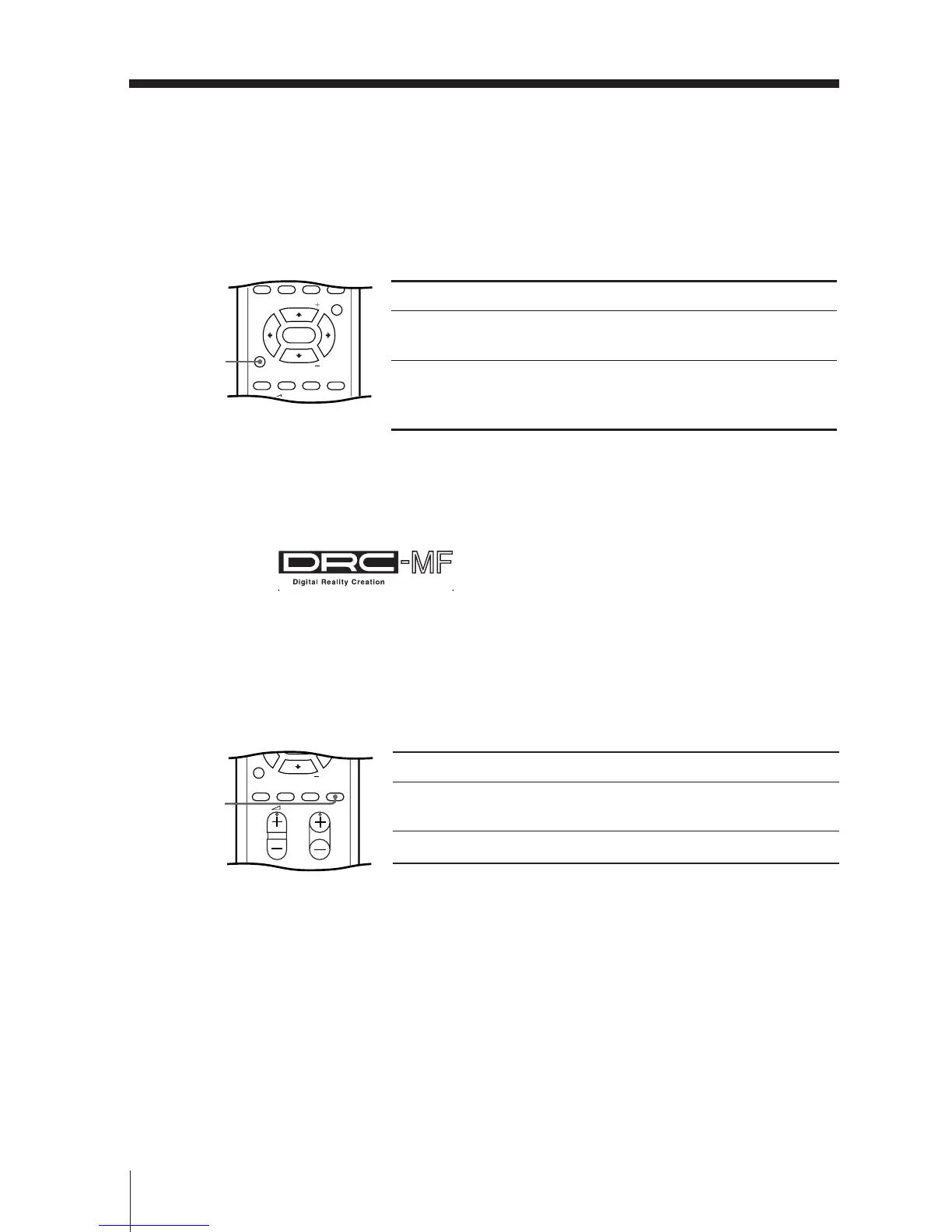
The Digital Reality Creation-Multi Function (DRC-MF) feature allows you to
enjoy higher quality pictures on your TV. You can use the DRC-MF button to
select “DRC1250” or “DRC PROGRESSIVE”.
Select To
“DRC1250” view super real (higher density)
pictures.
“DRC PROGRESSIVE” reduce jitter of any small areas or
scanning lines (e.g., letters or the
edge of objects) on the screen.
Note
• The DRC-MF mode is not selectable when the “GAME MODE” or Picture-in-Picture (“PIP”)
mode is turned on.
The DRC-MF logo ( ) and “DRC-MF” are trademarks of Sony
Corporation.
DRC-MF







 To Next Page