x Changing the Channel Preset
(“CH PRESET”) setting
The “CH PRESET” menu allows you to preset channels automatically, manually
preset channels and select the TV system.
1
Press MENU.
2
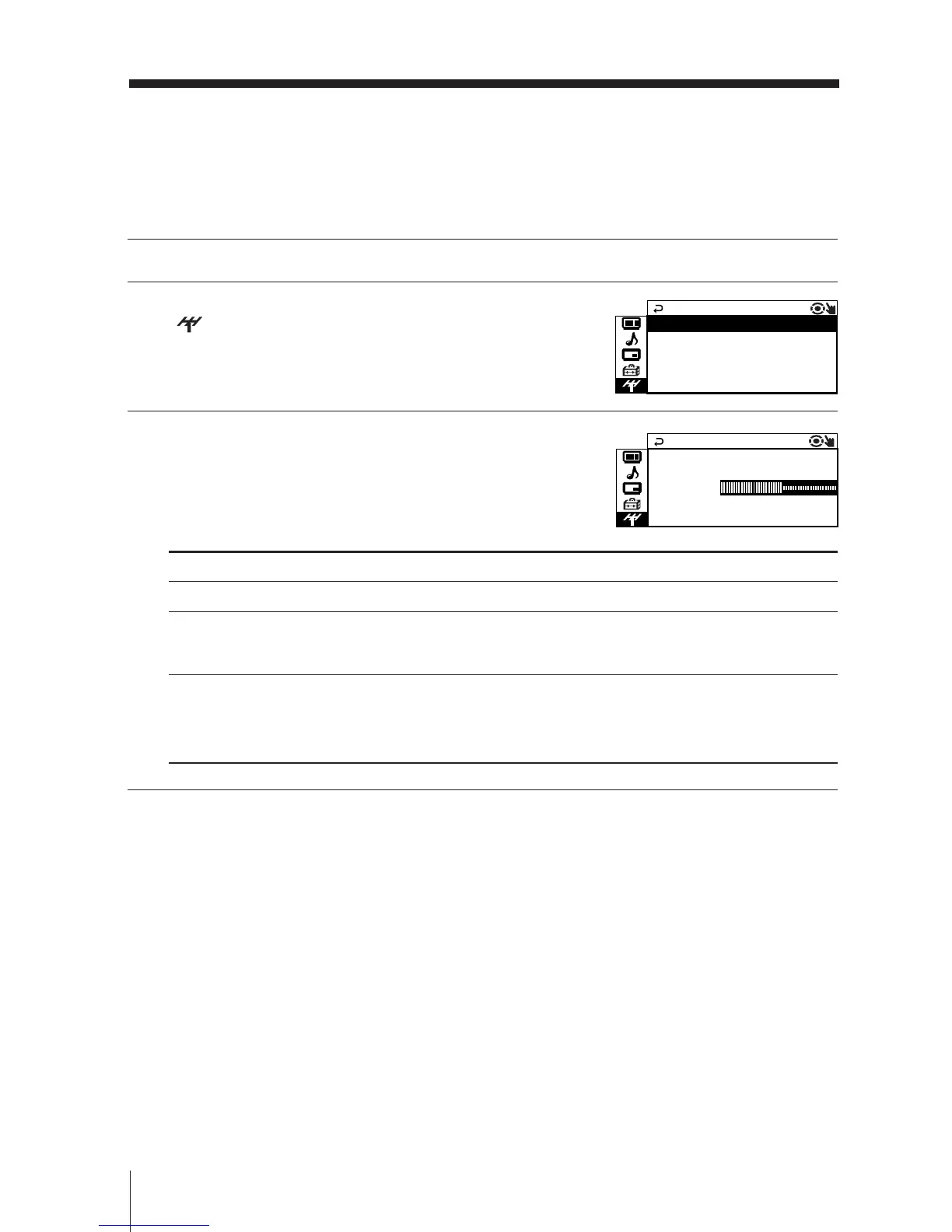
Press V or v to select the “CH PRESET” icon
( ), then press ENTER.
3
Press V or v to select the desired item (e.g.,
“AUTO PROGRAM”), then press ENTER.
To
preset channels automatically.
manually preset desired channels and channels that cannot
be preset automatically (see Presetting channels manually
on page 29).
select the TV system.
Press V or v to select either “B/G”, “I”, “D/K” or “M”, then
press ENTER.
Note (KV-DR34M89/DR29M89 only)
• During automatic channel presetting, your TV screen will indicate “B/G”, “I”, “D/K” or “M”
for the TV system (“TV SYS”).







 To Next Page