16 Advanced Operations
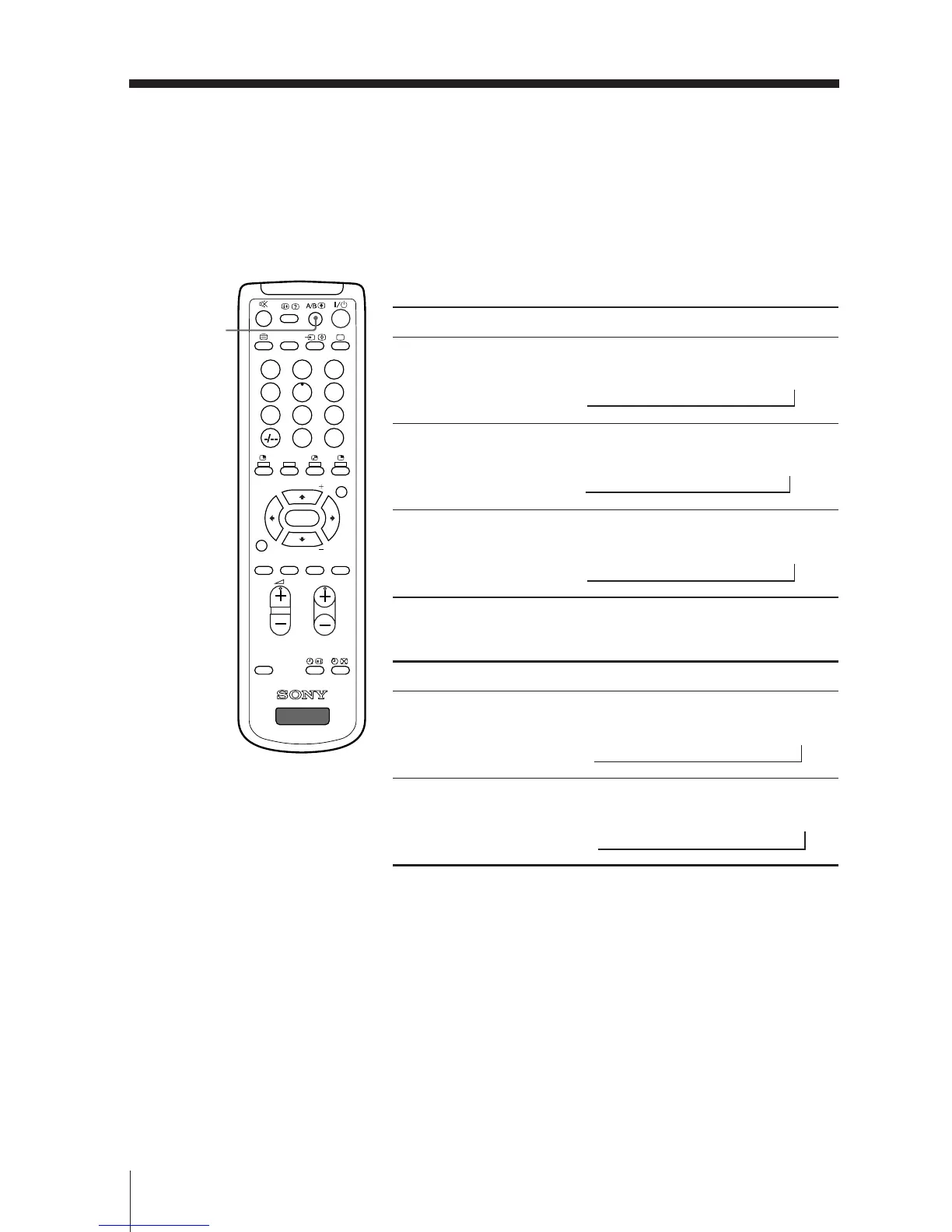
x Enjoying stereo or bilingual
programs
B KV-DR29M39 only
You can enjoy stereo sound or bilingual programs of NICAM and A2 stereo
systems by using the A/B button.
Notes
• If the stereo sound is noisy when receiving a stereo program, select “MONO”. The sound
becomes monaural, but the noise is reduced.
• If the sound is distorted when receiving a monaural program through 8 (antenna input),
press A/B repeatedly until “MONO” appears on the screen. To cancel the monaural sound
setting, press A/B again until “AUTO” appears on the screen.
• Your TV can only receive monaural sound when you select the PIP sub screen sound by
pressing SOUND (see page 13).
When receiving a NICAM program
Broadcasting On-screen display (Selected sound)
NICAM
stereo
NICAM
bilingual
NICAM
monaural
When receiving an A2 program
Broadcasting On-screen display (Selected sound)
A2
stereo
A2
bilingual
NICAM
(Stereo sound)
MONO
(Regular sound)
t
t
NICAM MAIN
(Main sound)
NICAM SUB
(Sub sound)
MONO
(Regular sound)
tt
t
MONO
(Regular sound)
STEREO
(Stereo sound)
t
t
MAIN
(Main sound)
SUB
(Sub sound)
t
t
NICAM MAIN
(Main sound)
MONO
(Regular sound)
t
t
231
564
897
0
JUMP
PROGR
MENU
PIC
MODE
DRC-MF
SOUND
MODE
WIDE
MODE
SURROUND
RESET
SOUND
TV
PIP PROGR
PIP PROGR
ENTER
DVD
A/B







 To Next Page