21
Menu Adjustment
x Changing the “PICTURE” setting
The “PICTURE” menu allows you to adjust the picture settings.
1
Press MENU.
2
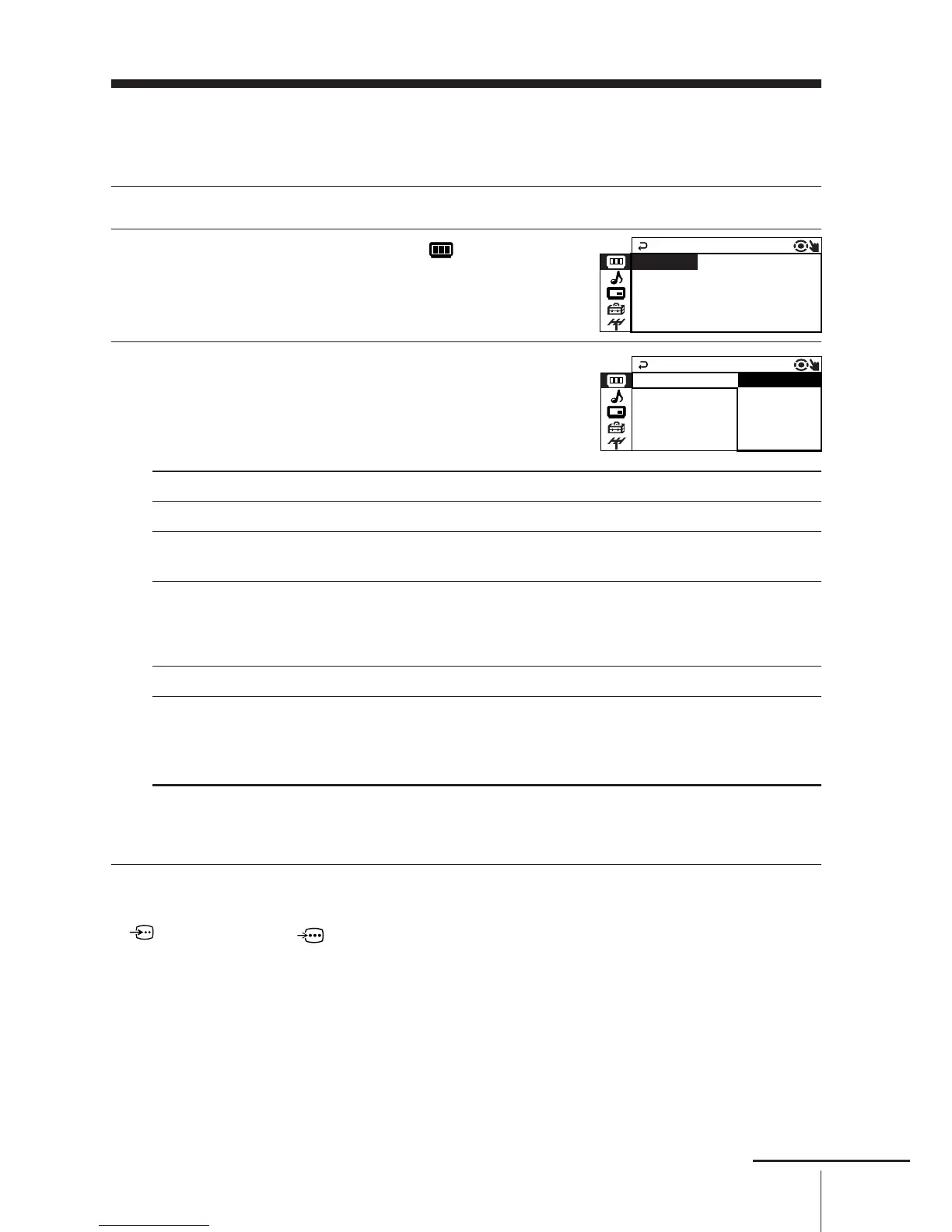
Make sure the “PICTURE” icon ( ) is
selected, then press ENTER.
3
Press V or v to select the desired item
(e.g., “DRC-MF”), then press ENTER.
Select To
“DRC-MF” choose either “DRC1250” or “PROGRESSIVE” (see page 12).
“PICTURE MODE” choose either “DYNAMIC”, “STANDARD”, “HI-FINE”,
“PERSONAL”*, or “ADJUST” (see page 11).
“3D-NR” adjust picture signal automatically to reduce noise.
Press V or v to select “ON”, then press ENTER.
To cancel, select “OFF”, then press ENTER.
“WIDE MODE” choose either “ON” or “OFF” (see page 12).
“GAME MODE” adjust the picture setting that is suitable to view video games.
Press V or v to select “ON”, then press ENTER.
To cancel, select “OFF”, then press ENTER.
* When the “PERSONAL” mode is selected, you can receive the last adjusted picture
settings from the “ADJUST” option (see page 22).
Notes
• “GAME MODE” is available only when receiving signals through t (video input),
(S video input), or (component video input).
• The DRC-MF mode is not selectable when GAME MODE is turned on.







 To Next Page