Smart Capture
111
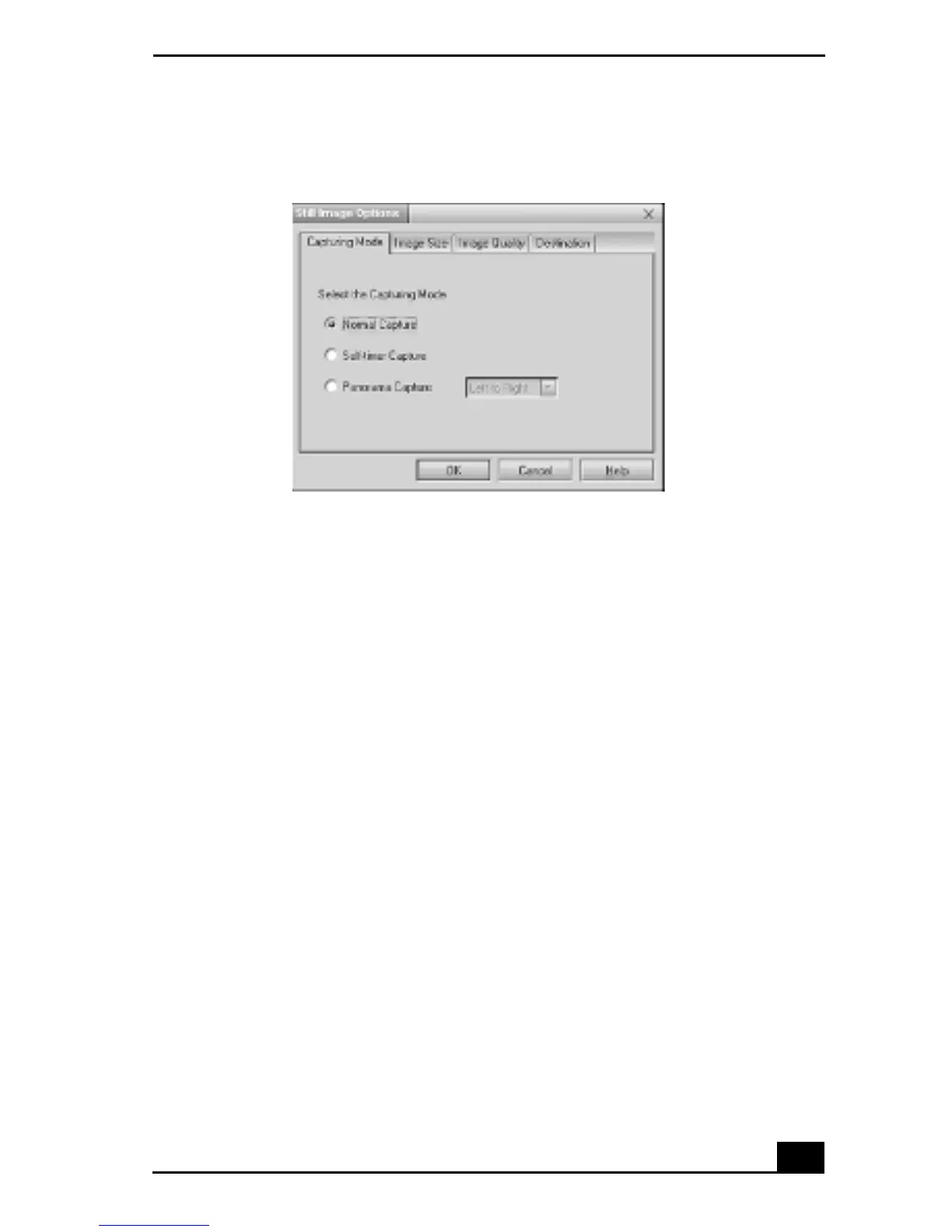
The Still Image Options window has four tabs:
❑ Capturing Mode — You can choose between Normal, Self-timer or
Panorama Capture modes.
❑ ImageSize—Select the image size, horizontal by vertical in pixels.
❑ Image Quality — Set the quality of your pictures as they are being
saved by selecting Fine, Standard or Economy image quality.
❑ Destination — Select a file destination for your pictures.
5 Click on the Effects button to select a special image effect. The Effect
Setting window appears. Use the drop-down list to view and customize the
available effects.
Still Image Options window









 To Next Page