Change text in this variable definition to document title.
112
Capturing a picture in Still mode
1 Use your digital camera or camcorder to locate the image you want to
capture. When you see the desired image in the Smart Capture window, click
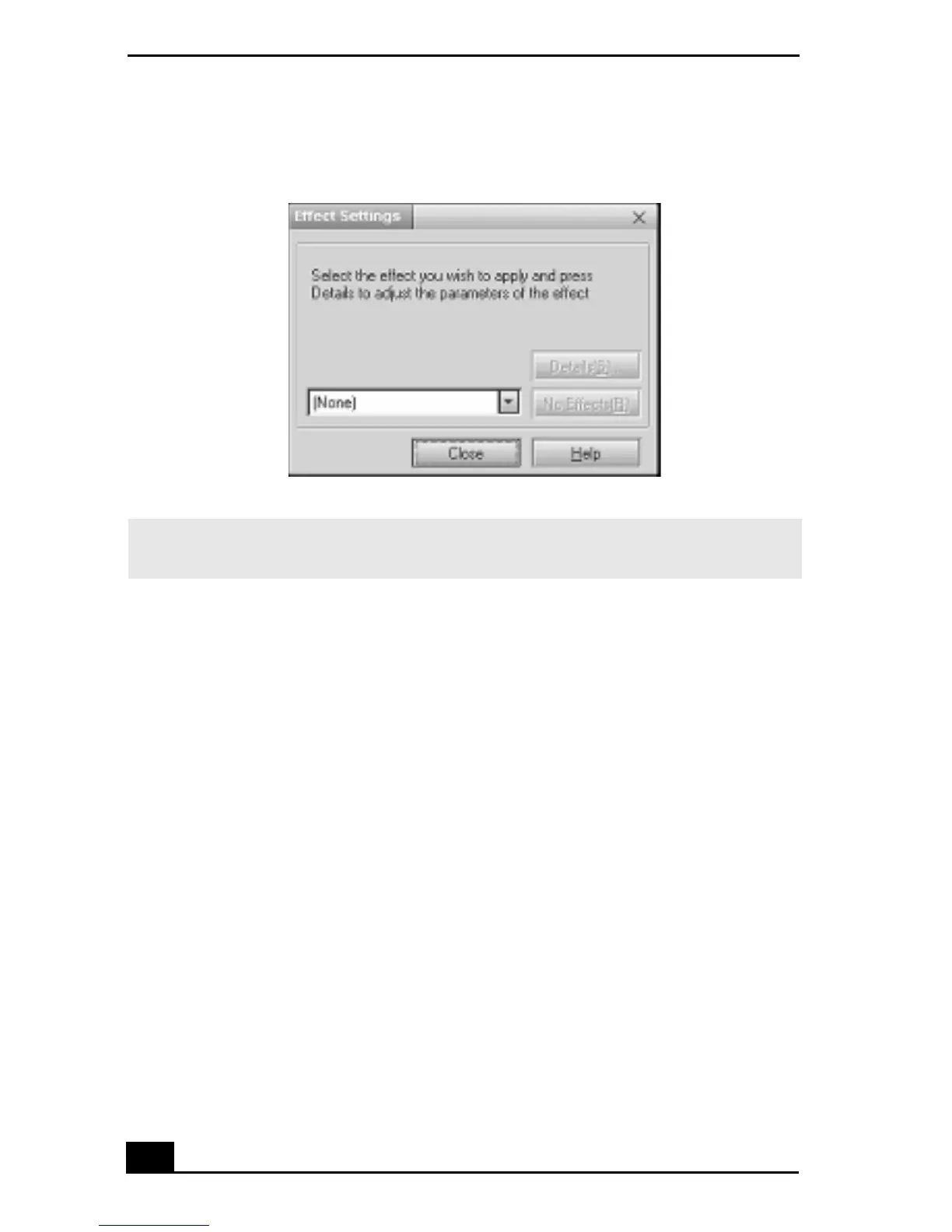
Effect Setting window
✍ You can use a different special effect for each picture, or you can remove all special
effects by clicking on the No Effects button.









 To Next Page