20
Setting/Operating via Web
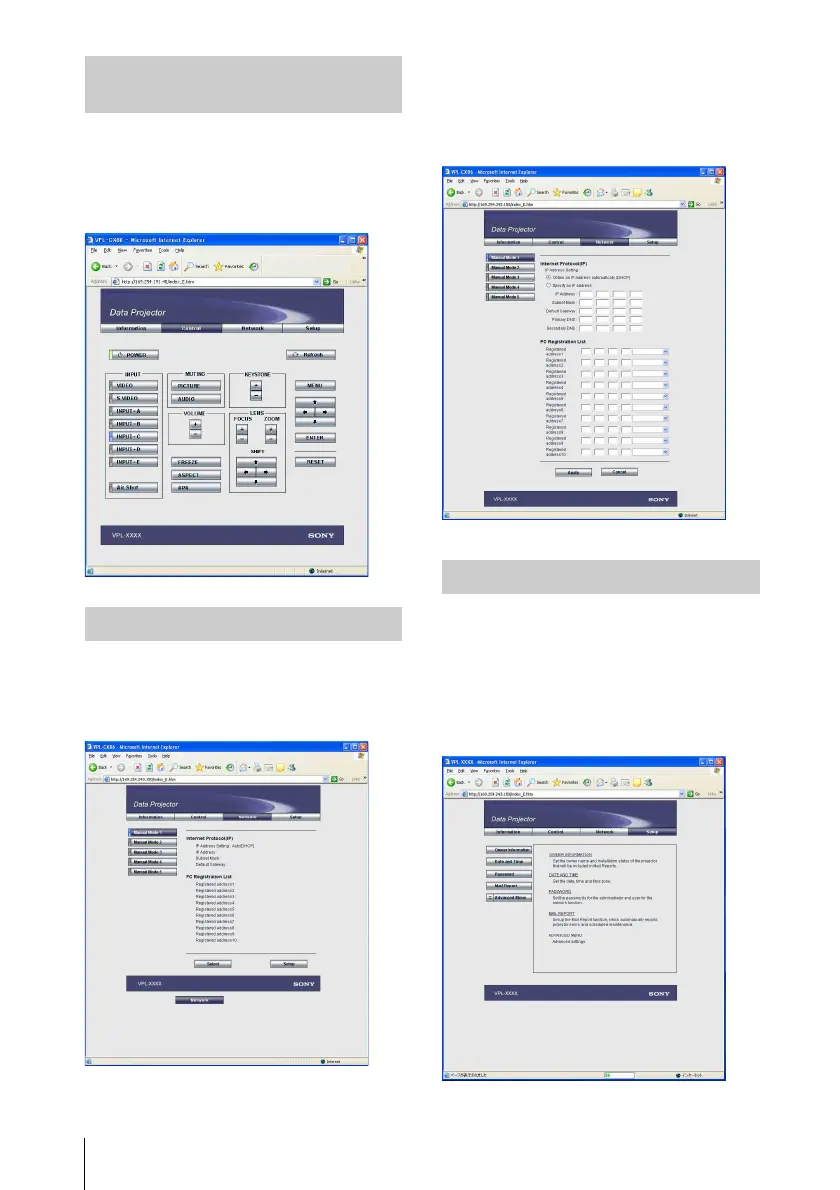
Click [Control].
You can control the projector on the
computer. The functions of each button
provide the same functions the button of the
identical name.
Click [Network].
You can switch the mode and set each mode.
To switch the mode, select the desired mode
button and then click [Select].
To set each mode, select the desired mode
button and then click [Setup] to display the
Setup display of the mode.
Click the [Apply] button to reflect the
projector.
Click [Setup].
The Setup menu dialog box appears.
You can set the Owner information,
Password, Date and Time, Mail Report, etc.
Click [Apply] in the lower part of each
window to update the projector to the data
input in each window.
Operating the Projector
(Control)
Setting the Connecting Mode
Setting Up the Projector



 To Next Page