12
Connection
Connection
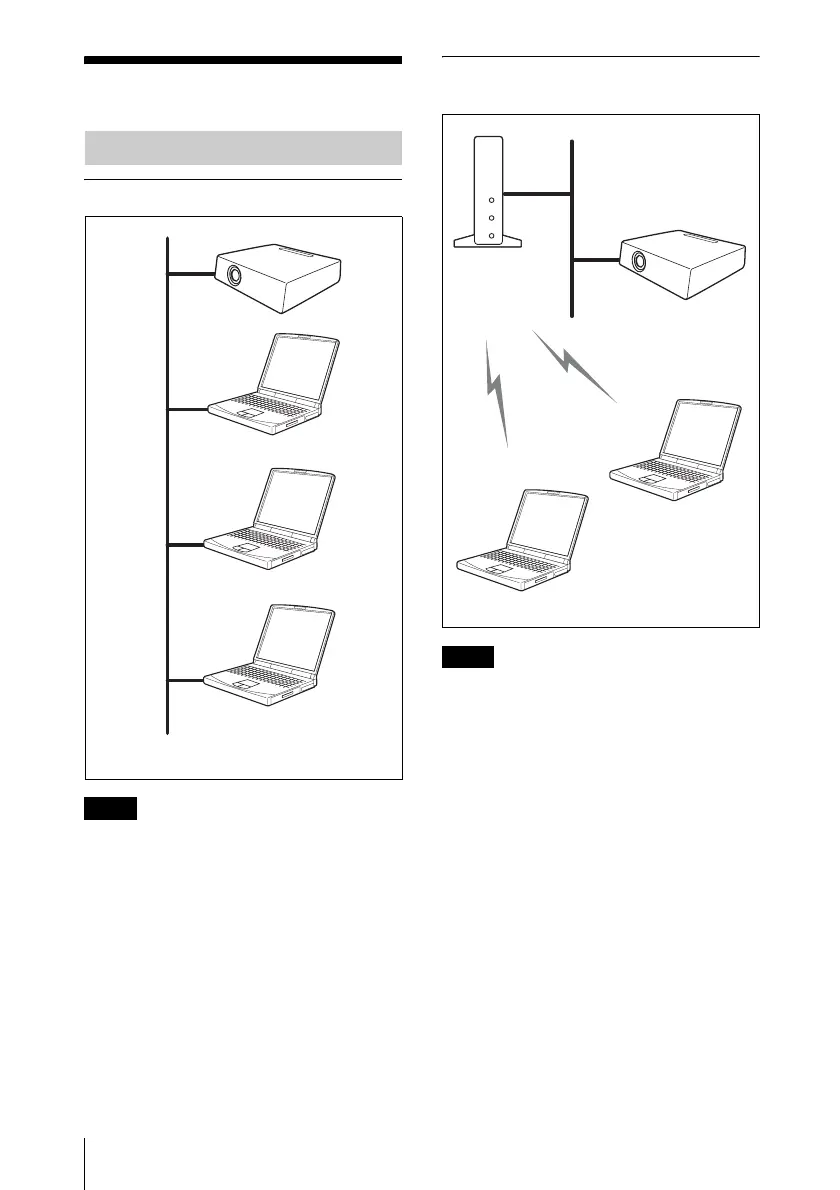
Connecting to wired LAN
• For a LAN connection, contact your network
administrator.
• When the projector and a computer that has a
different network segment (subnet) are
connected, set [PC Registration List] (page
10) on the projector and [Projector Setting]
(page 18) on the computer.
Connecting to wireless LAN using
the computer access point
• For a LAN connection, contact your network
administrator.
• When the projector and a computer that has a
different network segment (subnet) are
connected, set [PC Registration List] (page
10) on the projector and [Projector Setting]
(page 18) on the computer.
Connecting Examples
Notes
Computer
LAN
Computer
Computer
Projector
Notes
Projector
Computer
Access point
Computer
LAN



 To Next Page