User manual EXPERT 2K-FA
Pag. 66 of 66 Issue 2 – May 2011
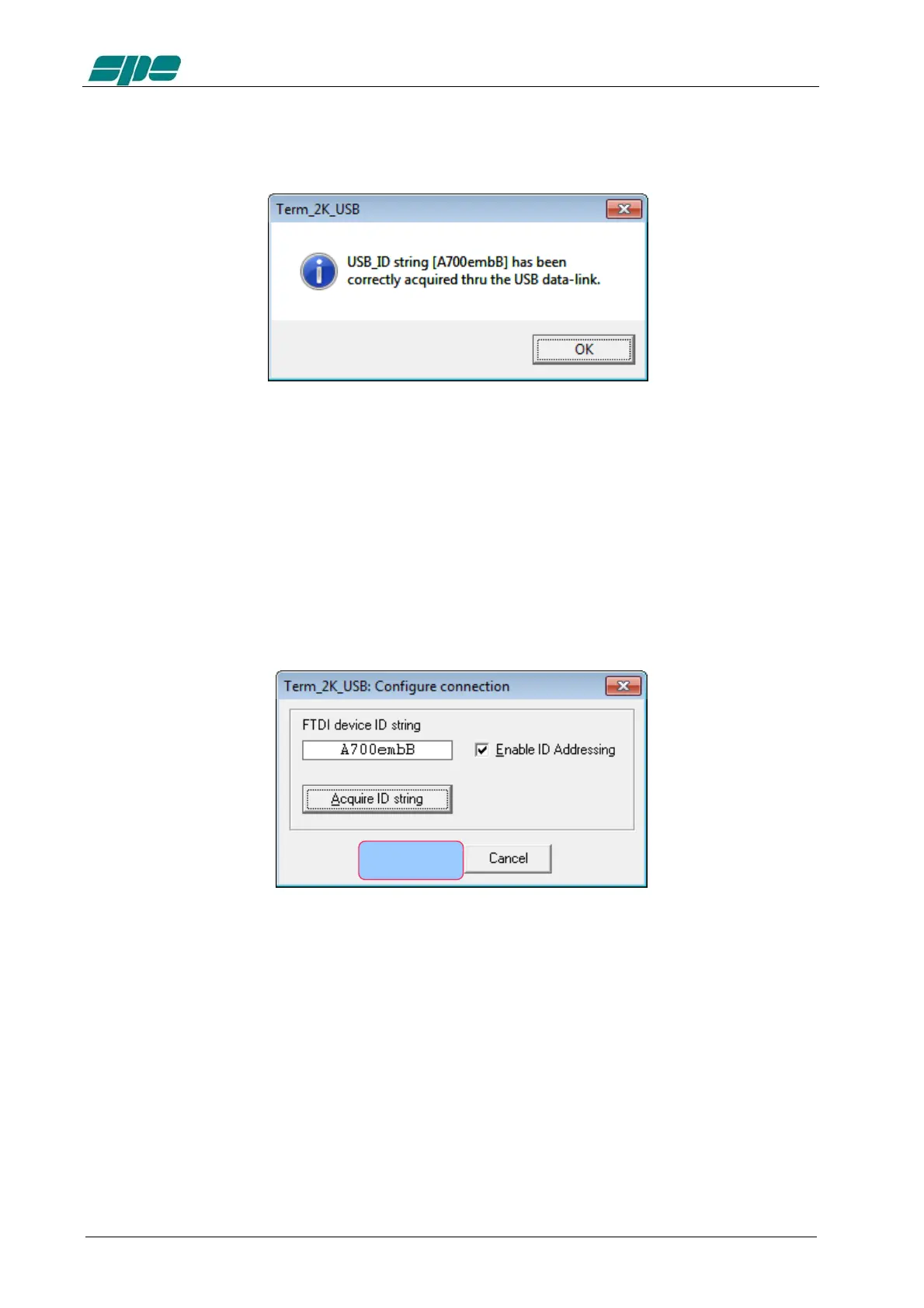
In case of a successful acquisition process, the following pop-up notification message
would be raised instead:
The picture above shows the acquisition report of a device whose ID String Property is
A700embB.
As explained earlier, this parameter is unique to any specific chip, so it doesn’t allow
duplicates.
As soon as the notifiation message gets validated, using its OK key, the dialog form
previoulsy popped will appear properly filled-in as the following picture shows:
Once the user validates the data acquisition by pressing the OK key marked in the
picture above, the Term_2K_USB.exe internal database will be properly updated and,
as a confirmation of that, the application status bar will be properly updated as the
following picture shows:



 To Next Page