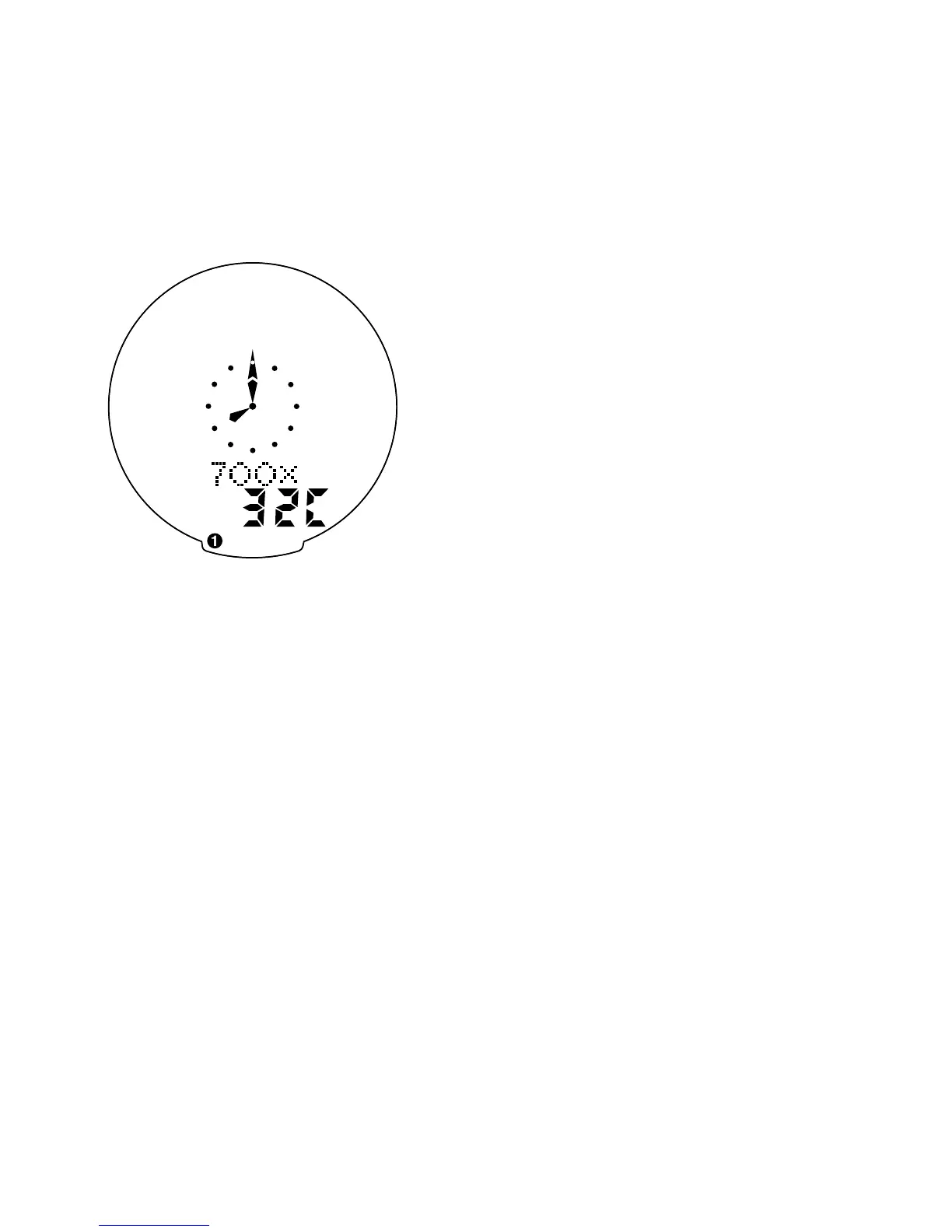
currently selected tire size for wheel
option #1. To scroll through the pre-
programmed tire sizes tap both the
“MODE” and “SET” buttons simulta-
neously. When you reach the desired
tire size press the “SET” button once
to select it and enter Easy Calibration
Mode for wheel option #2. Follow
the same procedure to program the
wheel #2 tire size and tap the “SET”
button to exit Easy Calibration Mode.
Roll Out Method
The roll out method will provide the
most accurate computer calibration
and can take into account variables
such as inflation pressure, rim width
and rider weight.
1. Extend a tape measure out to
3000mm (120 inches) and lock
it in place.
2. With your tire inflated to its
proper pressure, place the valve
at the 6:00 position (at the bottom)
directly over the start of the
measuring tape.
3. Roll the wheel one complete
revolution until the valve stem is
again at the 6:00 position. Read
11










 To Next Page