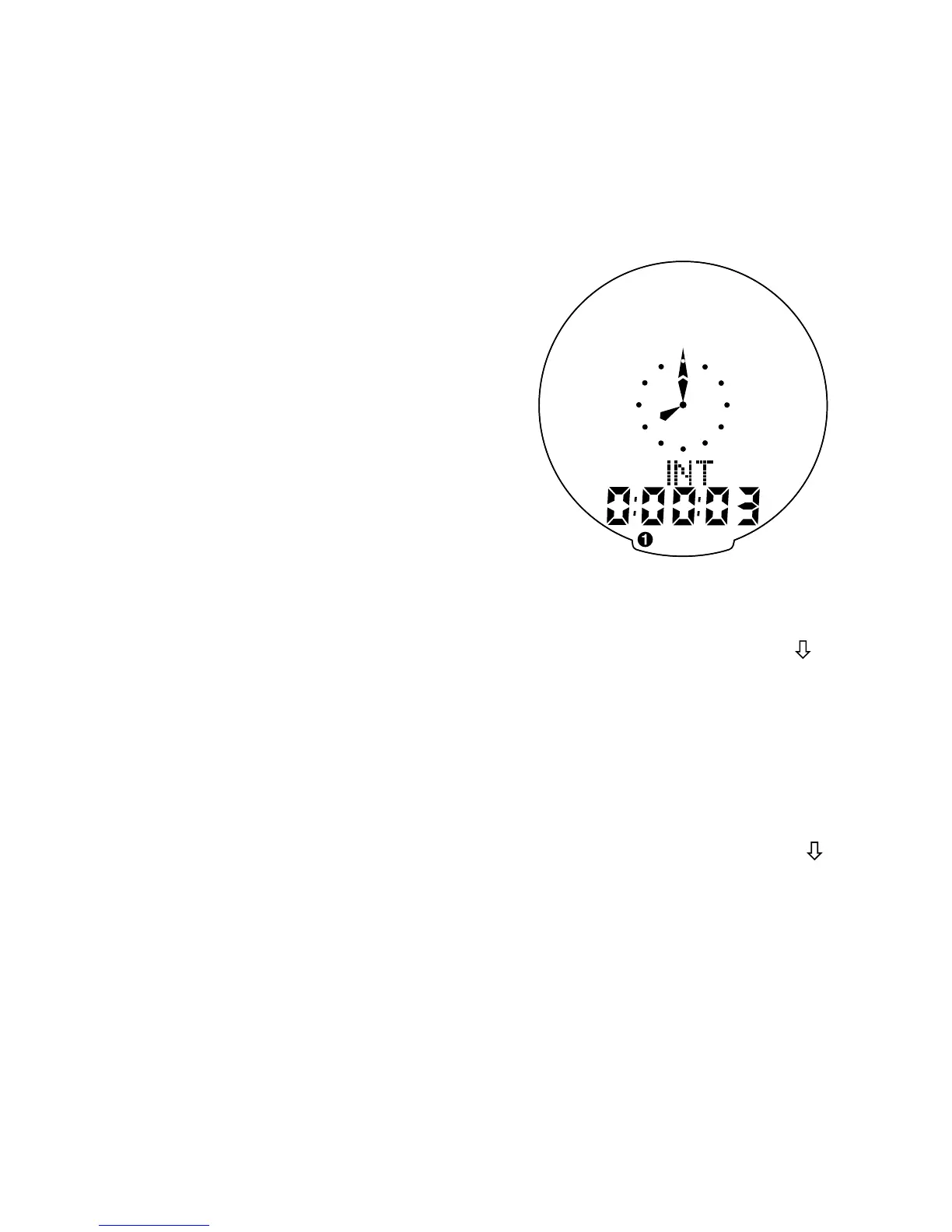
mode, press the “MODE” button until
“INT” appears Dot Matrix Display
Area of the screen. You are now in
interval timer mode. To set the interval
timer, hold the “SET” button for three
seconds. The hour digit will begin
flashing. Press the “MODE” Button
until the desired number appears.
(Hold down the “Mode” button to
scroll quickly) Press the “SET” button
once to set this number and advance
to minutes. Repeat this process until
minutes and seconds are set to the
desired settings. Press the “SET” but-
ton to exit programming mode. Once
the time interval timer is programmed,
press the “TOP” button to start/stop
the countdown. (See figure 12).
Note: The shortest interval that can
be set is 5 seconds.
8. Distance Countdown (DIST )
Your SpeedZone Comp is equipped
with Distance Countdown feature. This
allows you to set an alarm when the
selected mileage is reached. To enter
the Distance Countdown mode, press
the “MODE” button until “DIST ”
appears on the left-hand side of the
screen. To set the Distance Countdown,
16










 To Next Page