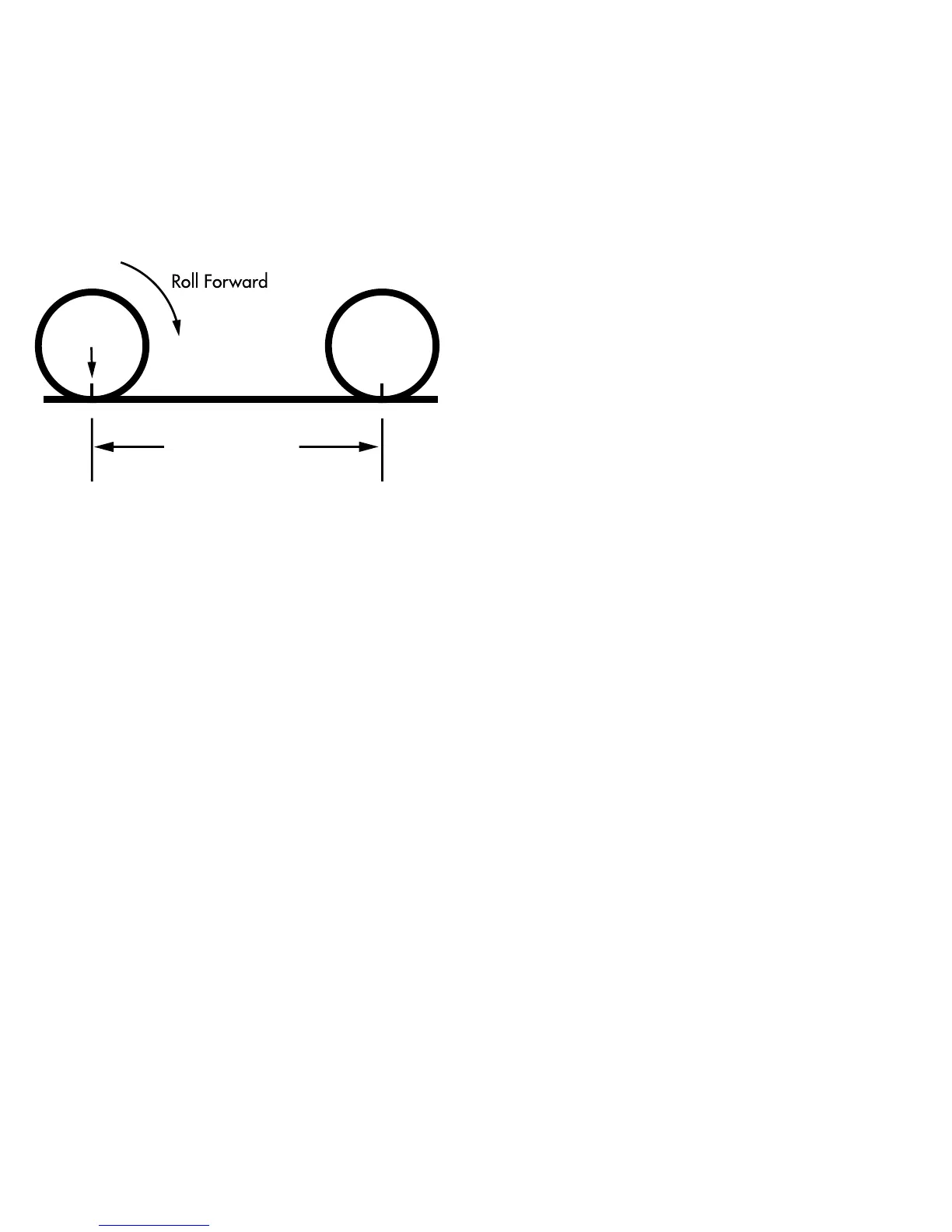
the tape directly under the valve
and note the distance in millimeters.
(To convert inches to millimeters,
multiply inches by 25.4). Use
this number to replace the default
(default values are 2073 for wheel
one, and 2134 for wheel two)
when programming your com-
puter. (See figure 9).
You may also use the following
quick-reference chart:
Generic Tire Size Chart
This chart is for non-Specialized tires
26 X 1.75 2140
26 X 2.0 2074
26 X 2.1 2090
650C X 20 1945
700C X 26 2124
700C X 38 2170
Programming the circumference
To enter the tire circumference num-
ber, select the Speed (SPEED) mode
and hold down the “SET” button for
three seconds. The display will now
show the currently selected tire size
for wheel option #1. (See figure 10).
If necessary scroll through the prepro-
grammed tire sizes by tapping both
12










 To Next Page