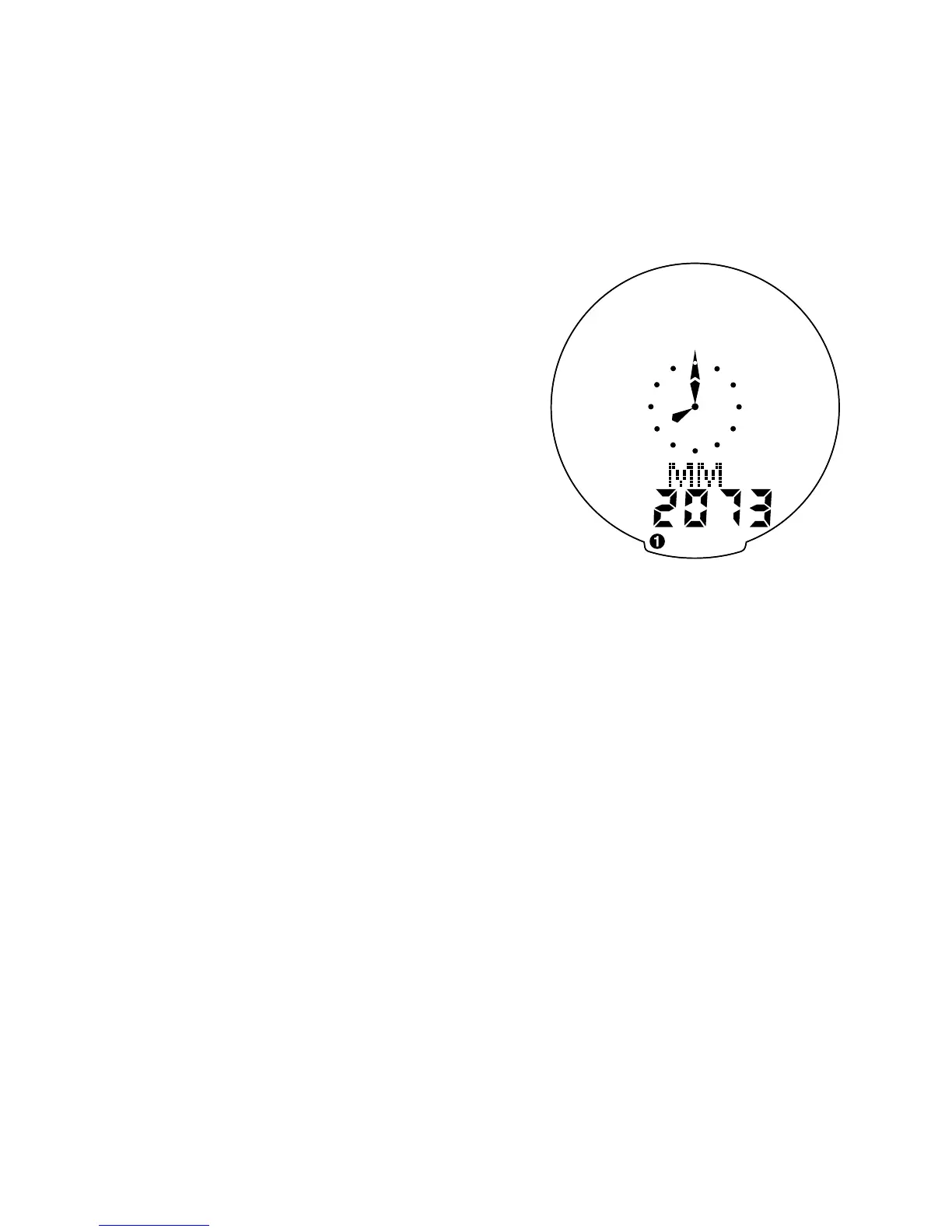
the “MODE” and “SET” buttons
simultaneously until the display shows
MM and four-digit number. This num-
ber represents your tire circumference
in millimeters. Press the “MODE” but-
ton until the flashing digit is correct.
(Note: The “MODE” button may be
held to scroll to the correct digit.)
Press the “SET” button to select the
next digit to the right. Repeat the
process until all four digits are
entered as your tire circumference.
Press the “SET” button once to select
it and enter the circumference for
wheel option #2. Follow the same
procedure to program the wheel #2
tire size and tap the “SET” button to
exit circumference programming mode.
5. Setting the Clock
Your SpeedZone Comp features two
clock displays, one analog and one
digital. The hands of the analog clock
will be set automatically to correspond
to the digital one. To access the “clock
mode” from any other mode, press
and hold the “MODE” button for three
13










 To Next Page