speed and distance data in kilometers
will have to multiply the value of the
numbers on the face of the bezel
by two. For example, if the Speed
needle is pointing to the 20 on the
bezel, your actual speed is 40Km/h.
3. Setting the Programmable
Odometer
This mode is useful if you have
replaced the battery and would like
to retain the mileage you have already
ridden. To access the Programmable
odometer mode, first advance to the
Odometer Mode by pressing “MODE”
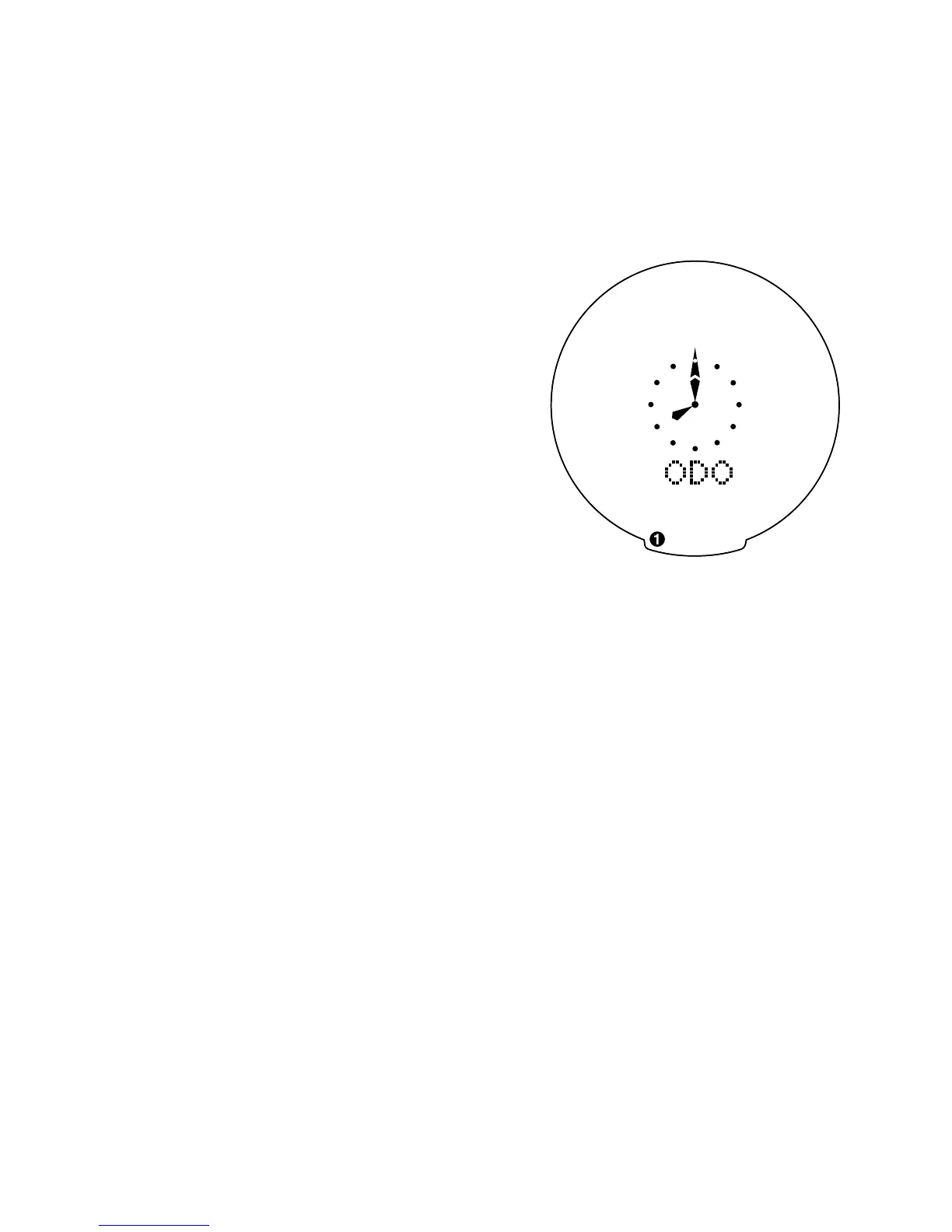
button until ODO appears on the left-
hand side of the screen. Note: if your
display says TRIP, press the “SET”
button once to change to ODO.
Hold down the “SET” button for three
seconds (If you have selected English
language, the Km/h indicator will
flash. If the Km/h setting is correct
press the “SET” button once) and a
five-digit number will appear. You are
now in the programmable odometer
mode. To enter a mileage into the
odometer, press the “MODE” button
until the flashing digit is correct.
9










 To Next Page