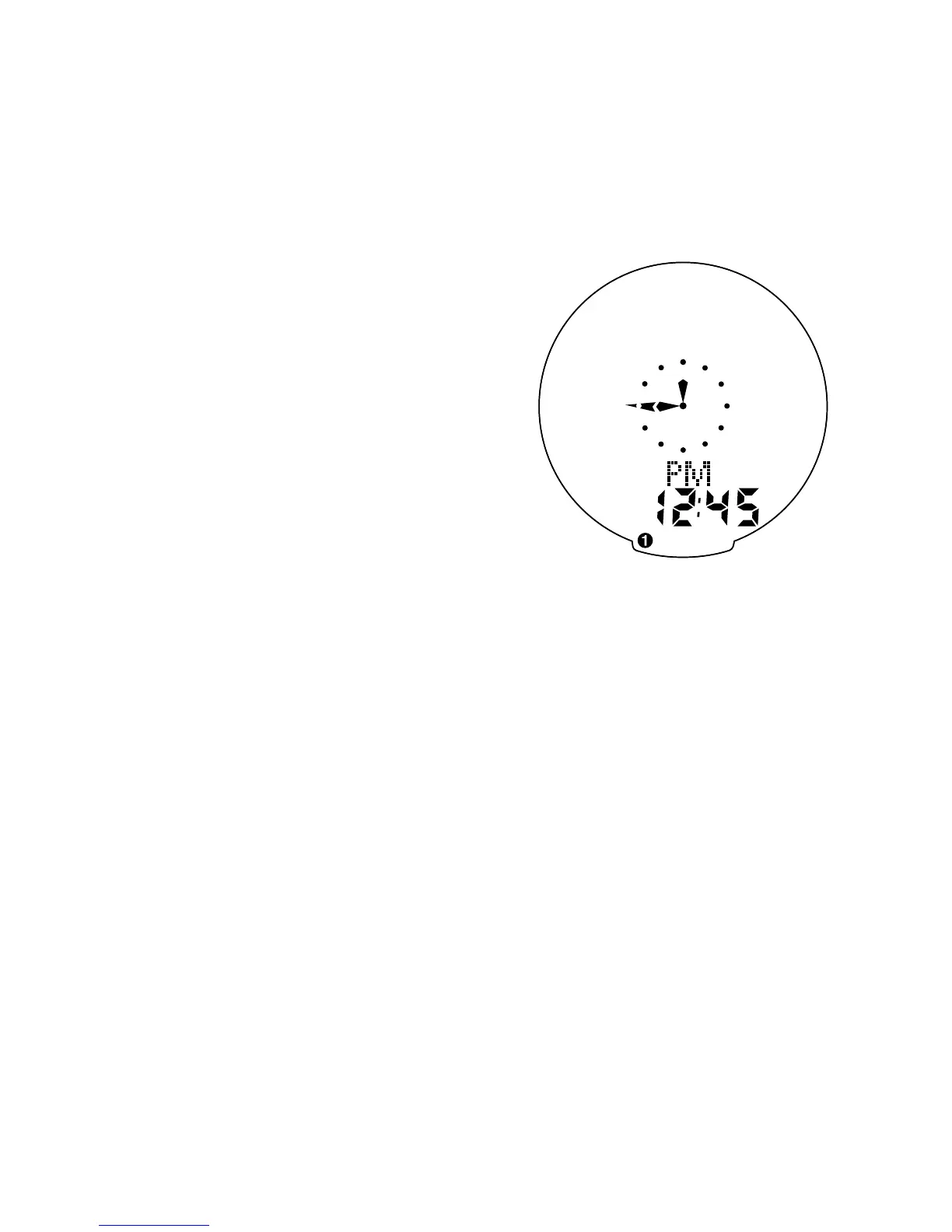
seconds. To set the clock, press the
“SET” button for three seconds. The
display will flash either twelve (12:) or
twenty four (24:). Select between 12:
or 24: mode by pressing the “MODE”
button. Press the “SET” button to con-
firm your selection. The hour digit will
now begin flashing. Press the “MODE”
button to adjust the hour digits.
AM/PM is selected by scrolling the
hour digit. Press the “SET” button to
accept the hour selection. The minutes
will flash and can be adjusted by
pressing the “MODE” button. (Hold
the “MODE” button to scroll through
the digits quickly) Press the “SET”
button to set the minutes and return
to clock mode (See figure 11).
Note: The minute hand of the analog
clock has twelve segments and can
only display time in five-minute incre-
ments. The hand will not jump to the
next segment until the digital clock
reaches whole five-minute intervals.
(e.g., 12:05, 12:10, 12:15 etc.)
14










 To Next Page