24
4.5.4 Onvif
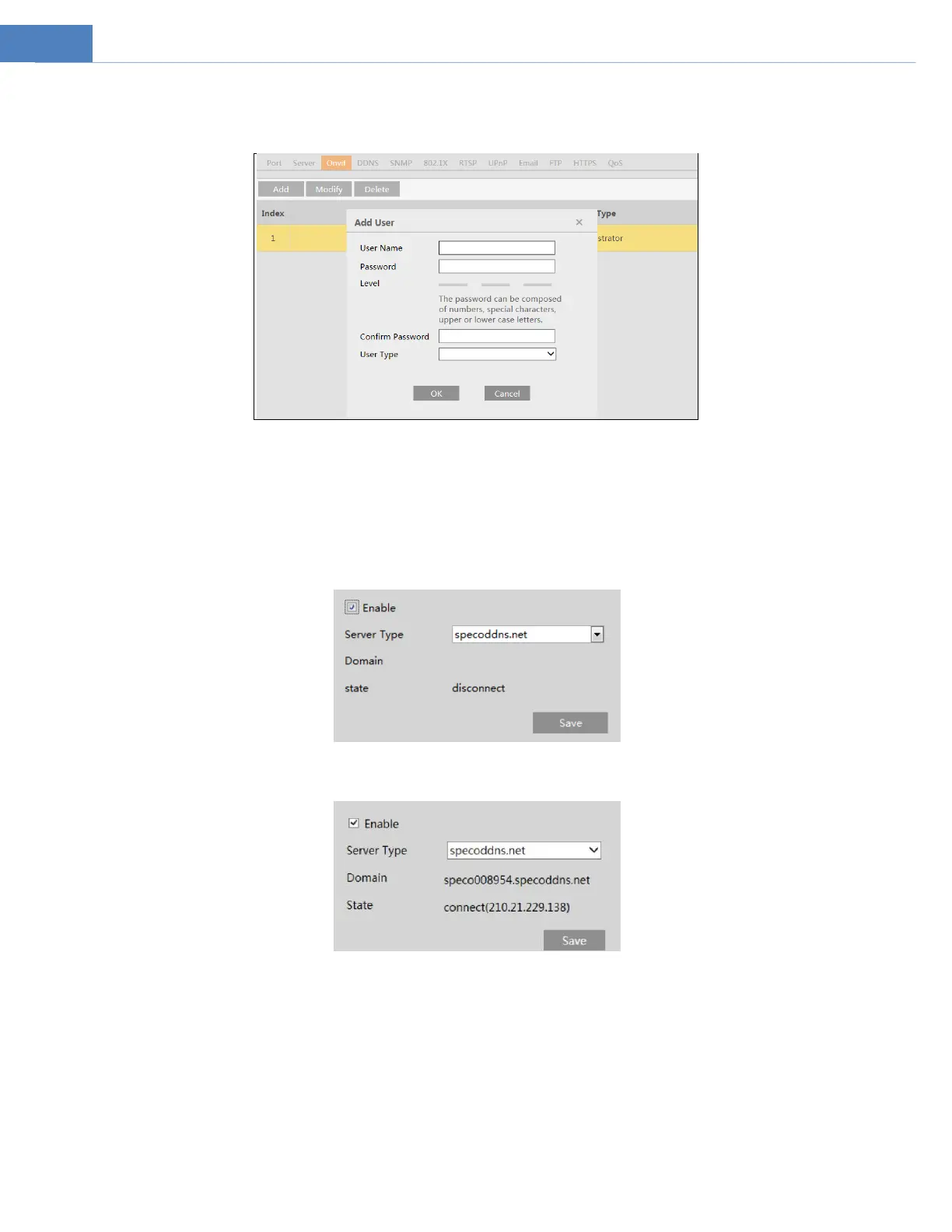
The camera can be searched and connected to the third-party platform via ONVIF/RTSP protocol.
Note: when adding the device to the third-party platform with ONVIF/RTSP protocol, please enter the username and password
created in the above interface.
4.5.5 DDNS
If the camera is set up with a DHCP connection, DDNS should be set for accessing the camera from the internet.
1. Go to Network DDNS.
2. Enable, save and use DDNS to log in.
4.5.6 SNMP
To get camera status, parameters and alarm information and remotely manage the camera, the SNMP function can be used. Before
using SNMP, please install an SNMP management tool and set the parameters of the SNMP, such as SNMP port, trap address.
1. Go to NetworkSNMP.



 To Next Page