34
5 Search
5.1 Image Search
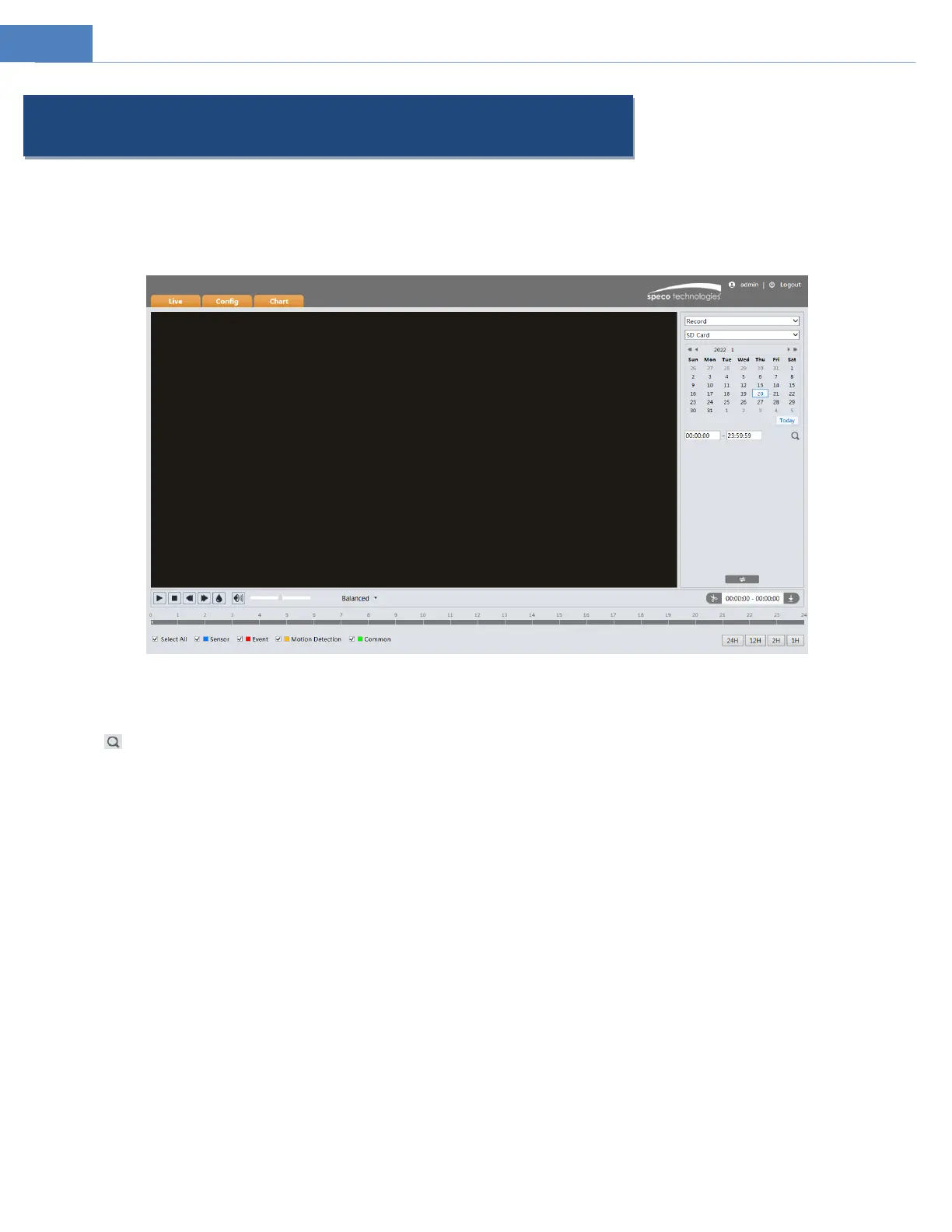
In the Setup interface, click Search to go to the interface as shown below. Images that are saved on the PC or SD card can be found
here.
Local Image Search
1. Choose “Picture”—“Local”.
2. Set time: Select date and choose the start and end time.
3. Click to search the images.
4. Double click a filename in the list to view the captured photos as shown above.



 To Next Page