35
Click to return to the previous interface.
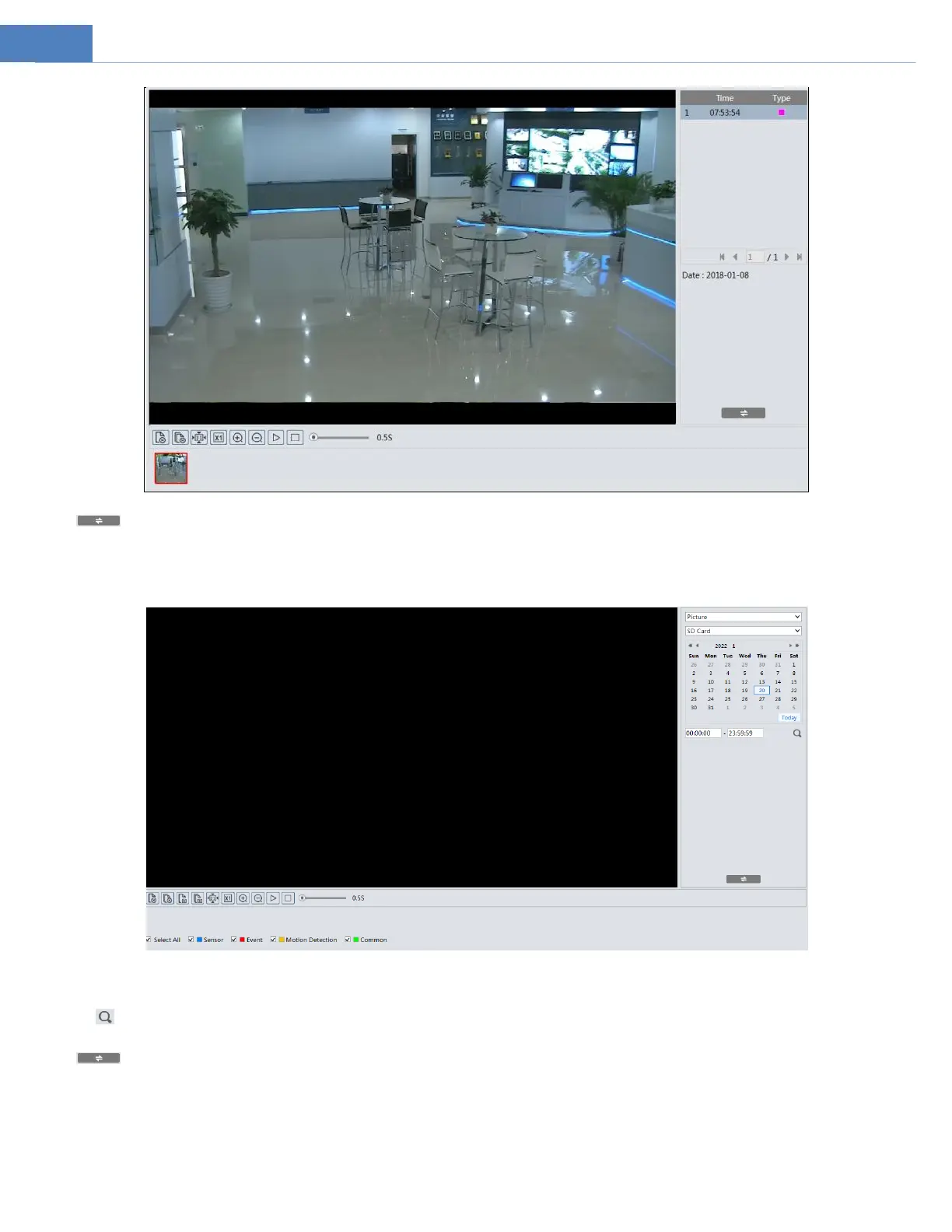
SD Card Image Search
1. Choose “Picture”—“SD Card”.
2. Set time: Select date and choose the start and end time.
3. Choose the alarm events at the bottom of the interface.
4. Click to search the images.
5. Double click a file name in the list to view the captured photos.
Click to return to the previous interface.
The descriptions of the buttons are shown as follows.



 To Next Page