32
Logout time: Set the logout time as needed. For example: 3600s, you will be automatically logged out after 3600s and then you
need to enter the username and password again to log in.
Password Security
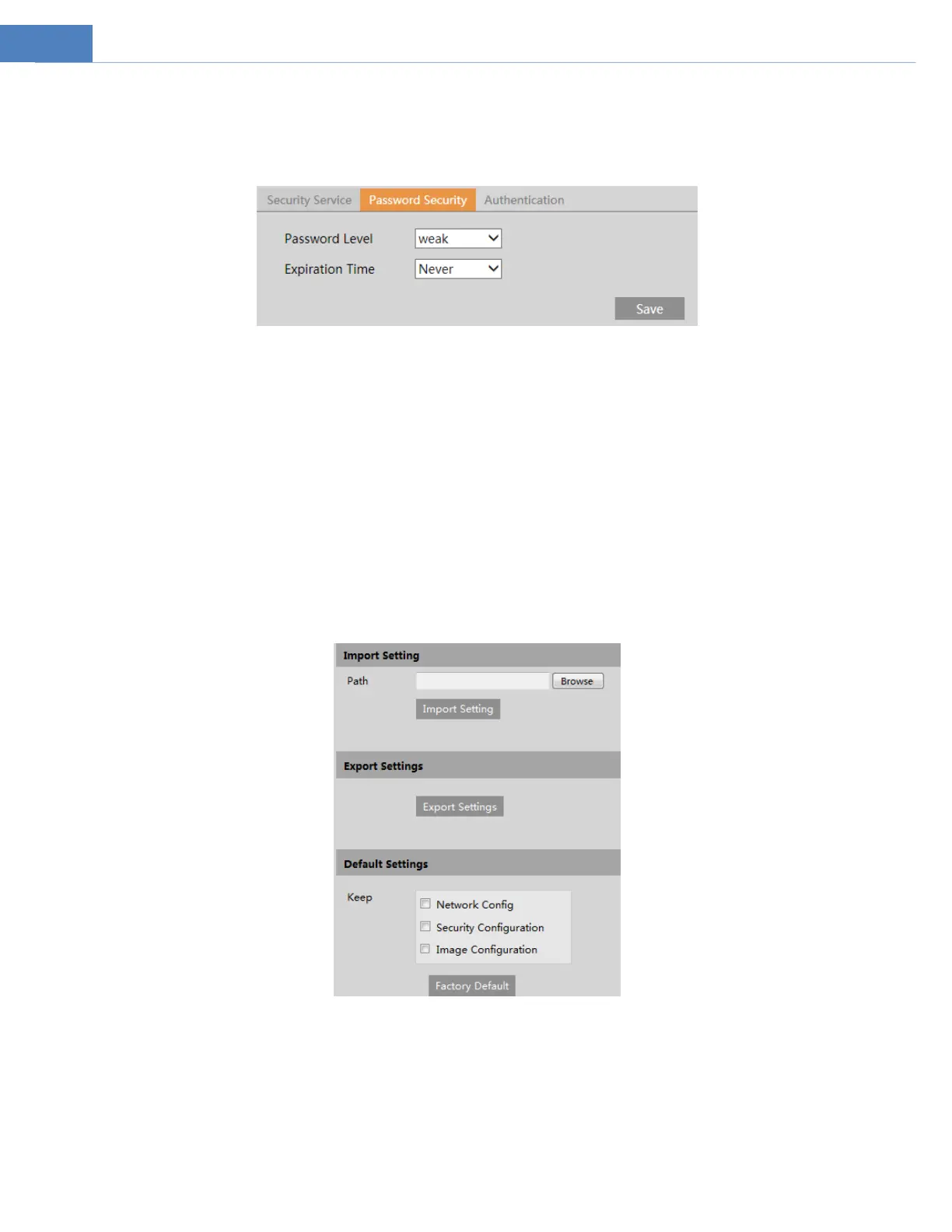
Please set the password level and expiration time as needed.
Password Level: Weak, Medium or Strong.
Weak level: Numbers, special characters, upper or lower case letters can be used. You can choose one of them or any combination
of them when setting the password.
Medium Level: 8~16 characters, including at least two of the following categories: numbers, special characters, upper case letters,
lower case letters.
Strong Level: 8~16 characters. Numbers, special characters, upper case letters and lower case letters must be included.
For your account security, it is recommended to set a strong password and change your password regularly.
HTTP Authentication: Basic or Token is selectable.
4.7 Maintenance Configuration
4.7.1 Backup and Restore
Go to MaintenanceBackup & Restore.
Import & Export Settings
Configuration settings of the camera can be exported form a camera into another camera.
1. Click “Browse” to select the save path for import or export information on the PC.
2. Click the “Import Setting” or “Export Setting” button.
Default Settings
Click the “Load Default” button to restore all system settings to the default factory settings except those you want to keep.



 To Next Page