25
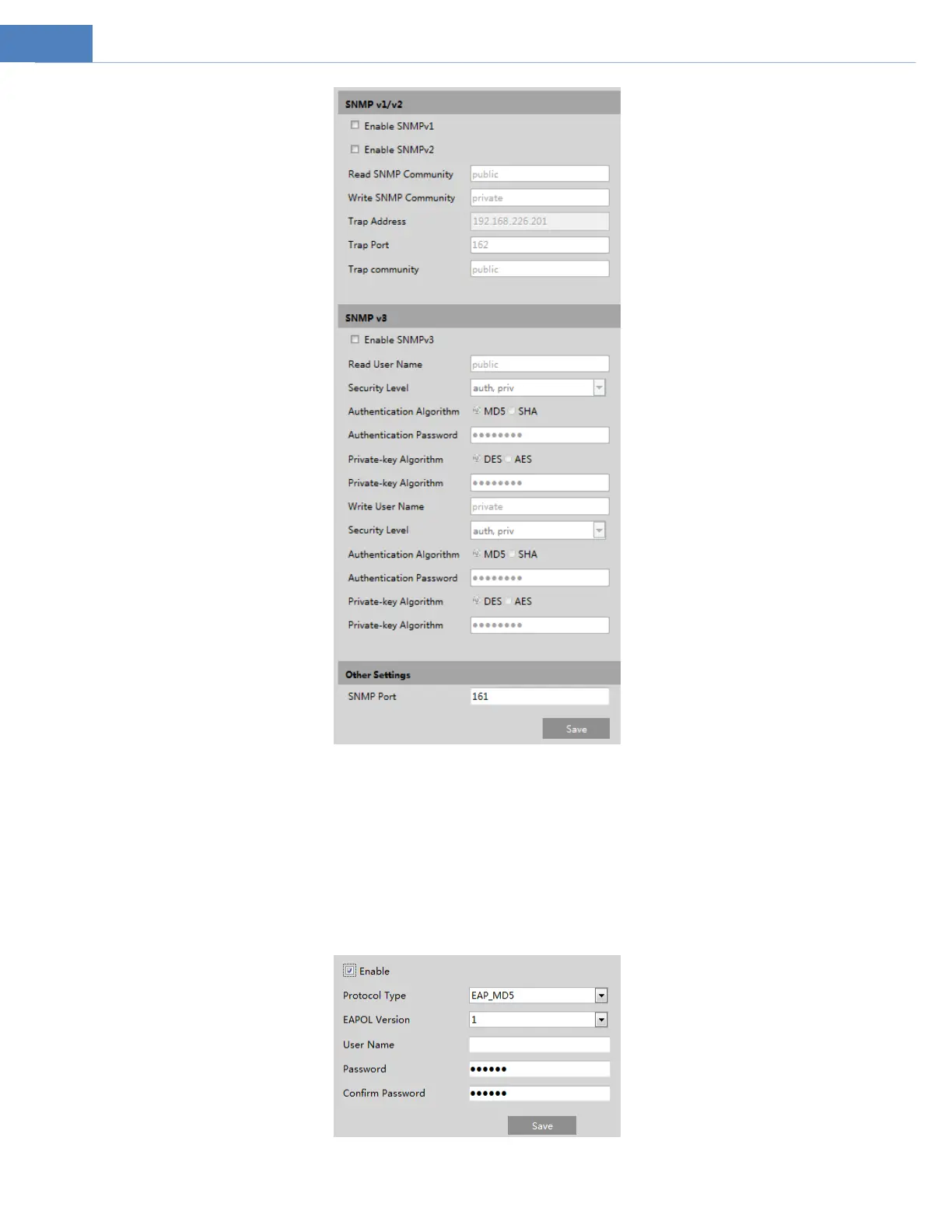
2. Check the corresponding version checkbox (Enable SNMPv1, Enable SNMPv2, Enable SNMPv3) according to the version of the
SNMP software that will be used.
3. Set the values for “Read SNMP Community”, “Write SNMP Community”, “Trap Address”, “Trap Port” and so on. Please make sure
the settings are the same as that of the SNMP software.
4.5.7 802.1x
If it is enabled, the camera’s data can be protected. When the camera is connected to the network protected by the IEE802.1x, user
authentication is needed.
To use this function, the camera shall be connected to a switch supporting 802.1x protocol. The switch can be reckoned as an



 To Next Page