5
3 Live View
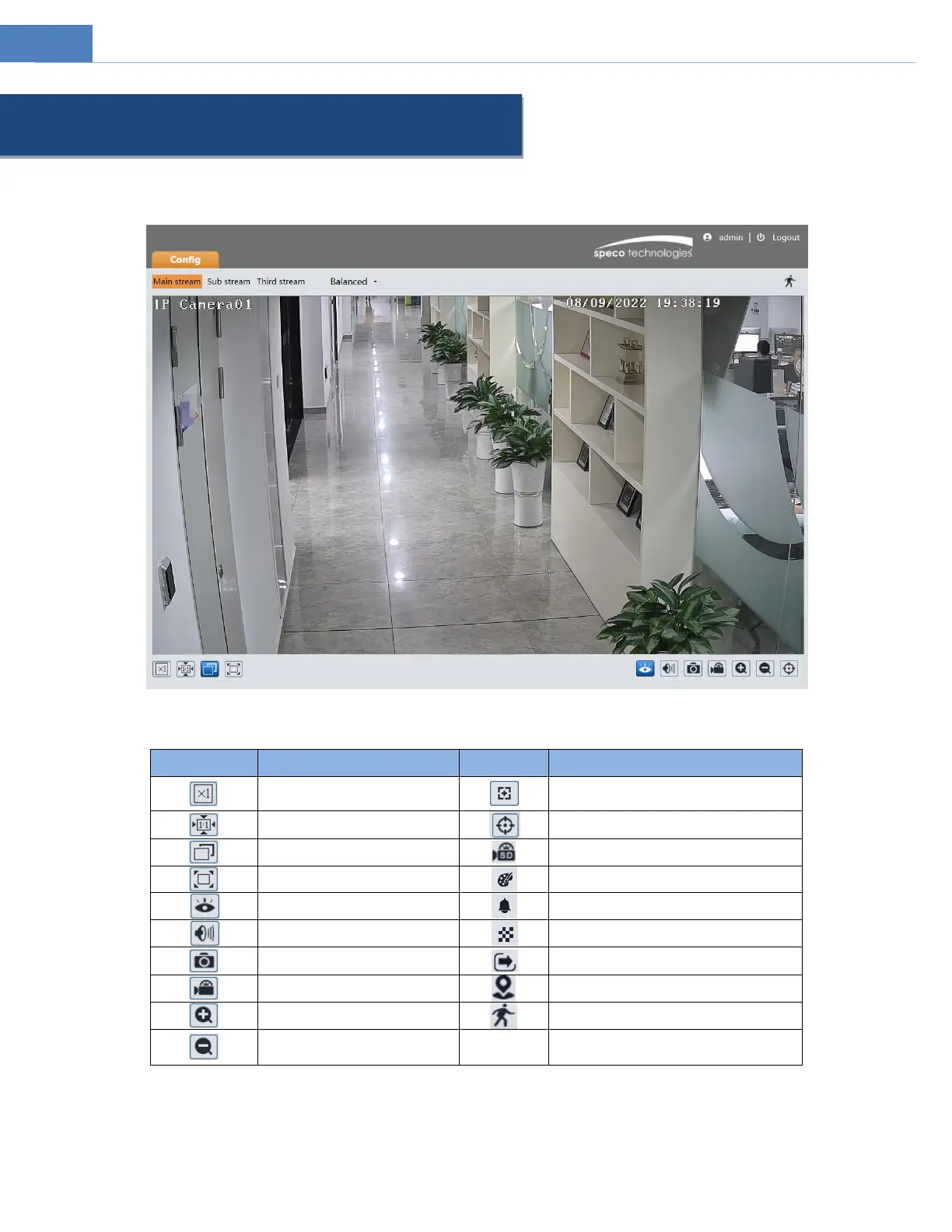
The window below will be shown after logging in.
The following table describes the icons on the live view interface
Original size of resolution
Zoom/Focus control (for motorized
models)
SD card recording indicator
Full screen (show video only)
Abnormal clarity indicator
Start/stop local recording
Zoom in (for motorized models)
Zoom out (for motorized
models)
*Plug-in free live view: local recording is not supported.
All indicator icons above will flash in live view interface only when the corresponding events are enabled.
In full screen mode, to exit, double click on the mouse or press the ESC key on the keyboard.
Click the zoom/focus control button to show the control panel. The descriptions of the control panel are as follows:



 To Next Page