38
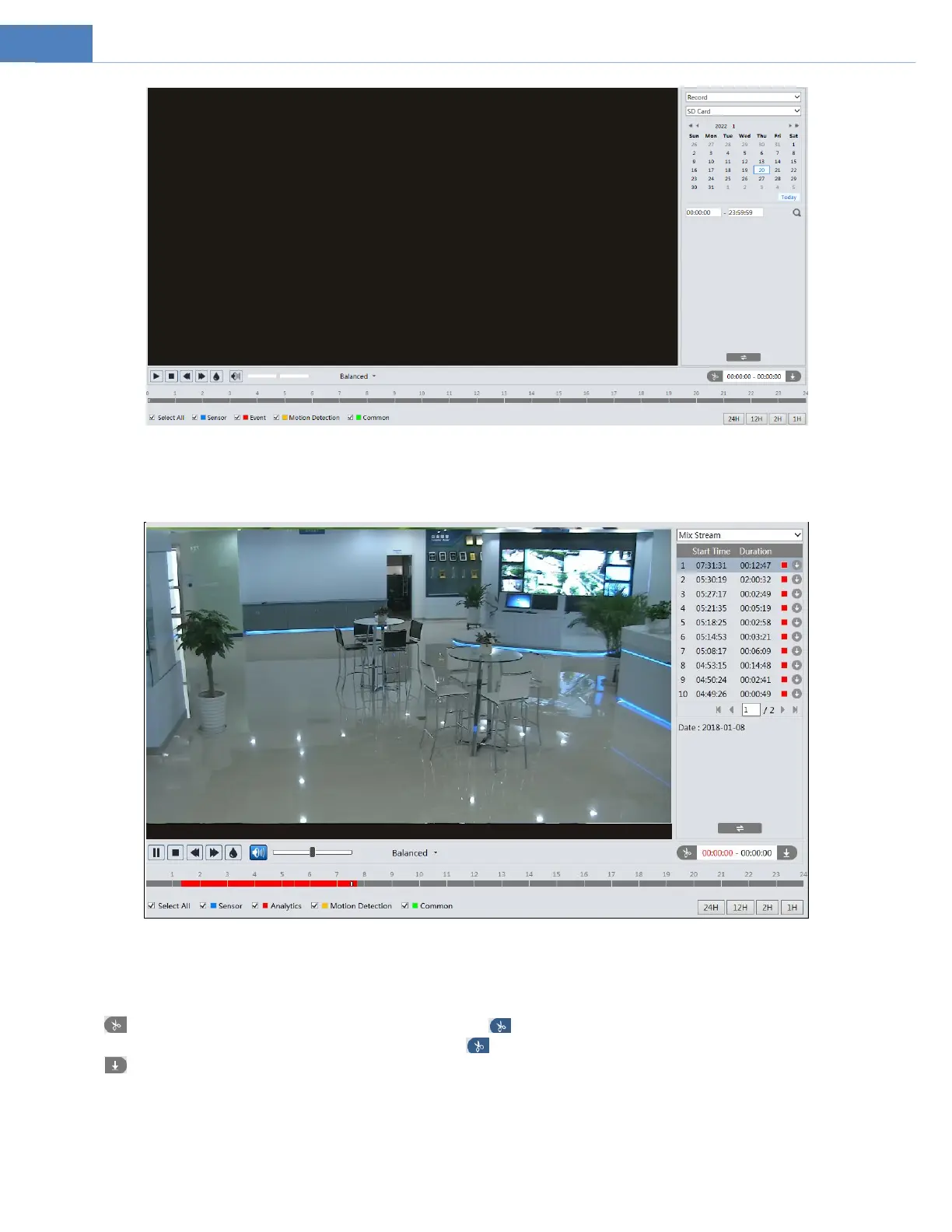
4. Select the alarm events at the bottom of the interface.
5. Select mix stream (video and audio stream) or video stream as needed.
6. Double click on a file name in the list to start playback.
The time table can be shown in 24H/12H/2H/1H format by clicking the corresponding buttons.
Video clip and downloading
1. Search the video files according to the above mentioned steps.
2. Select the start time by clicking on the time table.
3. Click to set the start time and then this button turns blue ( ).
4. Select the end time by clicking on the time table. Then click to set the end time.
5. Click to download the video file in the PC.



 To Next Page