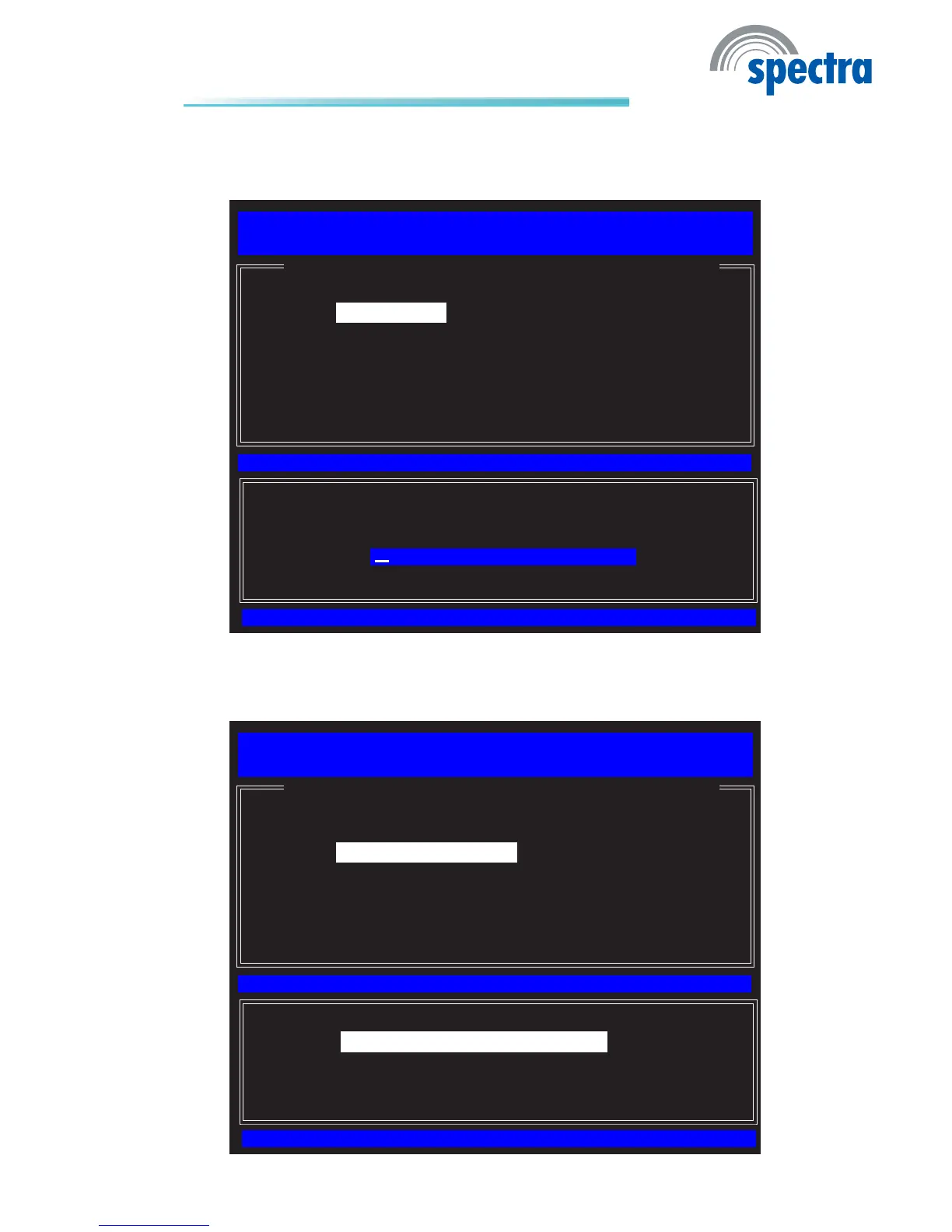
14. SelectDomain Name then press Enter. Enter the domain name then press
Enter.
[ESC] : Exit
[ENTER] : Access
[↑↓] : Select
Intel(R) Management Engine BIOS Extension v6.0.3.0014/Intel(R) ME v6.0.0.1184
Copyright(C) 2003-09 Intel Corporation. All Rights Reserved.
[ INTEL(R) ME NETWORK NAME SETTINGS ]
Host Name
Domain Name
Shared/Dedicated FQDN
Dynamic DNS Update
Previous Menu
Computer Domain name
15. Select Shared/Dedicated FQDN then press Enter. Select Shared or Dedi-
cated then press Enter.
[ESC] : Exit
[ENTER] : Access
[↑↓] : Select
Intel(R) Management Engine BIOS Extension v6.0.3.0014/Intel(R) ME v6.0.0.1184
Copyright(C) 2003-09 Intel Corporation. All Rights Reserved.
[ INTEL(R) ME NETWORK NAME SETTINGS ]
Host Name
Domain Name
Shared/Dedicated FQDN
Dynamic DNS Update
Previous Menu
[*] DEDICATED
[*] SHARED



 To Next Page