CPU
Overview
The system board is equipped with a surface mount rPGA 988A CPU socket.
Note:
The system board used in the following illustrations may not resemble
the actual one. These illustrations are for reference only.
Installing the CPU
1. Make sure the PC and all other peripheral devices connected to it has been
powered down.
2. Disconnect all power cords and cables.
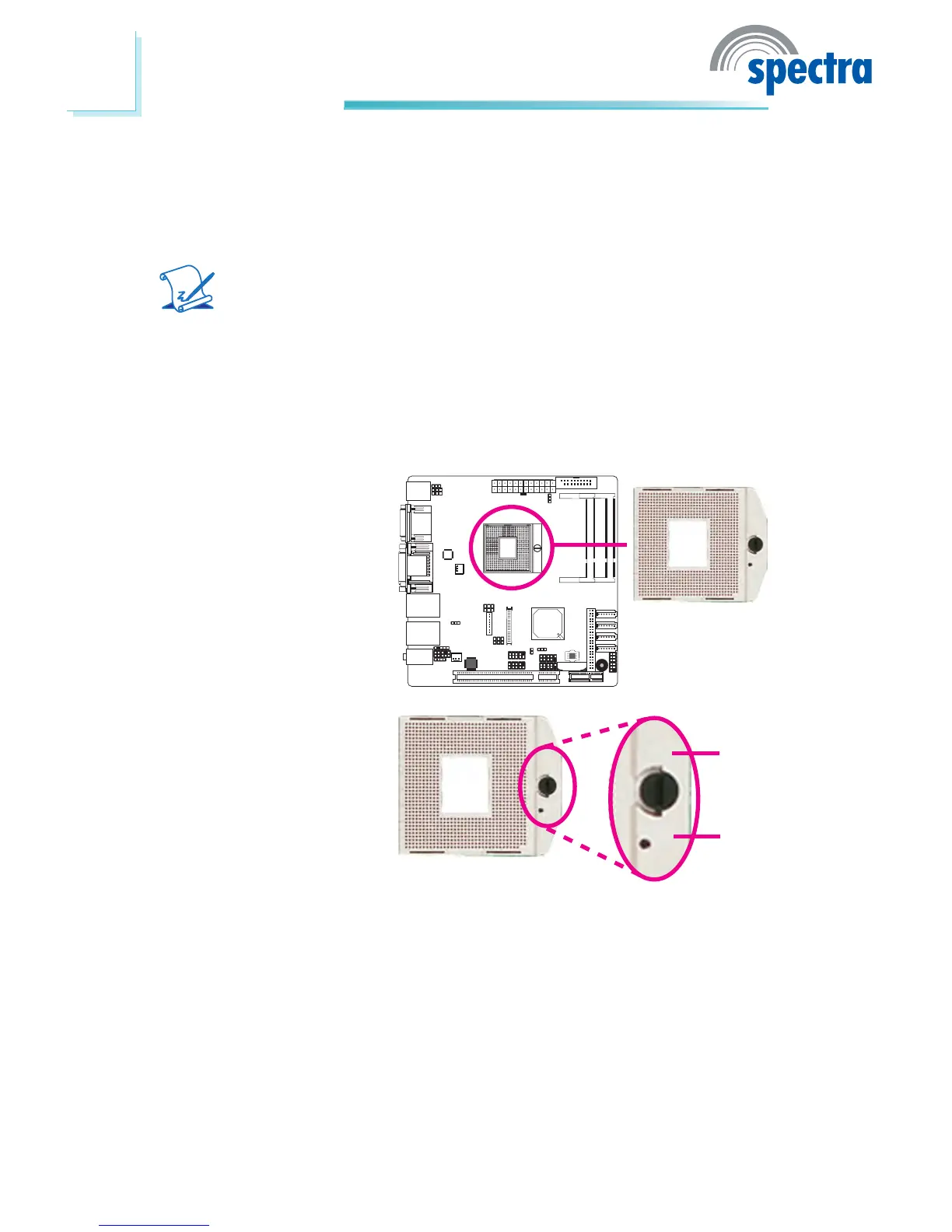
3. Locate the rPGA 988A
socket on the system
board.
4. Make sure the screw is in
its unlock position. If it’s
not, use a screwdriver to
turn the screw to its unlock
position.
Lock
Unlock



 To Next Page