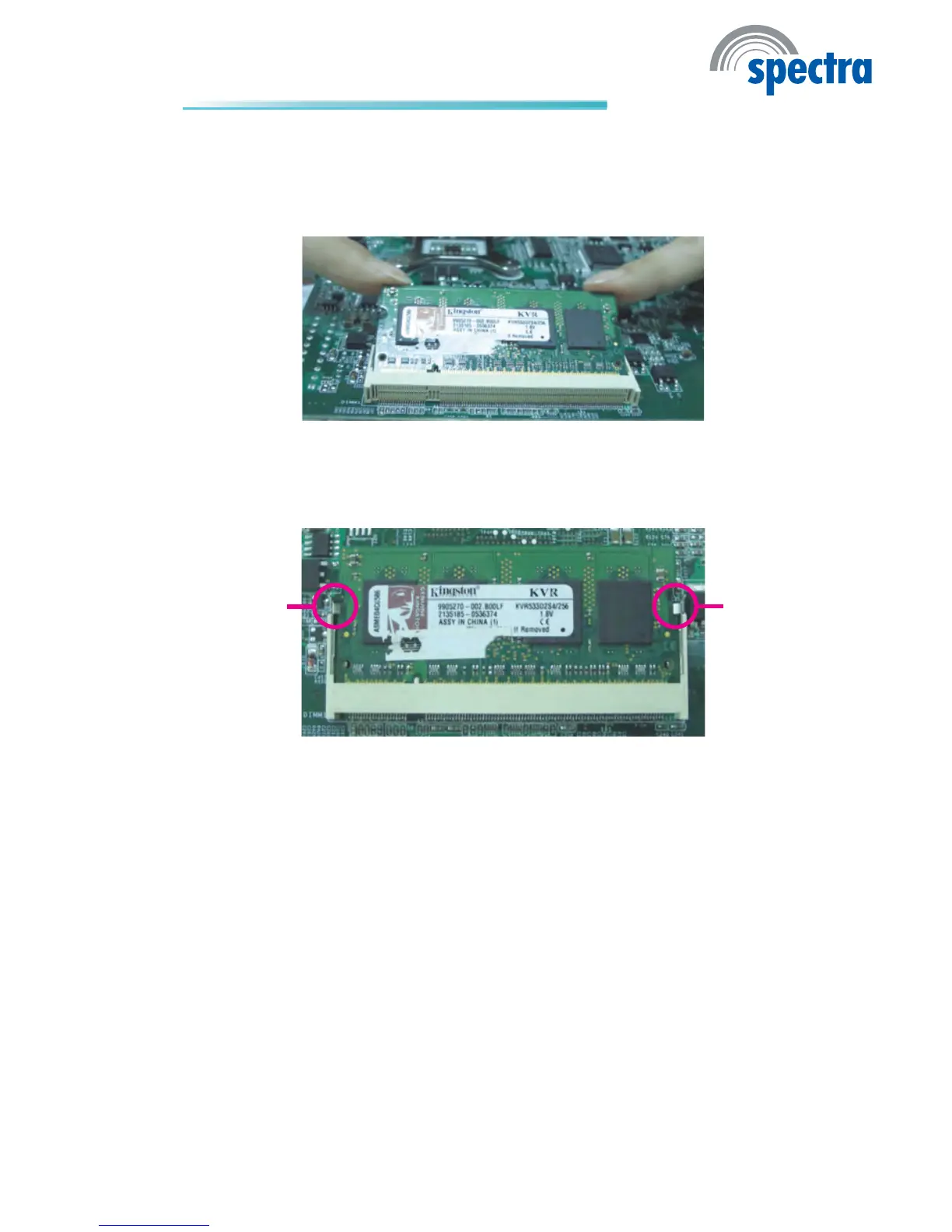
6. Push down the module until the clips at each end of the socket lock into
position. You will hear a distinctive “click”, indicating the module is correctly
locked into position.
Clip
Clip
5. Grasping the module by its edges, align the module into the socket at an ap-
proximately 30 degrees angle. Apply rm even pressure to each end of the
module until it slips down into the socket. The contact ngers on the edge of
the module will almost completely disappear inside the socket.



 To Next Page