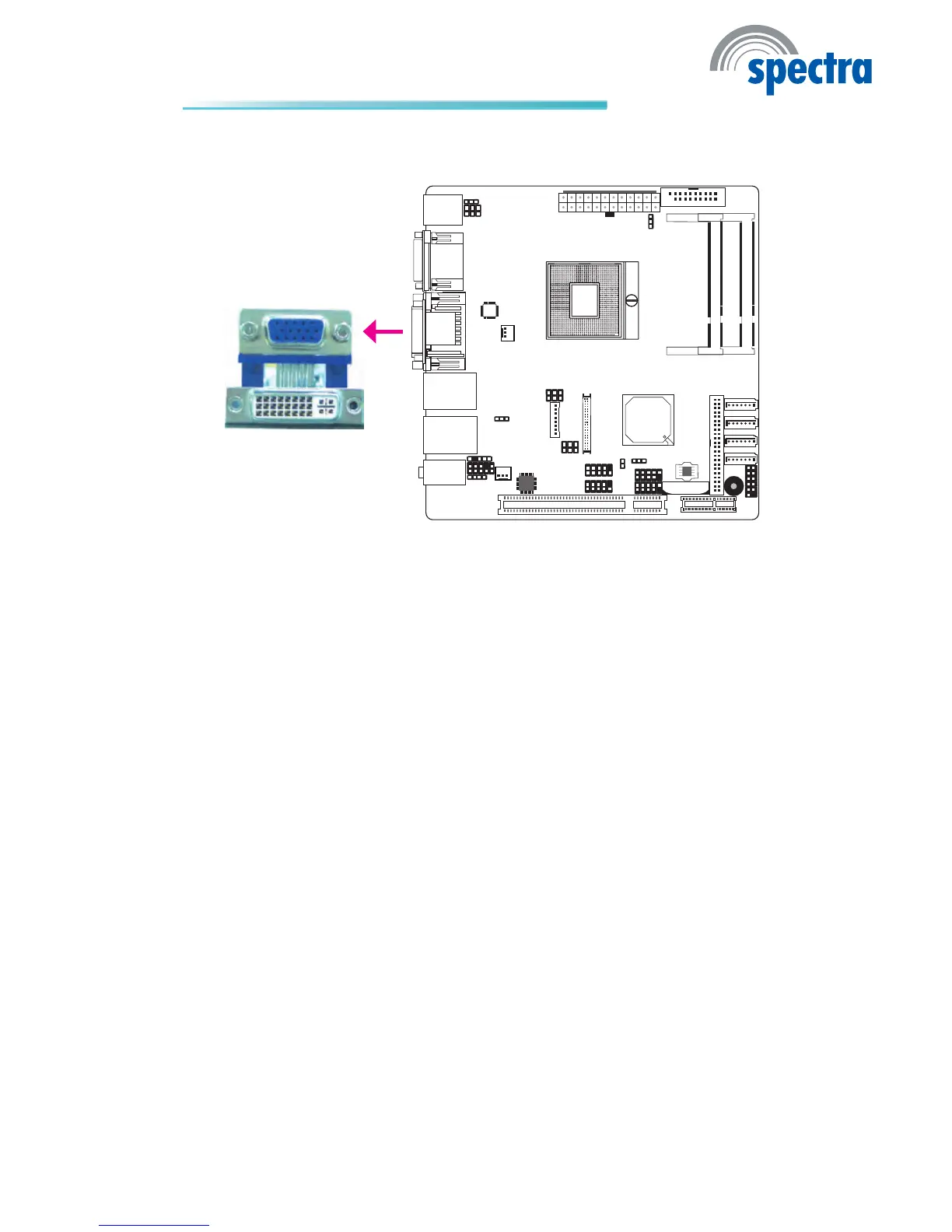
TheVGAportisusedforconnectingaVGAmonitor.Connectthemonitor’s15-pin
D-shell cable connector to the VGA port. After you plug the monitor’scable con-
nector into the VGA port, gently tighten the cable screws to hold the connector
inplace.
BIOS Setting
Congure the onboard VGA in the Advanced menu of the BIOS. Referto chapter
3formoreinformation.
Driver Installation
Installthegraphicsdriver.Refertochapter4formoreinformation.
VGA Port
VGA



 To Next Page