Installing the Fan and Heat Sink
The CPU must be kept cool by using a CPU fan with heat sink. Without sufcient
air circulation across the CPU and heat sink, the CPU will overheat damaging both
the CPU and system board.
Note:
• Use only certied fan and heat sink.
• Your fan and heat sink package usually contains the fan and heat sink
assembly, and an installation guide. If the installation procedure in the
installation guide differs from the one in this section, please follow the
installation guide in the package.
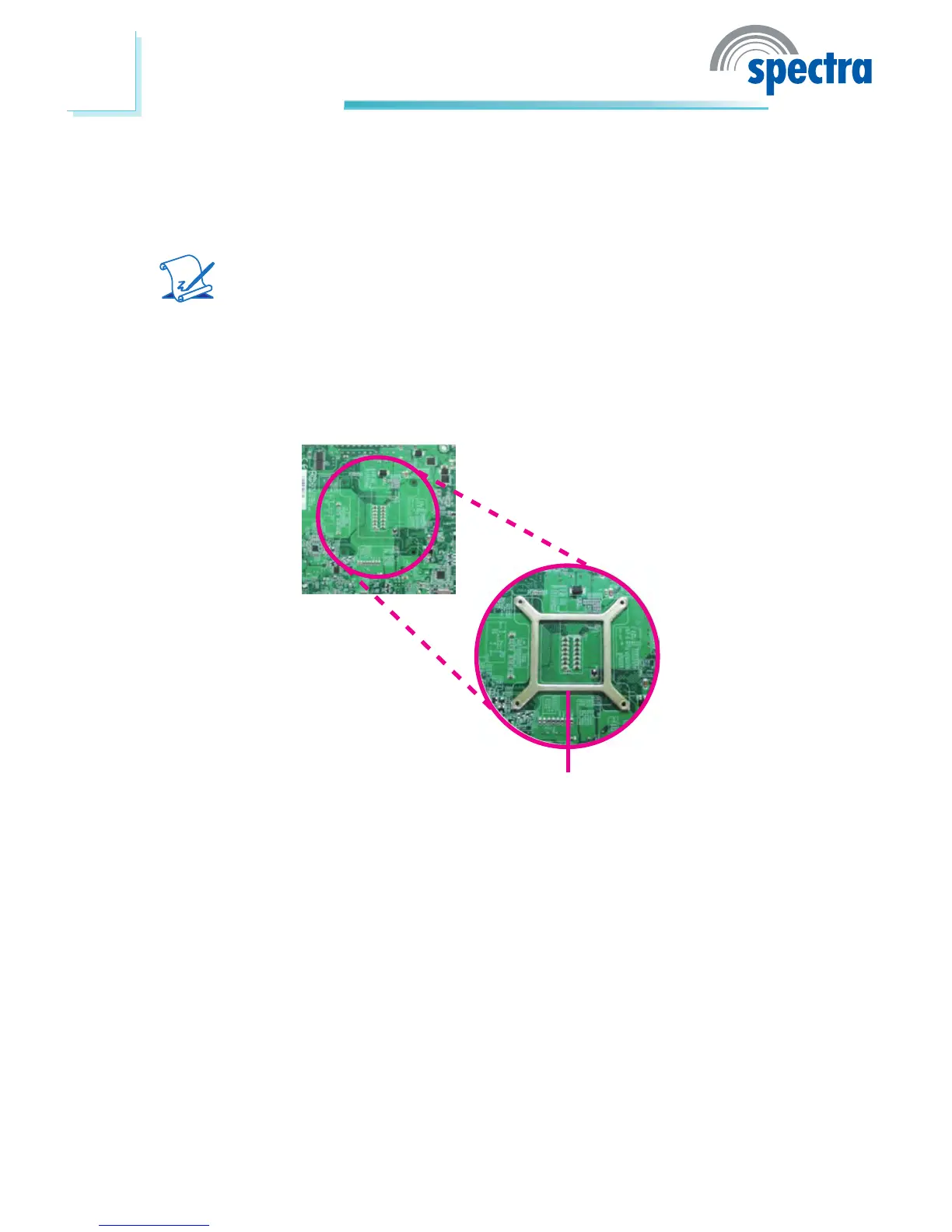
1. On the solder side of the board, match the retention module base to the
mounting holes around the CPU socket.
Retention module base
2. Turn to the component side of the board making sure the retention module
base is positioned and tted properly under the board.
3. Apply a thin layer of thermal paste on top of the CPU. Do not spread the
paste all over the surface. When you later place the heat sink on top, the
compound will disperse evenly.



 To Next Page