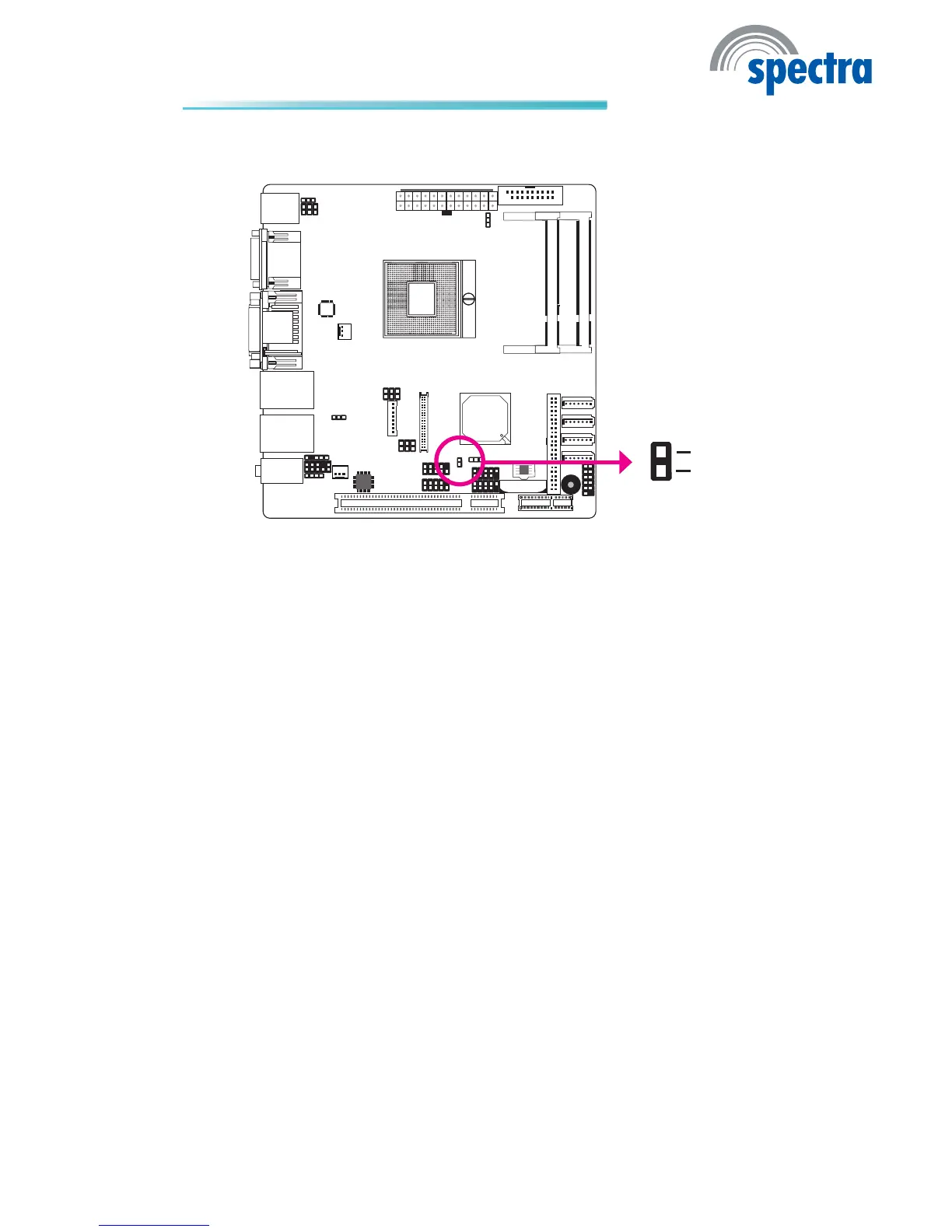
Chassis Instrusion Connector
The board supports the chassis intrusion detection function. Connect the chas-
sis intrusion sensor cable from the chassis to this connector. When the system’s
power is on and a chassis intrusion occurred, an alarm will sound. When the
system’s power is off and a chassis intrusion occurred, the alarm will sound only
when the system restarts.
Hardware Monitor for Windows
Install the “Hardware Monitor for Windows” utility. By default, the chassis intru-
sion detection function is disabled. When enabled, a warning message will appear
when the chassis is open. The utility can also be congured so that a beeping
alarm will sound when the chassis is open. Refer to the “Hardware Monitor for
Windows” section in chapter 4 for more information.
2
1
Ground
Chassis
signal



 To Next Page