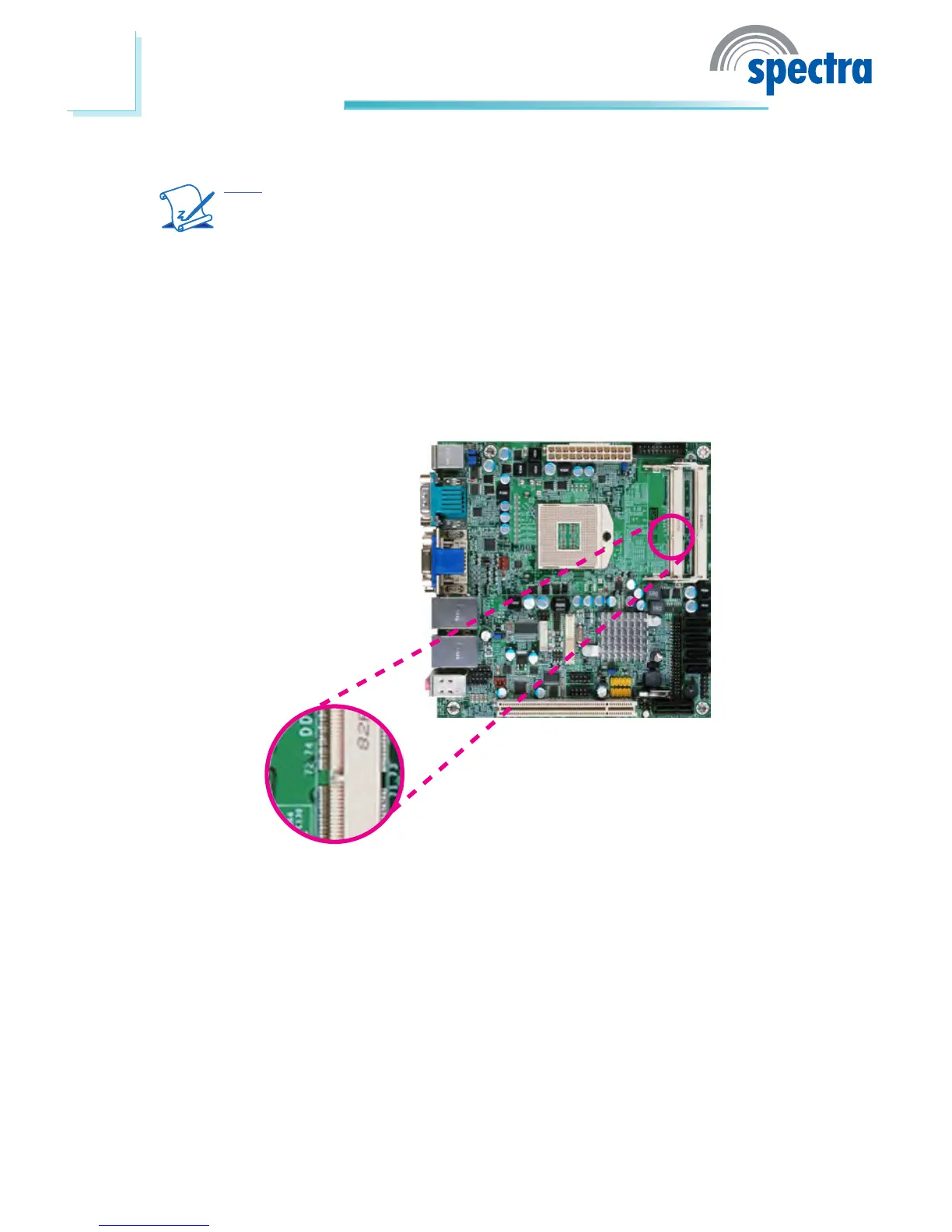
Installing the DIM Module
Note:
The system board used in the following illustrations may not resemble
the actual one. These illustrations are for reference only.
1. Make sure the PC and all other peripheral devices connected to it has been
powered down.
2. Disconnect all power cords and cables.
3. Locate the SODIMM socket on the system board.
4. Note the key on the socket. The key ensures the module can be plugged into
the socket in only one direction.



 To Next Page