Enable or Disable Serial
Port (COM)
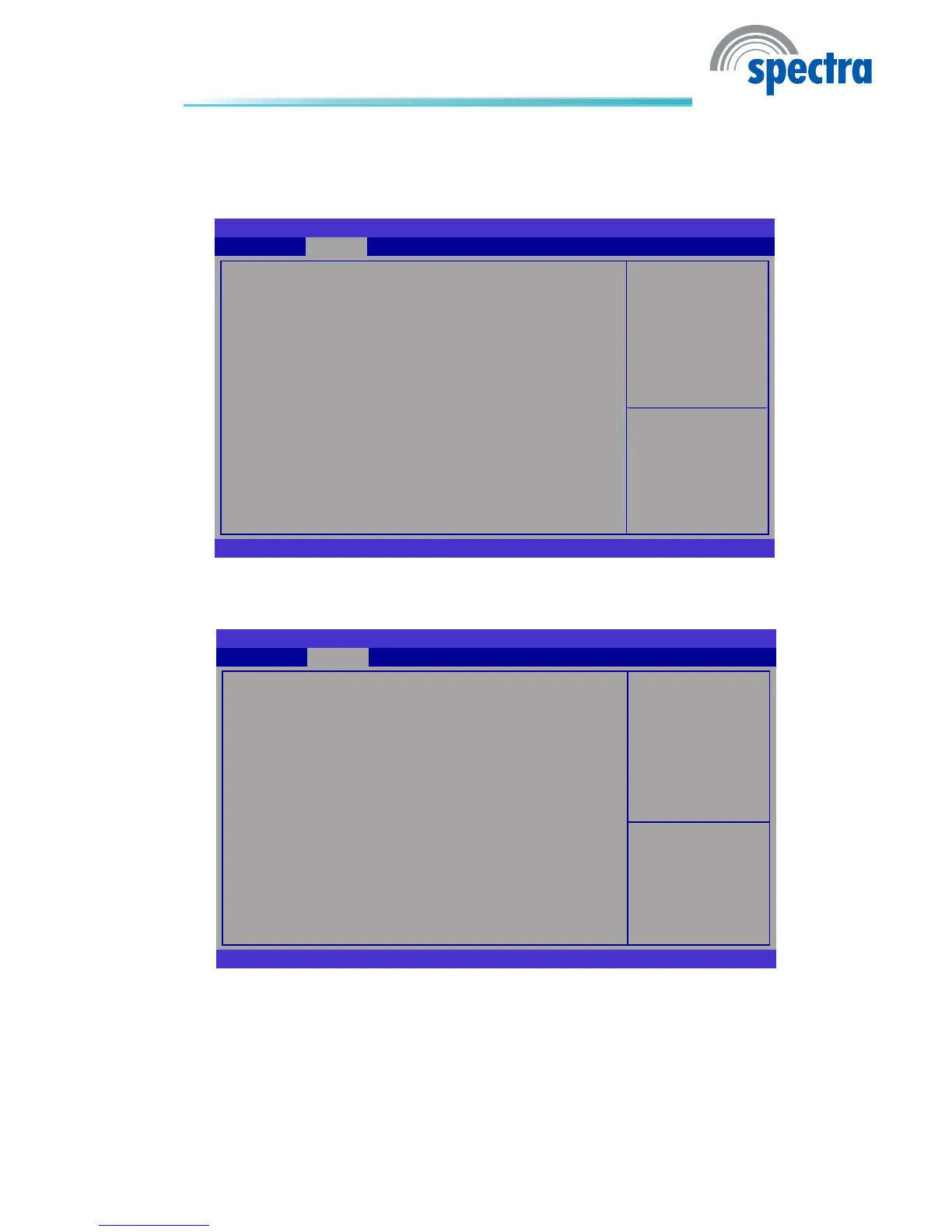
BIOS SETUP UTILITY
Version 2.00.1201. Copyright (C) 2009 American Megatrends, Inc.
Serial Port 1 Conguration
Serial Port
Device Settings
Change Settings
Device Mode
Advanced
[Enabled]
IO=3F8h; IRQ=4;
[Auto]
[Serial Port Func...]
Serial Port 1 Congure to Serial Port 4 Congure
→ ←: Select Screen
↑↓: Select Item
Enter: Select
+/
-:
Change Opt.
F1: General Help
F2: Previous Values
F3: Optimized Defaults
F4: Save ESC: Exit
UART Conguration
This section is used to congure the serial port functions.
Set Parameters of Serial
Port 0 (COMA)
BIOS SETUP UTILITY
Version 2.00.1201. Copyright (C) 2009 American Megatrends, Inc.
UART Conguration
Super IO Chip
Serial Port 1 Congure
Serial Port 2 Congure
Serial Port 3 Congure
Serial Port 4 Congure
Advanced
Fintek F81216
→ ←: Select Screen
↑↓: Select Item
Enter: Select
+/
-:
Change Opt.
F1: General Help
F2: Previous Values
F3: Optimized Defaults
F4: Save ESC: Exit
Serial Port
Enables or disables the serial port.



 To Next Page