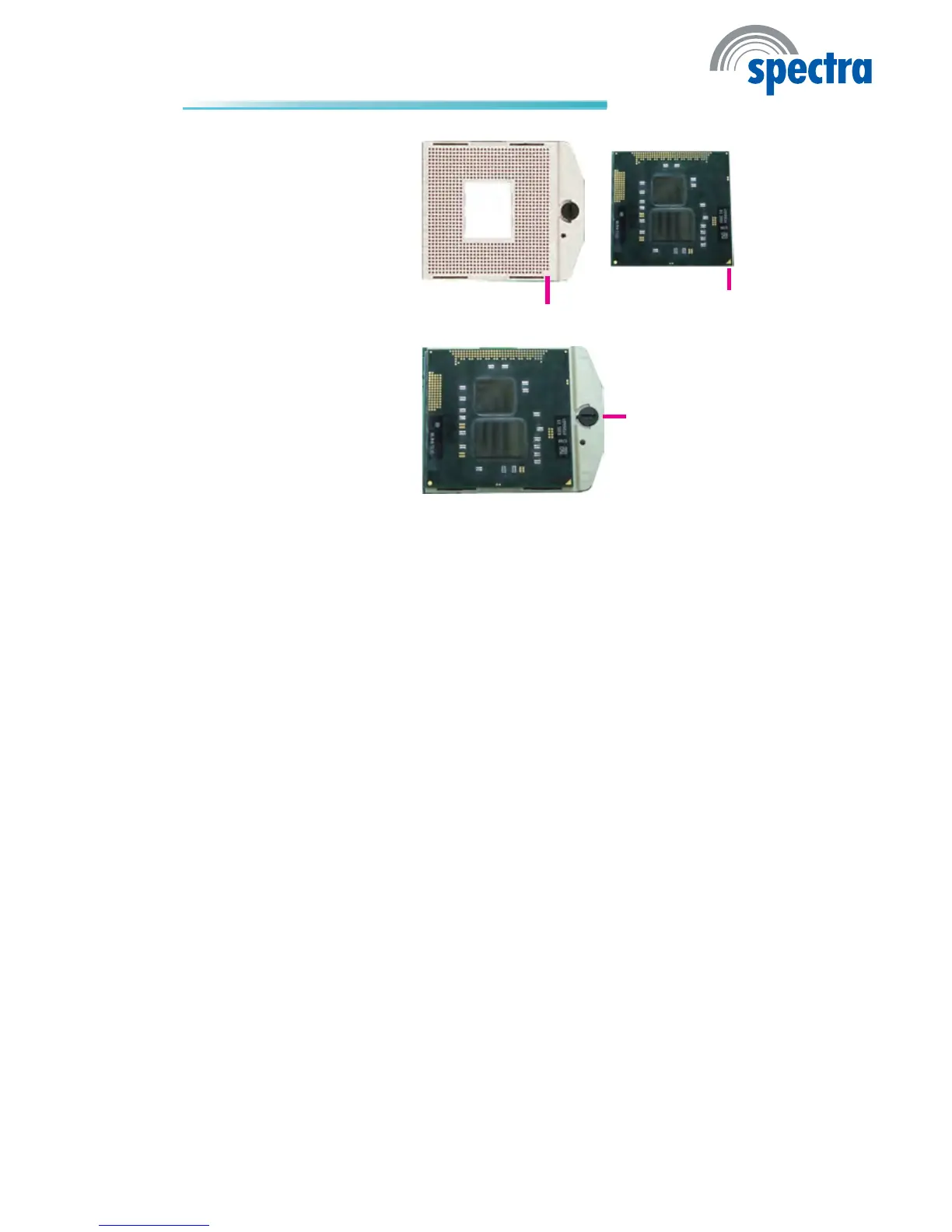
5. Position the CPU above the
socket. The gold triangular
mark on the CPU must
align with pin 1 of the CPU
socket.
Important:
Handle the CPU by its edg-
es and avoid touching the
pins.
Pin 1
Gold triangular mark
6. Insert the CPU into the
socket until it is seated in
place. The CPU will t in
only one orientation and
can easily be inserted with-
out exerting any force. Use
a screwdriver to turn the
screw to its lock position.
Important:
Do not force the CPU into
the socket. Forcing the
CPU into the socket may
bend the pins and damage
the CPU.
Screw in locked
position



 To Next Page