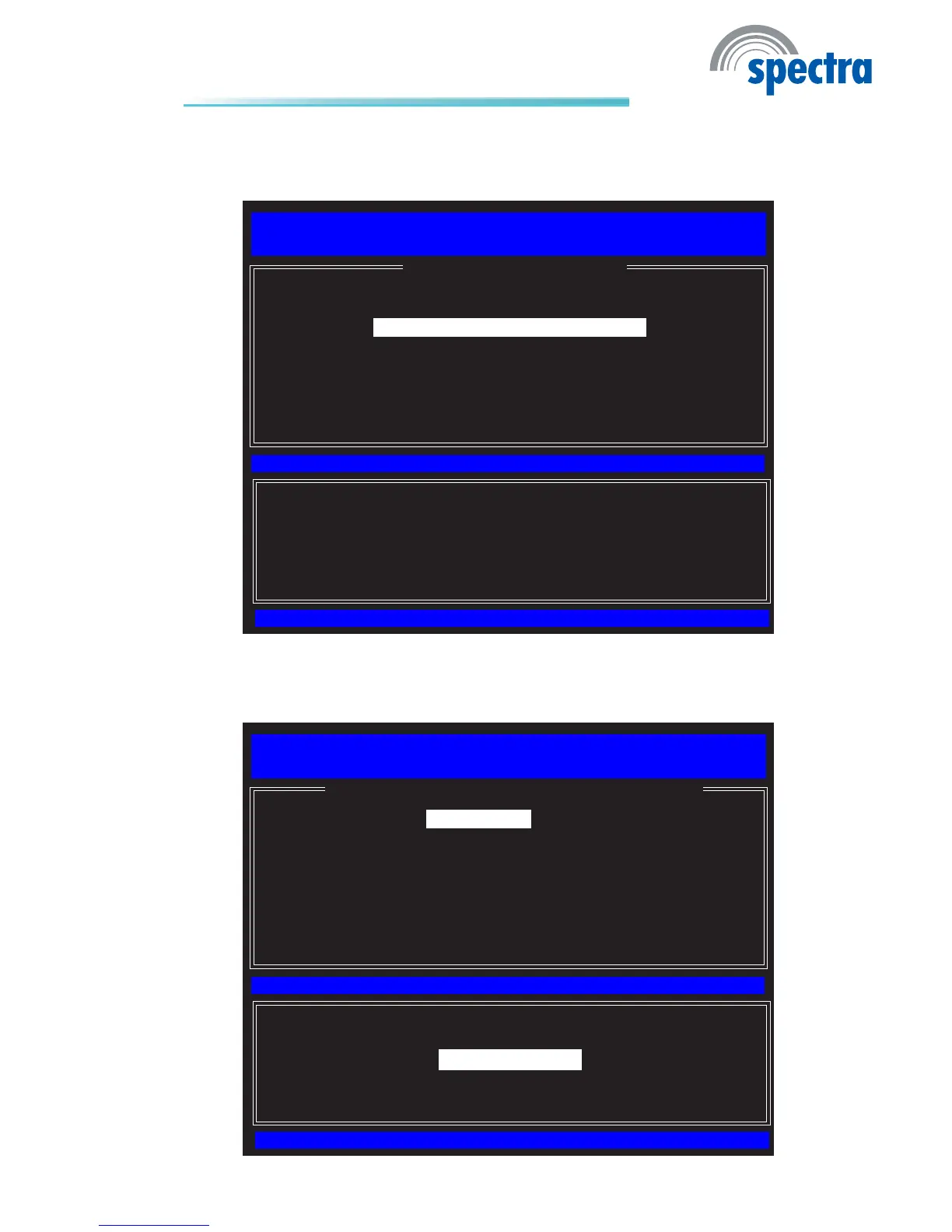
18. In the TCP/IP Settings menu, select Wired LAN IPV4 Conguration
then press Enter.
[ESC] : Exit
[ENTER] : Access
[↑↓] : Select
[ TCP/IP SETTINGS ]
Intel(R) Management Engine BIOS Extension v6.0.3.0014/Intel(R) ME v6.0.0.1184
Copyright(C) 2003-09 Intel Corporation. All Rights Reserved.
Wired LAN IPV4 Conguration
Wired LAN IPV6 Conguration
Previous Menu
19. In the Wired LAN IPV4 Conguration menu, select DHCP Mode then
pressEnter.SelectEnabledthenpressEnter.
[ESC] : Exit
[ENTER] : Access
[↑↓] : Select
[ WIRED LAN IPV4 CONFIGURATION ]
Intel(R) Management Engine BIOS Extension v6.0.3.0014/Intel(R) ME v6.0.0.1184
Copyright(C) 2003-09 Intel Corporation. All Rights Reserved.
DHCP Mode
Previous Menu
[*] DISABLED
[*] ENABLED



 To Next Page