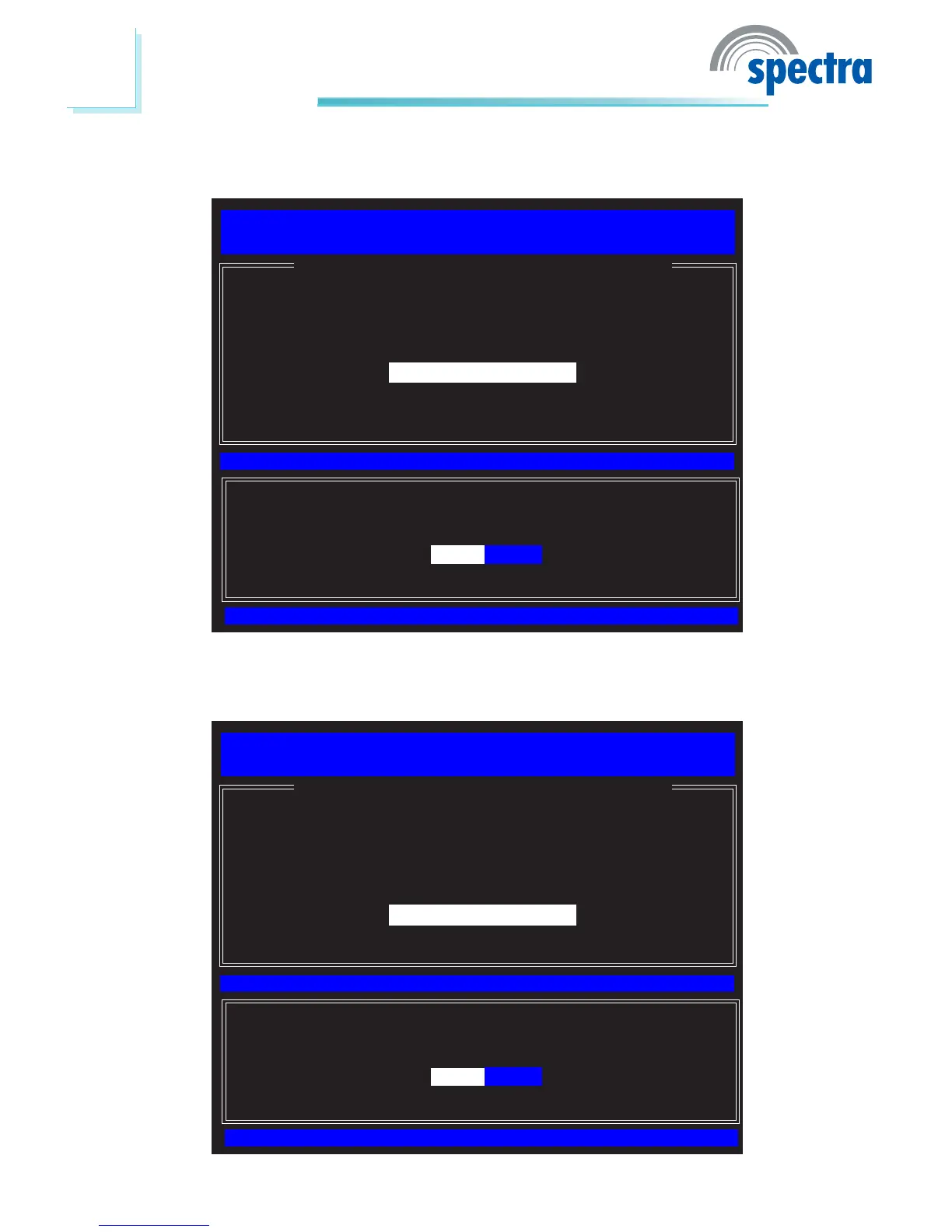
24. Select Preferred DNS Address then press Enter. Enter the preferred DNS
address then press Enter.
[ESC] : Exit
[ENTER] : Access
[↑↓] : Select
[ WIRED LAN IPV4 CONFIGURATION ]
Intel(R) Management Engine BIOS Extension v6.0.3.0014/Intel(R) ME v6.0.0.1184
Copyright(C) 2003-09 Intel Corporation. All Rights Reserved.
DHCP Mode
IPV4 Address
Subnet Mask Address
Default Gateway Address
Preferred DNS Address
Alternate DNS Address
Previous Menu
Preferred DNS Address
25. Select Alternate DNS Address then press Enter. Enter the alternate DNS
address then press Enter.
[ESC] : Exit
[ENTER] : Access
[↑↓] : Select
[ WIRED LAN IPV4 CONFIGURATION ]
Intel(R) Management Engine BIOS Extension v6.0.3.0014/Intel(R) ME v6.0.0.1184
Copyright(C) 2003-09 Intel Corporation. All Rights Reserved.
DHCP Mode
IPV4 Address
Subnet Mask Address
Default Gateway Address
Preferred DNS Address
Alternate DNS Address
Previous Menu
Alternate DNS Address



 To Next Page