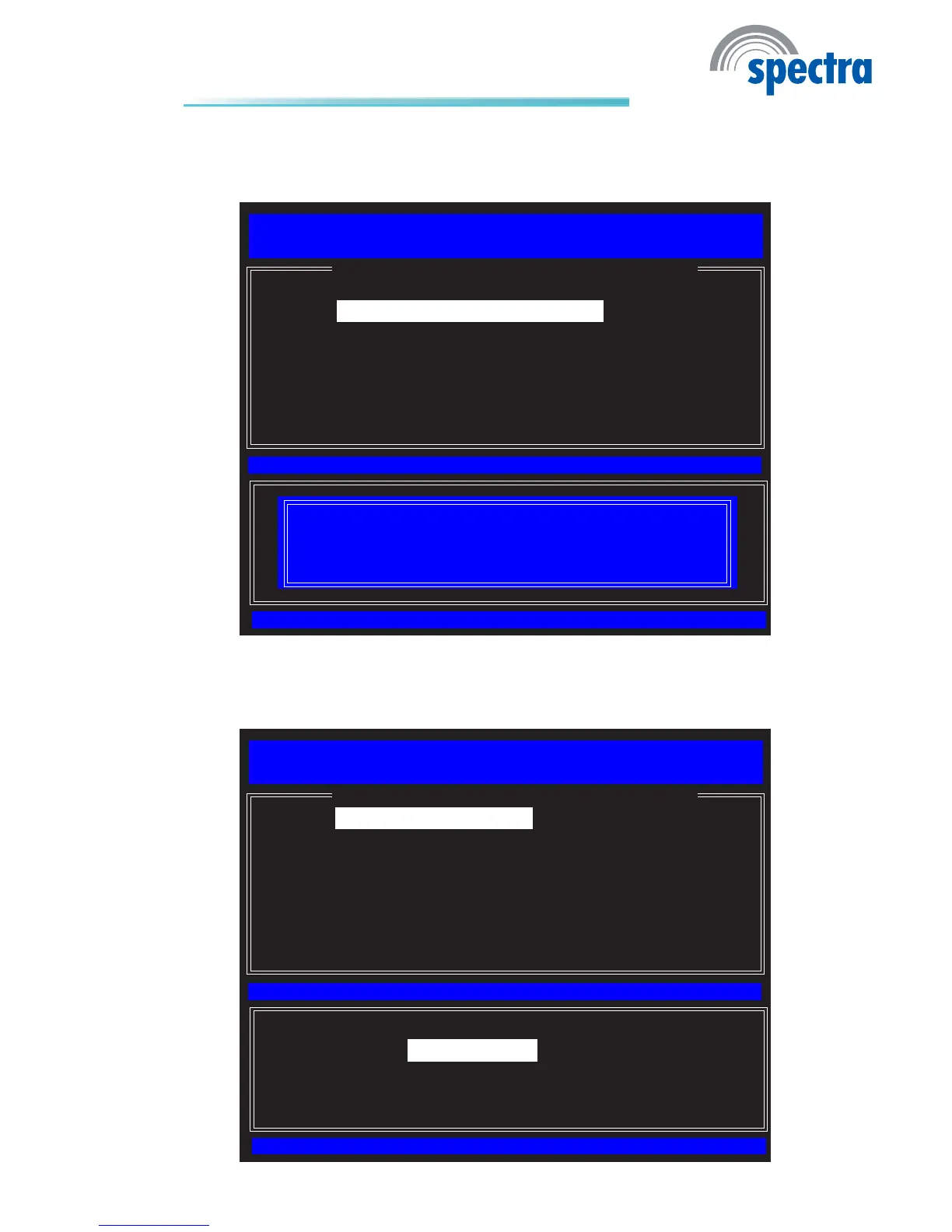
45. In the Intel(R) TLS PSK Conguration menu, select Delete PID and
PPS then press Enter. Type Y then press Enter.
[ESC]= Exit
[ENTER]=Access
[↑↓]=Select
[ INTEL (R) TLS PSK CONFIGURATION ]
Intel(R) Management Engine BIOS Extension v6.0.3.0014/Intel(R) ME v6.0.0.1184
Copyright(C) 2003-09 Intel Corporation. All Rights Reserved.
Set PID and PPS **
Delete PID and PPS **
Previous Mode
** - may cause Intel(R) AMT partial unprovision
[Caution]
This will delete the PID and PPS entries.
Continue: (Y/N)
46. In the Intel(R) Remote Conguration menu, select Remote Congura-
tion
thenpressEnter.SelectEnabled then press Enter.
[ESC]= Exit
[ENTER]=Access
[↑↓]=Select
[ INTEL (R) REMOTE CONFIGURATION ]
Intel(R) Management Engine BIOS Extension v6.0.3.0014/Intel(R) ME v6.0.0.1184
Copyright(C) 2003-09 Intel Corporation. All Rights Reserved.
** - may cause Intel(R) AMT partial unprovision
Remote Conguration **
PKI DNS Sufx
Manage Hashes
Previous Menu
[*] DISABLED
[*] ENABLED



 To Next Page